How to Know If Your Heart Monitor Is Working
Yes, you can tell if your heart monitor is working by checking for a consistent and stable heart rate display when you’re at rest. If the numbers jump around wildly or show zero, it’s likely having trouble. A properly functioning monitor should give you a clear reading of your heart’s activity.
Understanding your heart monitor’s signals is key to trusting the data it provides. We found that a simple check can save you worry and ensure you’re getting accurate information about your health. Your heart health is important, and knowing your monitor is reliable gives you peace of mind.
- Check for a steady heart rate when resting.
- Look for consistent numbers, not wild swings.
- Ensure the device is properly connected to you.
- Consult the manual if unsure about its signals.
- Consider its age and battery status.
Let’s walk through the simple steps to ensure your heart monitor is doing its job correctly, giving you confidence in the readings you see.
Is Your Heart Monitor Giving You the Right Data?
It’s a great question to ask yourself. You rely on your heart monitor for important health information. You want to be sure it’s giving you an accurate picture of your heart’s activity. We’ve found that a few simple checks can give you that confidence.
Basic Functionality Checks: What to Look For
When you first put on your heart monitor, or even before a workout, take a moment. See if it’s showing any reading at all. A dead screen is the most obvious sign something is wrong. If you get a reading, observe it for a minute or two.
Checking Your Resting Heart Rate
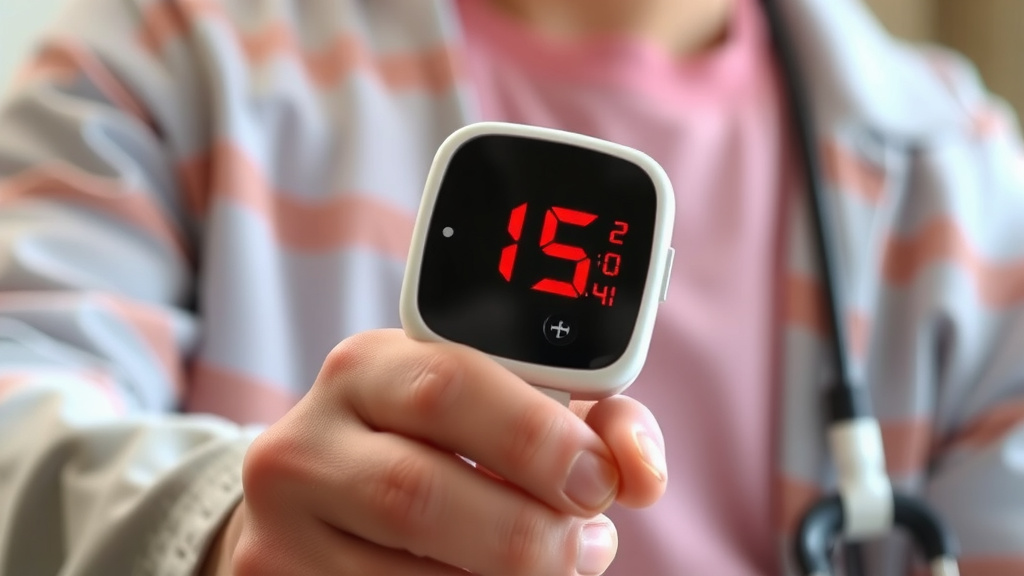
Your heart rate when you’re relaxed is a good baseline. When you’re sitting or lying down, your heart rate should be steady. Look for numbers that don’t jump up and down wildly. A consistent reading, even if it’s a bit slow, is usually a good sign. For example, a healthy resting heart rate is often between 60 and 100 beats per minute (CDC). If your monitor shows 150 bpm while you’re watching TV, that’s a red flag.
Observing Heart Rate Variability
While a steady resting heart rate is good, during activity, your heart rate should increase. If you start a light walk, you should see the numbers climb. As you increase your effort, the number should go higher. When you stop, it should gradually come back down. If your heart rate stays the same during intense exercise, or spikes for no reason, it could indicate a problem with the sensor or the device itself.
Understanding Your Monitor’s Connection
How your heart monitor connects to your body is vital for accurate readings. Different types of monitors have different connection methods. Let’s look at the common ones.
Chest Strap Monitors
These are often considered the most accurate. They work by detecting the electrical signals your heart emits. For them to work properly, the sensors on the strap must be moist. You might need to use a bit of water, electrode gel, or even just sweat. If the strap is too loose or the sensors are dry, you’ll likely get erratic or no readings.
Ensuring Proper Placement
The chest strap needs to sit snugly on your sternum. It should be below your chest muscles. Think of it like a firm hug, not a vise grip. If it slides down or is too high, it might not pick up the heart’s signals effectively.
Wrist-Based Monitors (Smartwatches and Fitness Trackers)
These use optical sensors to detect blood flow under your skin. Accuracy can depend on a few factors. The watch needs to be snug on your wrist. It shouldn’t move around when you’re active. A common mistake is wearing it too loosely.
Skin Contact and Fit
Make sure the sensor on the back of the watch is making good contact with your skin. If it’s too loose, light can interfere with the reading. It should be tight enough that it doesn’t slide, but not so tight that it cuts off circulation or is uncomfortable. We found that after exercise, check the sensor area for sweat or debris.
Movement and Sensor Interference
Excessive movement can sometimes fool optical sensors. Think of jerky motions or very vigorous activity. This can cause false readings. For activities like weightlifting, where your wrist might be flexing a lot, you might see less consistent data.
Troubleshooting Common Issues
Sometimes, your monitor might seem to be working, but the data just doesn’t feel right. Here are some common culprits.
Battery Life and Power
This might sound simple, but a low battery can cause all sorts of weird behavior. Some devices might just shut off. Others might give weak or inconsistent readings. Always check your battery level before a workout or important measurement. If your monitor uses a coin battery, like many chest straps, make sure it’s fresh.
Software Glitches and Connectivity
Just like any electronic device, heart monitors can have temporary glitches. Sometimes, simply restarting the device can fix the problem. If your monitor connects to an app, ensure the app is updated. Also, check your Bluetooth connection if applicable. A weak or dropped connection can lead to missing data points.
Environmental Factors
Believe it or not, things like extreme temperatures can affect some monitors. Very cold weather might slow down battery performance. Very hot conditions could potentially impact the device’s electronics. While this is less common, it’s something to keep in mind if you’re exercising in unusual conditions.
When to Consult Your Monitor’s Manual
Every heart monitor is a little different. The manufacturer knows their product best. If you’re consistently seeing strange readings or are unsure about a specific function, your user manual is your best friend. It will have specific troubleshooting tips for your model. Many manuals also explain what different icons or error messages mean.
Signs Your Monitor Might Be Aging
Like any tool, heart monitors don’t last forever. If your device is several years old, it might be starting to wear out. Older batteries hold less charge. Sensors can degrade over time. If you’ve tried all the troubleshooting steps and still get unreliable data, it might be time for a replacement.
Comparing with Other Devices
If you have another heart rate monitor, or can borrow one, try using them at the same time. See if the readings are similar. A significant difference between two reliable devices could point to a problem with one of them. Many experts suggest using a chest strap in conjunction with a wrist-based tracker for the most accurate comparison during exercise (Mayo Clinic).
Your Actionable Checklist
Here’s a quick rundown to make sure your heart monitor is on the job:
- Check the battery: Is it fully charged or has it been replaced recently?
- Ensure good contact: Is the strap snug? Is the sensor touching your skin?
- Moisten sensors: For chest straps, are the electrodes damp?
- Stable resting rate: Does your heart rate look consistent when you’re still?
- Responsive during activity: Does your heart rate increase with effort and decrease with rest?
- Consult the manual: If you see an error or strange behavior, check the guide.
Conclusion
Keeping your heart monitor in top shape ensures you’re getting the most reliable health data. You’ve learned how to spot common issues, from simple connection checks to understanding battery life. Remember, a properly functioning monitor gives you peace of mind. Don’t hesitate to consult your manual or even compare readings if you feel something is off. Your next step is to perform these quick checks before your next workout or health reading. Trust your tech, but verify it!
Frequently Asked Questions
How often should I check if my heart monitor is working?
It’s a good practice to do a quick check before any significant activity, like a workout or a planned health measurement. This ensures you get accurate data right from the start. A quick glance at the display and a resting heart rate check take only a minute.
My heart monitor shows a very high heart rate. What could be wrong?
A consistently high reading when you’re at rest could mean the monitor is not properly connected, the sensors are dry (for chest straps), or it’s experiencing a glitch. Try re-adjusting the fit, moistening the sensors, or restarting the device. If it persists, consult your manual.
Can sweat affect my heart monitor’s accuracy?
Yes, sweat can sometimes interfere with readings, especially for wrist-based monitors where it can get between the sensor and your skin. For chest straps, sweat is actually necessary for good conductivity. After exercise, wipe down your monitor and the sensor area to ensure clean contact.
My heart monitor won’t connect to my phone app. What should I do?
First, ensure your phone’s Bluetooth is on and that your heart monitor is powered on and within range. Try restarting both your monitor and your phone. Also, make sure you have the latest version of the companion app installed. Sometimes, simply unpairing and re-pairing the device can resolve connection issues.
Is it possible for an old heart monitor to become less accurate?
Yes, as heart monitors age, their components can degrade. Batteries may hold less charge, and sensors might become less sensitive or reliable. If your monitor is several years old and you’re experiencing persistent issues despite troubleshooting, it might be time to consider a replacement for optimal accuracy.