Gaming Monitor Size Guide: How Big is Right for You
The best gaming monitor size for you depends on your desk space and how close you sit. For most gamers, a 27-inch monitor hits the sweet spot for immersion without overwhelming your view. Smaller desks or longer viewing distances might favor a 24-inch screen.
Going too big can actually hurt your gaming performance. You might find yourself constantly moving your head to see everything on screen. We found that monitor size is just one piece of the puzzle. Resolution and refresh rate also play huge roles in your gaming experience.
TL;DR:
- Most gamers prefer 27-inch monitors.
- 24-inch monitors work well for smaller spaces or farther viewing.
- Too large a screen can hurt your gaming view.
- Consider desk size and seating distance.
- Resolution and refresh rate matter too.
Let’s walk through exactly how to pick the perfect gaming monitor size for your setup.
Finding Your Ideal Gaming Monitor Size
Deciding on the right gaming monitor size is all about balance. You want a screen that pulls you into the game without making you feel like you’re playing in a movie theater. We found that the sweet spot for many gamers is around 27 inches. This size offers a great sense of immersion for most games.
But size isn’t everything, right? The distance you sit from your monitor plays a massive role. And what about your desk space? You don’t want a monitor that hangs off the edge or feels too cramped. Let’s break down how these factors influence your decision.
The Impact of Viewing Distance and Desk Space
Think of your gaming setup like a cozy living room. You wouldn’t put a giant TV in a tiny apartment, would you? The same logic applies to monitors.
Viewing Distance: How Far Are You Sitting?
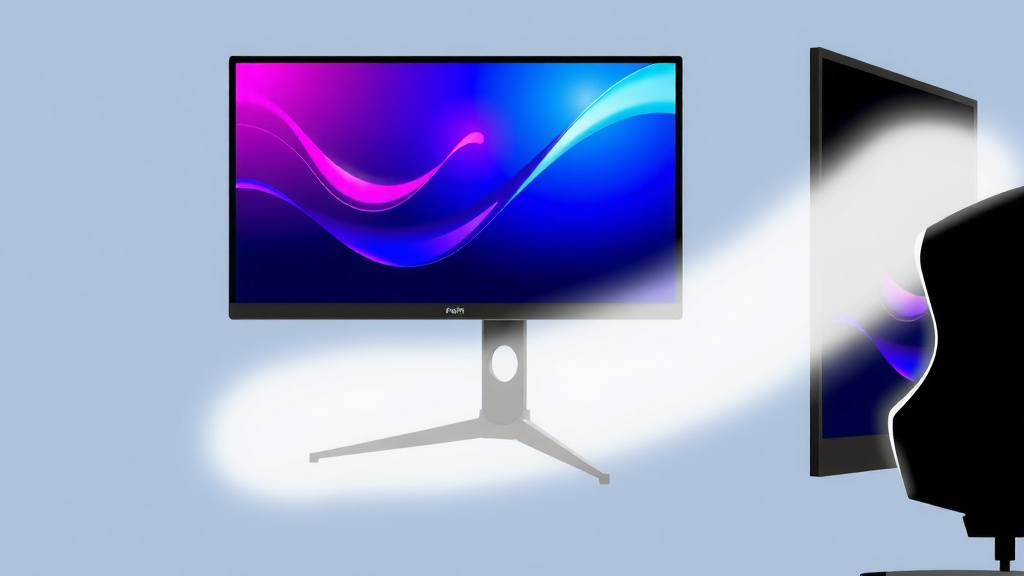
Where you plant yourself is a key factor. If you sit very close to your screen, a giant monitor might mean your eyes are doing a lot of work. Research suggests that for optimal viewing comfort and reduced eye strain, the distance between your eyes and the screen should be about 1.5 to 2.5 times the screen’s diagonal measurement (American Optometric Association).
For example, if you’re sitting about 2 feet away (around 24 inches), a 24-inch monitor might feel just right. If you’re a bit farther back, say 3 feet, a 27-inch or even a 32-inch monitor could be perfect. Too big a screen at too close a distance forces your eyes and head to move constantly. This can be tiring and even impact your reaction time in fast-paced games.
Desk Space: What’s Your Setup Like?
Your desk is your gaming command center. Measure it carefully! A 32-inch monitor might seem appealing, but if it takes up your entire desk, leaving no room for your keyboard, mouse, or even a drink, it’s not practical. A good rule of thumb is to ensure at least a few inches of breathing room on either side of the monitor stand.
We’ve seen many gamers underestimate their desk dimensions. A common mistake is buying a monitor that looks great online but is physically too large for their real-world setup. Always measure twice, buy once.
Common Gaming Monitor Sizes and Who They’re For
Let’s look at the most popular sizes and who might benefit most from them.
24-Inch Monitors: The Compact Champ
These monitors are often the go-to for esports players and those with limited desk space. They’re also excellent if you prefer sitting quite close to your screen. Because the pixels are more densely packed on a 24-inch screen (especially at 1080p), you get a sharp image without needing to move your head much.
If you have a smaller desk or find yourself sitting closer than 2.5 feet, a 24-inch monitor is a solid choice. Many competitive gamers stick with this size for its speed and efficiency.
27-Inch Monitors: The All-Around Favorite
This is where many gamers find their perfect balance. A 27-inch monitor offers a more immersive experience than a 24-inch without becoming overwhelming for most people. It provides a larger canvas for games, making details pop and environments feel more expansive.
For a 27-inch monitor, a viewing distance of about 3 to 4 feet is often ideal. If your desk can accommodate it, and you’re not sitting practically on top of your screen, a 27-inch monitor is a fantastic all-around option for a wide variety of games.
32-Inch Monitors and Beyond: The Immersion Machines
Stepping up to 32 inches or even larger means a serious commitment to big-screen gaming. These monitors offer incredible immersion, especially for cinematic single-player games or strategy titles where you want to take in every detail. They generally require a bit more desk space and a longer viewing distance to be comfortable.
If you’re considering a 32-inch monitor, ensure you have at least 4 to 5 feet of viewing distance. You’ll also need a deeper desk. Sitting too close to a large monitor like this can be like trying to watch a movie from the front row of a cinema – your neck will thank you for the extra space.
It’s Not Just About Size: Resolution and Refresh Rate Matter Too!
While size is important, remember it’s part of a bigger picture. A huge monitor with a blurry image isn’t much fun. We found that resolution and refresh rate can significantly impact your gaming experience.
Resolution: Pixels for Clarity
Resolution refers to the number of pixels on the screen. Higher resolutions mean sharper images. For a 24-inch monitor, 1080p (1920×1080) is standard and looks great. On a 27-inch or 32-inch monitor, you might want to consider 1440p (2560×1440) or even 4K (3840×2160) for the sharpest visuals. A higher resolution on a larger screen prevents the image from looking pixelated.
Keep in mind that higher resolutions require a more powerful graphics card to run games smoothly. Always check that your PC can handle the resolution you choose.
Refresh Rate: Smoothness is Key
Refresh rate (measured in Hz) tells you how many times per second the screen updates the image. For gaming, a higher refresh rate means smoother motion. While 60Hz is standard, many gaming monitors offer 120Hz, 144Hz, or even 240Hz.
This is especially noticeable in fast-paced games. A high refresh rate monitor makes on-screen movement look fluid and reduces motion blur. So, while you’re thinking about size, don’t forget how these other specs contribute to a great gaming experience.
Your Gaming Monitor Size Checklist
To help you decide, here’s a quick checklist to run through:
- Measure your desk. How much physical space do you have?
- Determine your typical viewing distance. How far do you sit?
- Consider the types of games you play. Fast-paced or slow and cinematic?
- Think about your PC’s power. Can it handle high resolutions?
- Balance immersion with practicality. Does the size fit your space and needs?
Conclusion
Choosing the right gaming monitor size is about creating your ideal setup. We found that 27 inches often hits the sweet spot for most gamers, balancing immersion with comfort. Remember to measure your desk and check your viewing distance before you buy. A monitor that’s too big can strain your eyes and neck. Think about your PC’s power and the types of games you play, too. Take these steps to find a monitor that truly enhances your gaming experience without compromise.
Frequently Asked Questions
Will a 27-inch monitor be too big for my small desk?
A 27-inch monitor can work on a smaller desk if you check your dimensions carefully. Ensure you have enough depth for the stand and at least a few inches of space on the sides. If your desk is very compact, a 24-inch monitor might offer a more comfortable fit.
How does my seating distance affect the best monitor size?
Your viewing distance is a major factor. Sitting very close to a large monitor can cause eye strain and neck movement. For a 27-inch screen, sitting about 3 to 4 feet away is often comfortable. If you sit closer, a smaller screen like 24 inches might be better.
Can I use a 32-inch monitor for competitive gaming?
While 32-inch monitors offer great immersion, they might not be ideal for all competitive gaming. The larger screen size can sometimes require more head movement, potentially impacting reaction times. Many esports professionals prefer 24-inch monitors for their efficiency and quick visibility.
Is 1080p resolution okay for a 27-inch gaming monitor?
Yes, 1080p resolution can look good on a 27-inch monitor, especially if you sit a bit farther back. However, for the sharpest image quality and to prevent pixelation, many gamers opt for 1440p or 4K resolution on 27-inch or larger screens. Make sure your PC can handle the higher resolution demands.
What’s the difference between screen size and perceived size?
Screen size refers to the diagonal measurement of the display area. Perceived size is how large the screen *feels* to you, which is influenced by factors like bezel thickness and your viewing distance. A smaller bezel can make a monitor feel larger, and sitting closer will make any monitor feel bigger.