Curved Monitors for Gaming: Are They Worth It
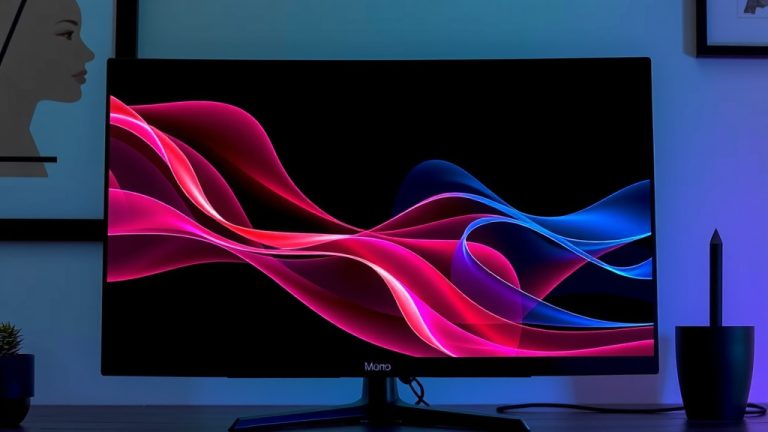
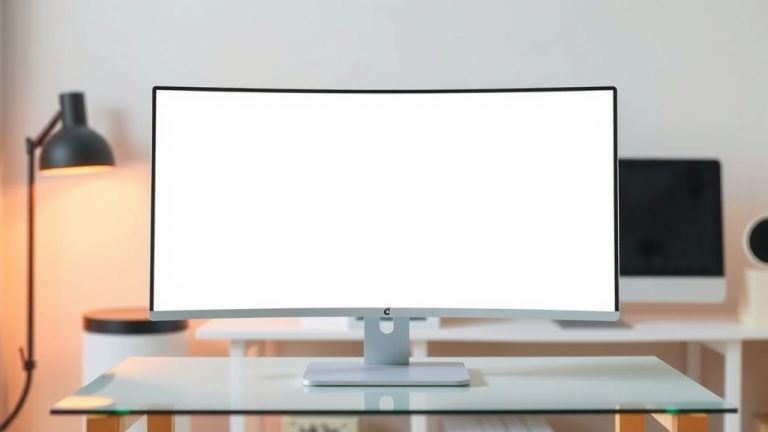
Yes, curved monitors are great for gaming. They can make your game world feel more immersive and help you see more of the action. The curve helps reduce eye strain by keeping the entire screen within your natural field of vision. This makes long gaming sessions much more comfortable.
Many gamers prefer curved displays because they offer a more engaging experience. They can wrap around your peripheral vision, drawing you deeper into your favorite titles. We found that the wider field of view can also provide a competitive edge in certain games. You’ll feel like you’re right in the middle of the action.
- Curved monitors make games feel more immersive.
- They reduce eye strain during long gaming sessions.
- A wider field of view can offer a competitive advantage.
- Curved screens can draw you deeper into the game world.
Let’s break down why curved monitors work so well for gaming and what you should consider before buying one.
Why Curved Monitors Shine for Gaming
Curved monitors can really transform your gaming experience. They wrap around your field of view. This makes games feel much more immersive. You get drawn deeper into the game world. It’s like the game is pulling you in!
We found that the curve helps keep the entire screen within your natural sightline. This means less eye strain. Your eyes don’t have to constantly refocus. Long gaming sessions become more comfortable. You can play for hours without that tired feeling. Many gamers report a noticeable difference.
Immersion: Stepping Into the Game World
The primary benefit for gamers is that feeling of immersion. A curved screen wraps around your peripheral vision. This creates a wider field of view. Games can feel much more expansive. You feel like you’re truly present in the game environment.
Think of it like watching a movie on a giant IMAX screen versus a small TV. The curved monitor offers a more encompassing view. This is especially true for games with vast open worlds or intense action. You’ll see more of the environment without moving your head as much.
Reduced Eye Strain: Comfort for Long Sessions
Eye strain is a common problem for gamers. Staring at a flat screen for hours can be tough. The curve on a monitor helps with this. It keeps the edges of the screen closer to your eyes. Your eyes don’t have to work as hard to see everything. Research suggests this can reduce eye fatigue (Cleveland Clinic).
Imagine looking at a large, flat painting on a wall. Your eyes have to scan back and forth. Now imagine that same painting wrapped slightly around you. It feels more natural, right? This is how a curved monitor works for your eyes.
Wider Field of View: A Competitive Edge?
Some gamers find that curved monitors give them a competitive advantage. Because the screen wraps around, you can see more of what’s happening. This expanded peripheral vision can be useful in fast-paced games. You might spot enemies or important details sooner.
For example, in a racing game, you can see more of the track ahead and to the sides. In a first-person shooter, you might catch a glimpse of an opponent out of the corner of your eye. This can give you the split-second reaction time you need. We found this to be true in many action titles.
Understanding Curved Monitor Specifications
Not all curved monitors are created equal. The degree of curvature matters. This is measured by a number followed by “R,” like 1800R or 1000R. A lower number means a tighter, more pronounced curve.
What Does the ‘R’ Number Mean?
The ‘R’ stands for radius. A 1800R monitor has a curve radius of 1800mm. A 1000R monitor has a curve radius of 1000mm. A smaller radius creates a more aggressive curve. Many experts recommend 1800R or 1000R for a comfortable gaming experience (Rtings.com).
For most people, a 1800R curve is a good starting point. It offers a noticeable curve without being overwhelming. If you want a truly enveloping experience, a 1000R might be better. It’s all about personal preference and screen size.
Screen Size and Resolution: A Perfect Match
Curved monitors often come in larger sizes. Think 27 inches and up. This is because the curve is more effective on bigger screens. A small, curved monitor might not offer much benefit. The curve helps keep the larger display within your comfortable viewing angles.
Pairing a curved monitor with a high resolution is also important. A 1440p (QHD) or 4K (UHD) resolution will look stunning on a large, curved display. It ensures that the image remains sharp and detailed, even on a bigger screen. Low resolutions can make things look blurry on large monitors.
Refresh Rate and Response Time: Essential for Gaming
For gaming, these specs are non-negotiable. A high refresh rate (like 144Hz or 240Hz) means smoother motion. Images appear fluid, not choppy. A low response time (1ms is ideal) reduces motion blur. This is critical for fast-paced games where every frame counts.
You want a monitor that can keep up with your powerful gaming PC. A slow refresh rate or high response time will hold you back. You won’t get the full benefit of your graphics card. Look for specs that match or exceed your gaming needs.
| Feature | Why It Matters for Gaming | What to Look For |
|---|---|---|
| Curvature (e.g., 1800R, 1000R) | Affects immersion and eye comfort. Lower numbers mean a tighter curve. | 1800R for general use, 1000R for more immersion. |
| Screen Size | Curve is more effective on larger displays (27″+). | Choose based on your desk space and preferred viewing distance. |
| Resolution (e.g., 1440p, 4K) | Ensures sharp, detailed images on large screens. | 1440p is a great balance; 4K offers the ultimate detail. |
| Refresh Rate (Hz) | Controls how smooth motion appears. Higher is better. | 144Hz or higher for fluid gameplay. |
| Response Time (ms) | Reduces motion blur. Lower is better. | 1ms is the target for crisp visuals. |
Who Benefits Most from a Curved Gaming Monitor?
Curved monitors aren’t for everyone. But certain types of gamers will really enjoy them. If you play immersive single-player games, you’ll love it. Think RPGs, simulation games, or adventures. The wider view pulls you right into the story.
Also, gamers who spend long hours at their desk will appreciate the comfort. The reduced eye strain can make a big difference. If you’re prone to headaches or tired eyes, a curve might help. It’s about making your gaming time more enjoyable and less taxing.
Do Ultrawide Curved Monitors Take It Up a Notch?
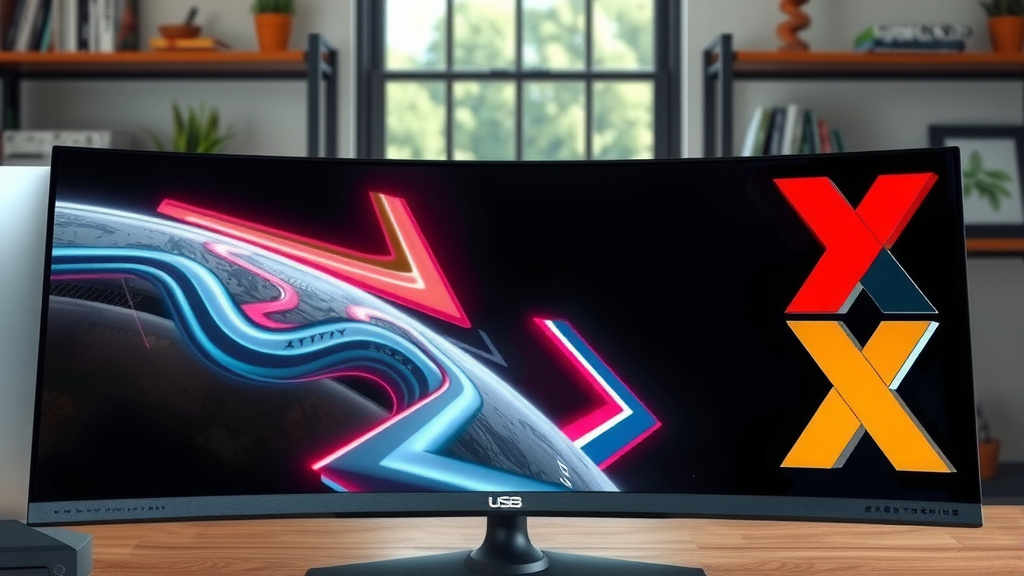
Yes, and then some! Ultrawide monitors (21:9 aspect ratio) are often curved. This combination offers an incredible field of view. It’s like having two monitors side-by-side, but without the bezel in the middle. For games that support ultrawide resolutions, it’s amazing. Ultrawide monitors often come with a curved design for an enhanced field of view.
You get even more peripheral vision. The immersion is cranked up to eleven. However, ultrawide curved monitors are typically more expensive. They also require more desk space. Make sure your games actually support ultrawide resolutions to get the most out of it.
Considerations for Competitive Gamers
For highly competitive esports, the benefits can be debated. While the wider view can help, some players prefer a flat monitor. They might find the curve disorienting at the edges. Or they might play at such close distances that the curve doesn’t matter as much.
Some games might not scale perfectly with ultrawide or curved displays. You could end up with stretched images or black bars on the sides. Always check if your favorite competitive titles perform well on these setups. It’s about finding what works best for your playstyle.
Making Your Choice: A Quick Checklist
Thinking about getting a curved gaming monitor? Here’s a quick rundown of things to keep in mind before you click “buy”:
- Do you play mostly immersive single-player games?
- How many hours do you typically game in one sitting?
- Is your desk large enough for a bigger monitor?
- Does your budget allow for a curved model?
- Are your favorite games optimized for wider aspect ratios?
- Do you experience eye strain with your current setup?
Conclusion
So, are curved monitors good for gaming? Based on what we’ve seen, the answer is a resounding yes for many players. They wrap around your vision to boost immersion, making you feel more present in your game worlds. The curve also helps reduce eye strain, which is a huge plus for marathon gaming sessions. Plus, that expanded peripheral view can even give you a slight competitive edge in certain titles.
Before you buy, consider the degree of curvature, screen size, and ensure it pairs well with a good resolution and high refresh rate. If immersive single-player games or long gaming hours are your jam, a curved monitor is likely a fantastic upgrade for your setup. Ready to dive deeper into your favorite games?
Frequently Asked Questions
Are curved monitors better for all types of games?
Curved monitors excel in immersive single-player games like RPGs, racing simulators, and adventure titles. For highly competitive esports where split-second reactions and a perfectly flat view are preferred by some pros, the benefit is less clear. It often comes down to personal preference and the specific game.
Can curved monitors cause distortion or look weird?
While some users might initially notice a slight warping effect, most gamers adapt quickly. Distortion is less common on monitors with moderate curves (like 1800R). For ultrawide curved monitors, ensure your games support wider aspect ratios to avoid stretched images.
What screen size is best for a curved gaming monitor?
Curved monitors are generally more effective on larger screens, typically 27 inches and above. The curve helps bring the edges of a bigger display closer to your eyes, maintaining a comfortable viewing distance and enhancing immersion. Smaller curved screens offer less pronounced benefits.
Is a 1000R curve more immersive than an 1800R curve?
Yes, a 1000R curve is tighter and more aggressive than an 1800R curve. This means it wraps around your field of view more dramatically, leading to a more enveloping and immersive experience. An 1800R curve offers a noticeable curve that many find very comfortable for extended play.
Will a curved monitor help if I already have eye strain?
Many users report that curved monitors help reduce eye strain during long gaming sessions. The curve keeps the entire screen within your natural field of vision, reducing the need for your eyes to constantly refocus on different parts of the screen. This can lead to greater comfort for your eyes.