How Gaming Monitors Are Measured: A Buyer’s Guide
Gaming monitors are measured by their diagonal screen size, typically in inches. This is the most important spec for understanding how much screen real estate you’ll have for your games. You’ll see numbers like 24 inches, 27 inches, or even larger sizes.
Beyond the diagonal measurement, other factors like resolution and aspect ratio also affect how your games look and feel. While screen size gives you the basic dimensions, these other specs contribute to the overall gaming experience.
- Gaming monitors are measured by their diagonal screen size in inches.
- Common sizes range from 24 to 27 inches, but larger options exist.
- Other important specs like resolution and aspect ratio also play a role.
- Understanding these measurements helps you pick the right monitor.
Let’s walk through exactly how these measurements work and what they mean for your setup.
Understanding Your Gaming Monitor’s Dimensions
So, you’re looking at gaming monitors and seeing all sorts of numbers. You know the diagonal size matters, but what else should you be thinking about? We’re here to break down how these screens are measured, so you can pick the perfect one for your gaming adventures.
It’s not just about how big the screen looks; it’s about how it fits your space and your games. Let’s dive in!
The Diagonal Dance: Measuring Screen Size
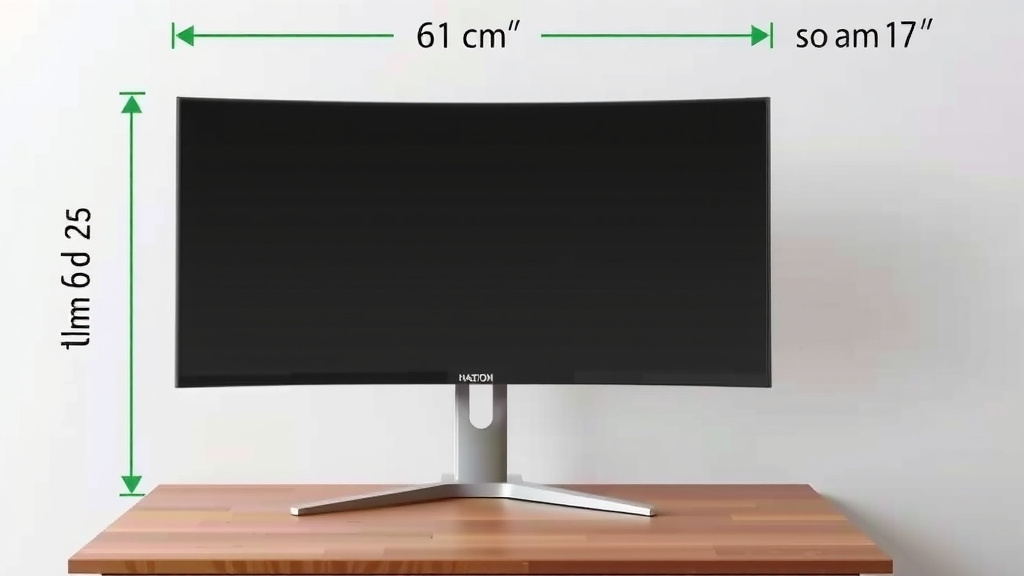
You’ve seen it: 24 inches, 27 inches, maybe even 32 inches. This is your monitor’s diagonal screen size. It’s measured from the top-left corner to the bottom-right corner of the display area itself, not including the bezel or stand. Think of it like measuring a TV.
Why diagonal? It’s a standard way to give a single, simple number for a rectangular screen. This measurement directly impacts how much of your game world you can see at once. A larger diagonal means more screen real estate, which can be awesome for immersive games or having multiple windows open.
Common Sizes and What They Mean
Most gamers find themselves choosing between 24-inch and 27-inch monitors. These are considered the sweet spots for many setups.
- 24-inch monitors are great for competitive gaming. They offer a good balance of screen size and pixel density. Everything is clear, and you can easily see the whole screen without moving your head much. This makes tracking fast action easier.
- 27-inch monitors offer more immersion. You get a bigger view of your game world. This is fantastic for RPGs, simulations, or any game where visuals are key. Some users might find they need to move their eyes or head more to take it all in.
Beyond these popular sizes, you’ll find smaller ones, like 21.5 inches, which are often budget-friendly or suited for very tight desk spaces. On the other end, 32-inch and even larger monitors are available for those who want an ultrawide, cinematic experience or are building a serious command center.
Beyond Size: Resolution Matters a Lot
Screen size is just one piece of the puzzle. Resolution is another super important spec. It tells you how many pixels are packed onto your screen. Pixels are the tiny dots that make up the image you see.
Think of resolution like the detail in a painting. More pixels mean a sharper, clearer image. For gaming, this translates to more realistic graphics, finer details, and less jagged edges on objects.
Understanding Resolution Numbers
You’ll usually see resolutions listed as width x height. The most common ones for gaming monitors are:
- 1920 x 1080 (Full HD or 1080p): This is the standard for many 24-inch monitors. It offers a good balance between image quality and performance. Your graphics card won’t have to work as hard to render games at this resolution.
- 2560 x 1440 (Quad HD or 1440p): Often found on 27-inch monitors, this offers a noticeable step up in clarity. Games look much sharper, and you get more detail. It requires a more powerful graphics card than 1080p.
- 3840 x 2160 (4K or 2160p): This is the highest common resolution for gaming monitors. It delivers incredibly sharp and detailed images. However, it demands a very powerful PC to run games smoothly at this setting.
Choosing the right resolution depends on your monitor’s size and your PC’s power. A higher resolution on a smaller screen can look pixelated if you sit too close. On the flip side, a lower resolution on a very large screen can look blurry.
Aspect Ratio: The Shape of Your Screen
Have you ever noticed that some screens look wider than others? That’s because of their aspect ratio. This is the ratio of the screen’s width to its height.
The most common aspect ratio you’ll find today is 16:9. This is what most movies and TV shows use, so it’s great for general use and a wide variety of games. It provides a good balance of width and height for an immersive experience.
What About Ultrawide?
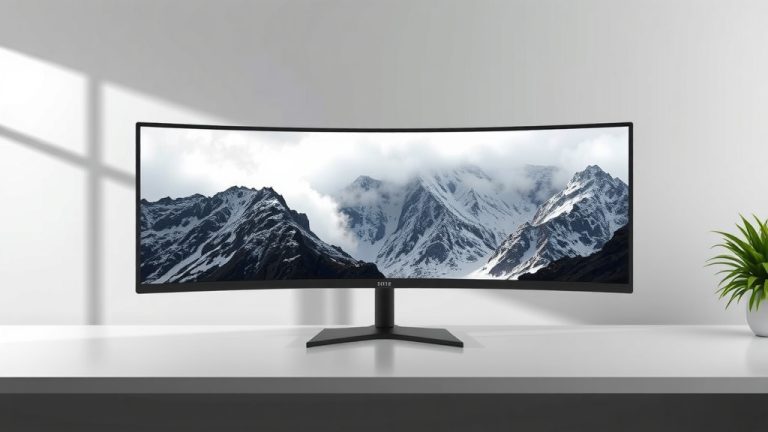
You might also see monitors with an aspect ratio of 21:9 or even 32:9. These are called ultrawide monitors.
- 21:9 ultrawide monitors are significantly wider than standard 16:9 displays. They offer an incredibly immersive experience, especially in games that support the wider field of view. Think of it as getting a wider panorama.
- 32:9 “super ultrawide” monitors are even wider, almost like having two standard monitors side-by-side. These are for maximum immersion or productivity, but they can be demanding on your system and not all games are optimized for them.
When choosing a monitor, consider the games you play and how they utilize different aspect ratios. Some games might not look right or might stretch on ultrawide screens if not properly supported.
Putting It All Together: A Quick Checklist
Ready to make sense of it all? Here’s a quick rundown to help you choose:
- Check the diagonal screen size (e.g., 24″, 27″).
- Consider the resolution (1080p, 1440p, 4K) for clarity.
- Think about the aspect ratio (16:9, 21:9) for immersion.
- Match resolution to screen size and your PC’s power.
- Ensure the aspect ratio works with your favorite games.
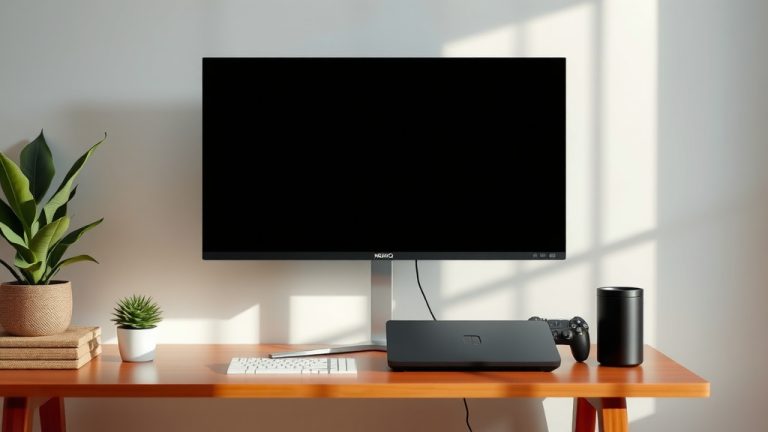
- Does it fit your desk? (Seriously, measure your space!).
By understanding these key measurements, you’re well on your way to picking a gaming monitor that enhances your entire setup. It’s all about finding that sweet spot for your eyes and your gameplay!
Conclusion
You’ve learned that your gaming monitor’s size is measured diagonally in inches. But remember, it’s not just about the number. Resolution and aspect ratio are just as important for your gaming experience. A 24-inch 1080p monitor is great for competitive play, while a 27-inch 1440p can offer more immersion. Ultrawide monitors bring a whole new level of panoramic views. To get the best setup, consider your desk space, your PC’s power, and the types of games you play most often. Now you’re ready to find the perfect monitor that truly fits your needs!
Frequently Asked Questions
Is a 24-inch or 27-inch gaming monitor better?
It really depends on your gaming style. For fast-paced, competitive games, a 24-inch monitor often allows you to see the whole screen at a glance, which can improve reaction times. A 27-inch monitor offers more immersion, making it great for visually rich games like RPGs or simulators.
Do I need a 4K monitor for gaming?
While 4K resolution offers incredible detail, it requires a very powerful gaming PC to run games smoothly at that setting. For most gamers, 1440p (QHD) on a 27-inch monitor provides a fantastic balance of sharp visuals and playable performance without needing the absolute top-tier hardware.
What does 16:9 aspect ratio mean for my games?
A 16:9 aspect ratio is the standard widescreen format you’ll see in most movies and TV shows, and it’s supported by the vast majority of PC games. This means games will typically display correctly without stretching or black bars, giving you a familiar and balanced view.
Will all games work well on an ultrawide monitor?
Most modern games are designed to support ultrawide aspect ratios like 21:9, offering a more expansive field of view. However, some older games or titles with fixed camera perspectives might not scale perfectly, potentially showing black bars on the sides or requiring in-game settings adjustments.
How do I know if a monitor size fits my desk?
Always measure your desk space before buying! Check the monitor’s dimensions, including the stand. Keep in mind you’ll want some space between you and the screen for comfortable viewing, especially with larger monitors. A 27-inch monitor generally needs more desk depth than a 24-inch one.