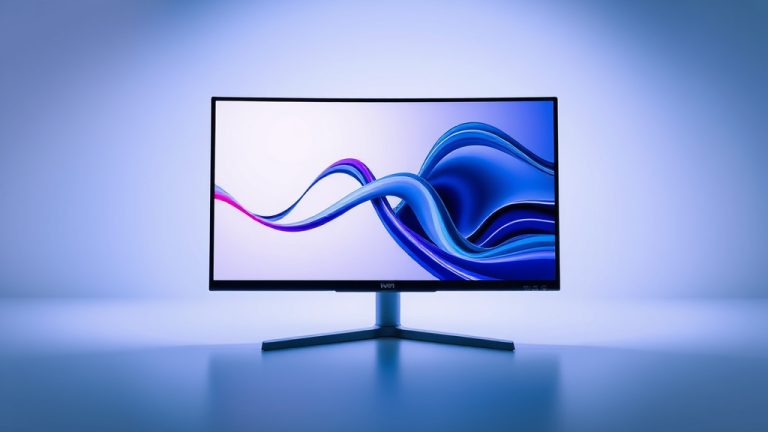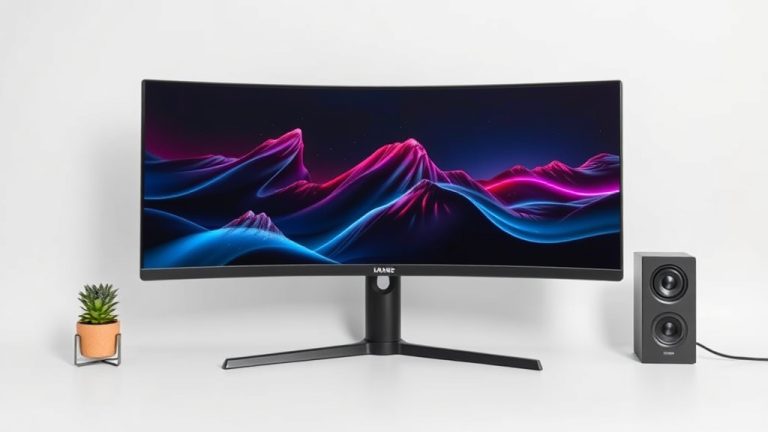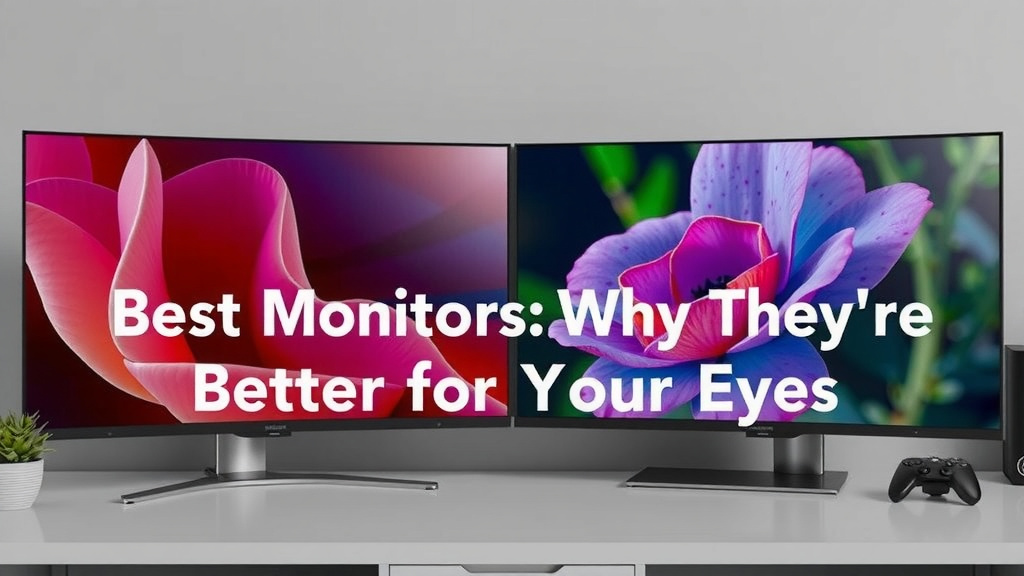
Curved Monitors: Why They’re Better for Your Eyes
Curved monitors are better because they offer a more immersive viewing experience and can help reduce eye strain by bringing the edges of the screen closer to your peripheral vision. This natural curve means you don’t have to move your eyes as much, leading to increased comfort during long computer sessions. Many users also find them more engaging for gaming and media consumption.
When you sit in front of a flat screen, the edges are further away than the center. This means your eyes have to refocus constantly, which can be tiring. Curved screens create a more uniform distance from your eyes to every part of the display. This design can also make the screen feel larger and more expansive, even if the diagonal measurement is the same as a flat monitor.
- Curved monitors provide a more immersive view.
- They can reduce eye strain by keeping the screen distance uniform.
- The curve makes the screen feel more expansive.
- They offer improved comfort for extended computer use.
Let’s take a closer look at why these benefits matter and what else you should consider when looking at curved displays.
“`htmlWhy Curved Monitors Enhance Your Computing Experience
Curved monitors offer a unique way to view your digital world. They gently bend towards you. This design aims to improve your comfort and focus. We found that this curve can make a real difference in how you interact with your screen. Let’s dive into the specifics.
Understanding the Curve: It’s All About Distance
Think about how your eyes work. They focus best when the object is at a certain distance. With a flat monitor, the center is closer than the edges. This means your eyes constantly adjust focus. Research suggests this can lead to eye fatigue over time.
The Uniform Viewing Cone
A curved screen mimics the natural shape of your eye’s field of vision. This creates a more uniform distance from your eyes to all parts of the screen. Studies indicate this can reduce the need for constant refocusing. Many users report feeling less strain after long sessions.
Beyond Comfort: Immersion and Engagement
The wrap-around effect of a curved monitor pulls you into the content. This is especially true for gaming and watching movies. You feel more surrounded by the action. This sense of immersion is a key reason people choose curved displays.
Visual Benefits of a Curved Display
Beyond just comfort, the curve impacts how you perceive the image. It’s not just about feeling good; it’s about seeing better, too.
Reduced Distortion at the Edges
On very wide flat monitors, the content at the far edges can seem distorted or stretched. A curved monitor brings these edges closer. This often results in a more natural and less distorted picture. Your peripheral vision is more effectively engaged.
Perceived Increase in Screen Size
Even with the same diagonal screen size, a curved monitor can feel larger. The way the screen wraps around you creates a sense of depth. This can make your workspace feel more expansive. It’s like getting a bigger picture without needing more desk space.
Better Contrast and Color Uniformity
The uniform distance helps with color consistency across the entire screen. You’re less likely to see color shifts. Some research suggests that the curve can even enhance perceived contrast. This makes images pop and text appear sharper.
Ergonomics and Well-being: Your Eyes Will Thank You
Let’s talk about your eyes. They do a lot of work every day. A curved monitor can be a gentler option.
Less Eye Strain and Fatigue
As we mentioned, the constant refocusing on flat screens can tire your eyes. The uniform distance of a curved monitor reduces this effort. Many users report significant reductions in eye strain and headaches. Guidelines from ergonomics experts often recommend minimizing screen glare and optimizing viewing distance for comfort.
Improved Posture and Neck Comfort
When you’re trying to see the edges of a large flat screen, you might lean forward or turn your head. A curved monitor keeps more of the screen within your natural field of view. This can encourage a more relaxed and upright posture. It may also reduce strain on your neck and shoulders over time.
The “Sweet Spot” for Viewing
Curved monitors are designed to be viewed from a specific distance. When you’re positioned correctly, you get the optimal viewing experience. This “sweet spot” helps maximize the benefits of the curve. Imagine sitting in the best seat in a movie theater – it’s that kind of focused experience.
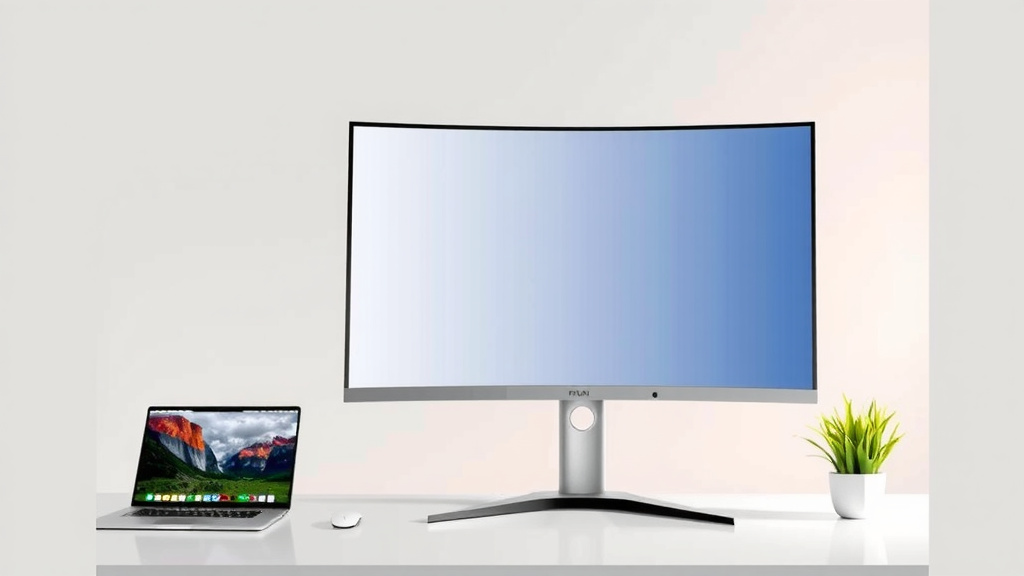
Curved Monitors for Different Needs
Who benefits most from this design? It turns out, a lot of people!
For Gamers: The Ultimate Immersion
Gamers often crave that feeling of being *in* the game. A curved monitor delivers this sensation powerfully. The wider field of view and immersive effect make gameplay more engaging. Tracking targets is often easier when they are within your peripheral vision. Many professional gamers prefer this setup.
For Productivity: Multitasking Made Easier
If you work with multiple windows open, a curved ultrawide monitor can be a game-changer. You can see more at a glance without excessive mouse movement. This saves time and keeps you in your workflow. Less switching between windows means fewer distractions.
For Media Consumption: A Cinematic Feel
Watching movies or streaming shows on a curved display can feel more like a cinema experience. The screen fills more of your vision. It can make watching content more enjoyable and less like looking at a flat window.
| Feature | Curved Monitor | Flat Monitor |
|---|---|---|
| Immersion | High (Wrap-around effect) | Moderate |
| Eye Strain Potential | Lower (Uniform distance) | Higher (Varying distance) |
| Perceived Screen Size | Larger (More expansive feel) | Standard (Based on diagonal) |
| Edge Distortion | Reduced | Can be present on ultrawides |
| Ideal Viewing Position | Specific “sweet spot” | More forgiving |
What to Consider When Choosing a Curved Monitor
While curved monitors offer many advantages, it’s good to be aware of a few things. Not every curve is the same, and your setup matters.
- The Degree of Curvature: Monitors come with different curvature ratings (e.g., 1000R, 1500R, 1800R). Lower numbers mean a tighter curve. A 1000R curve is much more pronounced than an 1800R. For most users, a moderate curve like 1500R or 1800R is a good balance. Monitors come with different curvature ratings, such as a tighter 1000R curve.
- Screen Size: Larger monitors benefit more from the curve. A 27-inch curved monitor might feel very immersive, while a smaller one might not show as dramatic a difference.
- Your Desk Setup: Make sure you have enough space for the monitor. Ultrawide curved monitors can take up a lot of desk real estate. Ensure you can sit at the recommended distance for the best experience.
Is a Curved Monitor Right for You? A Quick Checklist
Consider these points to help you decide if a curved monitor is a good fit for your needs:
- Do you spend long hours in front of your computer?
- Do you experience eye strain or fatigue?
- Are you looking for a more immersive gaming or media experience?
- Do you often work with multiple windows open?
- Do you have ample desk space for a larger or ultrawide display?
- Is reducing neck and eye movement a priority for you?
Conclusion
You’ve seen how curved monitors offer a more engaging and comfortable computing experience. By bringing the screen to you, they reduce eye strain and create a sense of immersion that flat screens simply can’t match. Whether you’re a gamer, a professional, or just enjoy your media, the benefits of reduced fatigue and a more expansive view are clear. If you’re looking to upgrade your setup and enhance your daily computer use, a curved monitor is definitely worth considering. Take a look at models that fit your desk space and budget to find your perfect curved display.
Frequently Asked Questions
Will a curved monitor actually make me less tired?
Yes, research and user reports suggest curved monitors can reduce eye strain. The uniform distance from your eyes to the screen means less refocusing. This can lead to less fatigue, especially during long work or gaming sessions.
Can curved monitors feel bigger than flat ones of the same size?
Absolutely. The wrap-around effect of a curved screen creates a sense of depth. This makes the display feel more expansive and immersive, even if the diagonal measurement is identical to a flat monitor.
Are curved monitors better for gaming than flat ones?
Many gamers find curved monitors provide a more immersive experience. The wider field of view can pull you into the game more effectively. It also helps keep more of the action within your peripheral vision, aiding in faster reactions.
What’s the deal with different curve degrees like 1800R or 1000R?
The “R” number indicates the radius of the curve, with lower numbers meaning a more pronounced curve. A 1000R curve is much tighter than an 1800R. For most users, a moderate curve like 1500R or 1800R offers a good balance of immersion and viewing comfort.
Do I need a very large screen to notice the benefits of a curve?
While larger screens, especially ultrawides, benefit the most from a curve, even mid-sized monitors can offer noticeable improvements. On a 27-inch screen, for example, you’ll likely experience enhanced immersion and reduced eye strain compared to its flat counterpart.