27 Inch Monitor Size Guide: What to Expect
So, how big is a 27-inch monitor? A 27-inch monitor typically refers to the diagonal screen measurement, from corner to corner. This size offers a noticeably larger display than smaller screens, making it a popular choice for many users. It strikes a good balance between screen real estate and desk space.
When we talk about a 27-inch monitor, we’re usually referring to the viewable screen area. This size is great for multitasking, gaming, and watching videos. It provides enough room for multiple windows side-by-side without feeling cramped. Many find it a sweet spot for productivity and entertainment.
- A 27-inch monitor measures 27 inches diagonally across the screen.
- It’s a popular size for versatile use, from work to play.
- Offers a good amount of screen space for multitasking.
- It fits well on most desks without taking up too much room.
We’ve found that understanding monitor sizes can really help you make the right choice. Below, we’ll break down what a 27-inch monitor really means for your setup and how to pick the best one for your needs.
Understanding the True Size of a 27-Inch Monitor
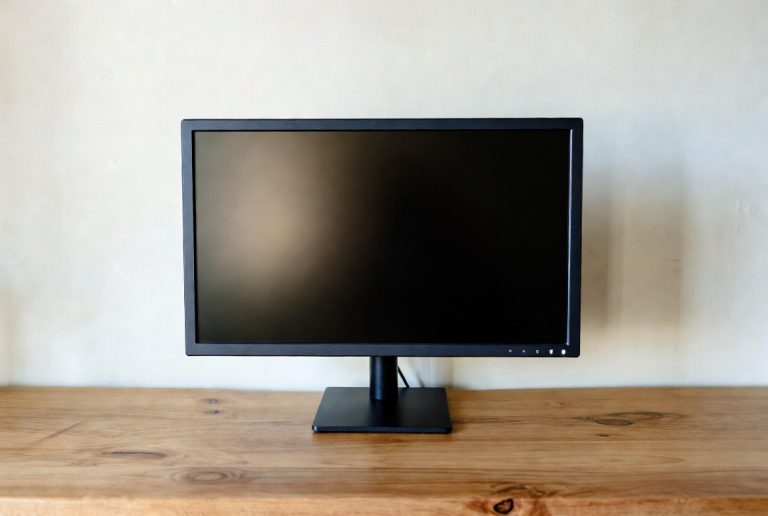
So, what exactly does “27-inch monitor” mean in practical terms? When manufacturers refer to a 27-inch monitor, they are measuring the diagonal distance across the screen. Imagine drawing a straight line from the top-left corner to the bottom-right corner – that’s the 27 inches we’re talking about. This measurement excludes the bezel, the frame around the screen itself.
It’s important to distinguish between the overall monitor dimensions and the actual screen size. A 27-inch screen will have physical dimensions that are larger, considering the stand and bezel. We’ve found that knowing this diagonal measurement is your first step to visualizing how it will fit on your desk. It helps you avoid surprises when you unbox your new display.
Comparing 27 Inches to Other Common Monitor Sizes
You might be wondering how a 27-inch monitor stacks up against its smaller and larger counterparts. Think of it like choosing a pizza size. A 21-inch monitor is like a medium pizza – decent for one or two people, but you might want more. A 27-inch monitor is more like a large pizza. It’s ample for sharing, offering a generous viewing area without being overwhelming.
What About Smaller Screens?
Monitors under 24 inches, like a 22-inch or 24-inch display, are great for tight spaces or very basic tasks. They are perfectly fine for email, web browsing, and light document editing. However, you’ll quickly notice the difference in screen real estate when you try to open multiple windows side-by-side. You often find yourself toggling between applications, which can slow down your workflow.
How Does it Compare to Larger Options?
Monitors that go beyond 27 inches, such as 32-inch or even ultrawide displays, offer an even more immersive experience. These are fantastic for cinematic viewing, detailed design work, or hardcore gaming where you want every pixel visible. However, they demand a significant amount of desk space. They can also require you to move your head more to take in the entire screen, which some find fatiguing after extended use.
This is why the 27-inch size is often seen as the sweet spot. It provides a noticeable upgrade in viewing area over smaller monitors without the potential drawbacks of very large displays. Many users find it perfectly balances usability and desk footprint. We’ve seen many users upgrade from 24-inch monitors and feel like they suddenly have so much more room to work and play.
Key Dimensions to Consider for Your Workspace
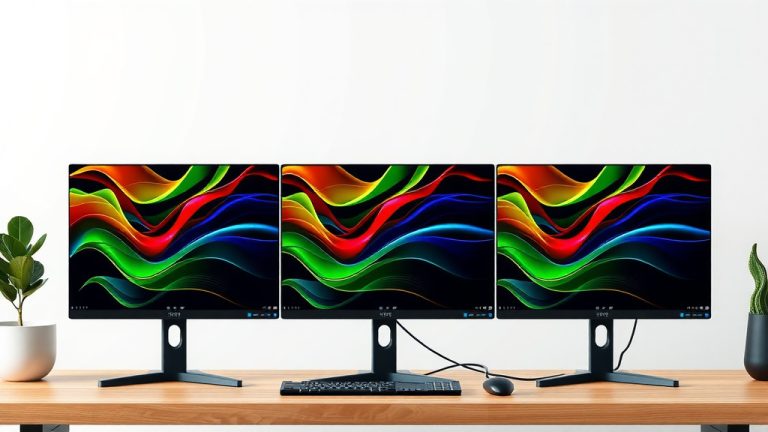
When we talk about a 27-inch monitor, we’re really focused on the screen. But the actual physical footprint of the monitor is also important. You need to think about how much desk space it will occupy, not just the screen itself. This includes the width and depth of the stand, and how far back from your eyes it will sit.
Screen Width and Height
For a typical 16:9 aspect ratio 27-inch monitor, the viewable screen area is approximately 23.5 inches wide and 13.2 inches high. This gives you a good sense of the horizontal space you’ll have for your applications. It’s wide enough for two documents to sit comfortably side-by-side, each taking up roughly half the screen, without the text becoming too tiny.
Monitor Stand and Depth
The stand is where monitors can vary a lot. Some stands are very compact, with a small footprint that doesn’t eat up much desk real estate. Others have a wider, more decorative base. We’ve found that many modern monitors come with stands that are ergonomically adjustable, allowing you to tilt, swivel, and change the height. This adjustability is great, but it can sometimes mean the stand is a bit deeper.
Always check the product specifications for the monitor’s overall dimensions. This will give you the full picture, including the stand. You want to make sure it fits comfortably without overcrowding your workspace. A good rule of thumb is to ensure you have at least two feet of clear desk space for a 27-inch monitor setup to feel comfortable.
Benefits of the 27-Inch Monitor Size
So, why is the 27-inch monitor so popular? It’s really about finding that perfect balance. You get a significantly better viewing experience than smaller screens, which can make a huge difference in how you work and play.
Enhanced Productivity and Multitasking
For professionals, a 27-inch monitor is a productivity powerhouse. You can have your email client open on one side and your main work document on the other. Imagine referencing a spreadsheet while typing a report, or keeping a video call window visible while you’re presenting. This reduces the need for constant alt-tabbing, which we all know can break your concentration. We found that users often report feeling more efficient and less stressed with this setup.
Immersive Gaming and Entertainment
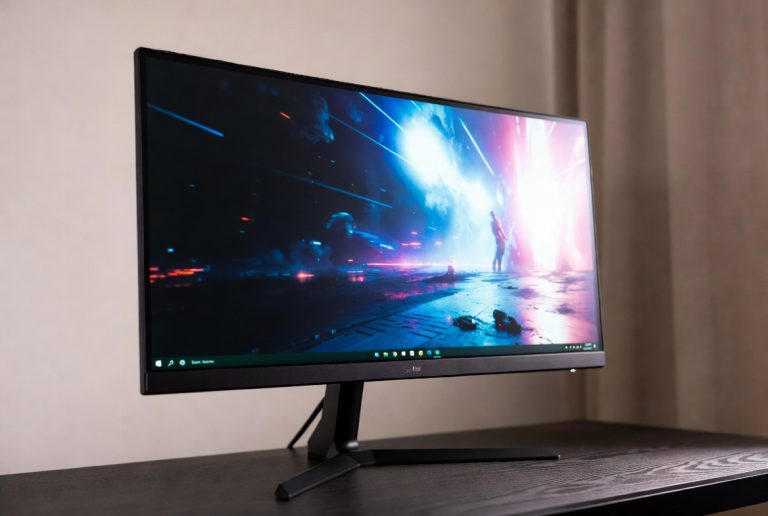
Gamers and movie buffs also love the 27-inch size. It offers a more engaging visual experience without requiring an extremely powerful graphics card to drive a massive resolution. You get a great view of the game world or the movie scene. It feels more encompassing than smaller screens, pulling you into the action. Many research papers on human-computer interaction suggest larger displays can increase engagement (Nielsen Norman Group).
Comfortable Viewing Distance
The 27-inch screen size is also well-suited for typical desk distances. You don’t have to crane your neck or strain your eyes to see everything. Most people find that a viewing distance of about 2 to 3 feet is ideal for a 27-inch monitor. This distance helps reduce eye strain, which is something many of us struggle with after long hours in front of a screen. The American Optometric Association often recommends maintaining such distances for eye health.
Choosing the Right 27-Inch Monitor: What Else Matters?
While size is a huge factor, it’s not the only thing to consider when picking a 27-inch monitor. The resolution, refresh rate, and panel type all play a big role in your experience. Don’t let the impressive 27-inch screen size fool you; the details underneath are what truly make it shine.
Resolution: Crispness Matters
For a 27-inch monitor, 1440p (QHD) resolution is often considered the sweet spot. This means your image will be sharp and detailed. A 1080p (Full HD) monitor at 27 inches can sometimes look a bit pixelated, especially if you sit close. We recommend QHD (2560×1440 pixels) for a 27-inch display to get the best clarity. If your budget allows, 4K (UHD) resolution on a 27-inch monitor offers incredible detail, but you’ll need a more powerful graphics card.
Refresh Rate and Response Time: For Smoothness
If you’re a gamer or watch a lot of fast-paced content, look for a high refresh rate (like 120Hz or 144Hz) and a low response time (1ms to 4ms). This ensures motion looks smooth and clear, without blurring. For general productivity, a standard 60Hz or 75Hz is usually sufficient.
Panel Type: Color and Viewing Angles
The most common panel types are IPS, VA, and TN. IPS panels generally offer the best color accuracy and wide viewing angles, making them great for creative work and general use. VA panels provide excellent contrast ratios, with deep blacks, ideal for movies and gaming in darker rooms. TN panels are typically the fastest for gaming but often sacrifice color quality and viewing angles.
Here’s a quick checklist to help you narrow down your choices:
- Confirm your desk has enough space for a 27-inch monitor and its stand.
- Prioritize QHD (1440p) resolution for sharp visuals.
- Consider your primary use: gaming, work, or general browsing.
- Look for a refresh rate that matches your activity (e.g., 144Hz for gaming).
- Check reviews for color accuracy and viewing angles if important for your tasks.
- Ensure the monitor includes necessary ports (HDMI, DisplayPort) for your devices.
Conclusion
You’ve learned that a 27-inch monitor offers a fantastic balance for most users. It provides ample screen real estate for productivity and a more immersive experience for entertainment. We found that this size really hits a sweet spot, being larger than smaller screens without overwhelming your desk. By considering resolution, refresh rate, and panel type, you can find a 27-inch monitor that perfectly suits your needs. Now that you’re informed, your next step is to measure your desk and start looking for that ideal display!
Frequently Asked Questions
Will a 27-inch monitor be too big for my desk?
A 27-inch monitor’s screen size is measured diagonally. The actual desk footprint depends on the stand, which varies by model. We recommend measuring your available desk space and checking the monitor’s physical dimensions in its specifications before purchasing. Aim for at least two feet of clear desk space for comfortable placement.
Is 27 inches a good size for gaming?
Yes, 27 inches is a very popular size for gaming. It offers an immersive view of the game world without being so large that you have to move your head constantly. For the best gaming experience on a 27-inch monitor, we suggest looking for a QHD (1440p) resolution and a high refresh rate, like 144Hz.
Can I use a 27-inch monitor for work and watching movies?
Absolutely. A 27-inch monitor is excellent for both work and entertainment. The larger screen allows for comfortable multitasking with multiple windows open side-by-side. For movies, it provides a more engaging visual experience than smaller screens, making it great for streaming content.
What resolution is best for a 27-inch monitor?
For a 27-inch monitor, QHD (1440p) resolution is generally considered the sweet spot for clarity and detail. While 1080p (Full HD) can work, images might appear slightly less sharp at this size. If you want the absolute crispest image and have a powerful computer, 4K (UHD) is also an option on a 27-inch display.
How far away should I sit from a 27-inch monitor?
For optimal viewing and to reduce eye strain, you should sit about 2 to 3 feet away from your 27-inch monitor. This distance allows you to see the entire screen comfortably without needing to strain your eyes or move your head too much. It’s a distance many find ideal for extended use.