What Monitor Size Do You Really Need
The best monitor size for you really depends on what you’ll be doing with it. For general use like browsing and email, a 24-inch screen is usually perfect. Gamers and creative professionals often prefer larger screens, between 27 and 32 inches, for a more immersive experience. For smooth visuals and vibrant colors, consider a 1080p IPS 144Hz monitor.
Choosing a monitor involves more than just picking a diagonal measurement. You also need to think about how much desk space you have and the resolution you need for your tasks. A bigger screen with a low resolution can actually look blurry, so we’ll help you balance size and clarity.
- For everyday tasks: 24 inches is a great sweet spot.
- For gaming or creative work: Consider 27 to 32 inches.
- Think about resolution: Higher resolution looks better on bigger screens.
- Check your desk space: Make sure it fits comfortably.
Let’s break down exactly what size monitor will work best for your needs.
“`htmlChoosing Your Ideal Monitor Size
So, you’re in the market for a new monitor and wondering about size. It’s a bigger decision than you might think! We’re here to help you figure out exactly what diagonal measurement will make your eyes happy and your tasks easier.
Think of it like buying a couch. You wouldn’t get a giant sectional for a tiny studio apartment, right? The same goes for monitors. We’ll look at how you plan to use your monitor and how much space you have.
Understanding Monitor Dimensions
When we talk about monitor size, we’re talking about the diagonal measurement of the screen itself. This is measured in inches, from one corner to the opposite corner. It doesn’t include the bezel, the frame around the screen.
You’ll often see monitor sizes like 21.5 inches, 24 inches, 27 inches, and even larger. The number you see advertised is usually the viewable screen area. It’s a good starting point, but size isn’t everything. Resolution and pixel density play a huge role too!
Screen Size for Everyday Use
The 24-Inch Sweet Spot
For most people, a 24-inch monitor is the sweet spot for everyday tasks. This includes things like browsing the internet, checking emails, social media, and basic office work. It offers enough screen real estate without feeling overwhelming.
A 24-inch screen is typically available in a 1080p (Full HD) resolution. This means you get a crisp, clear image for everyday viewing. It’s also a very affordable option, which is a nice bonus!
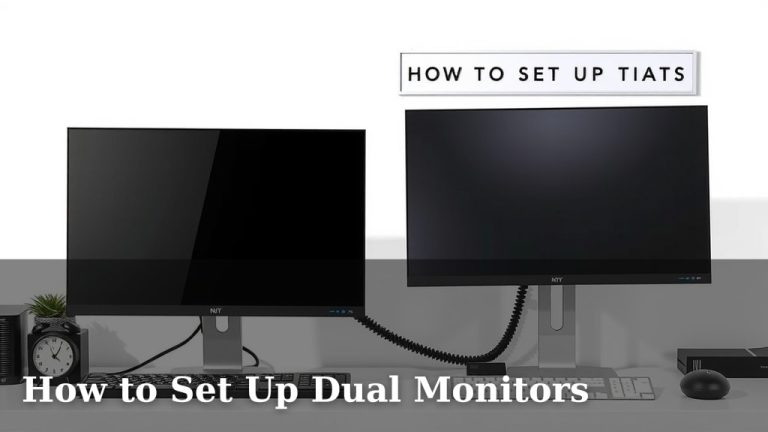
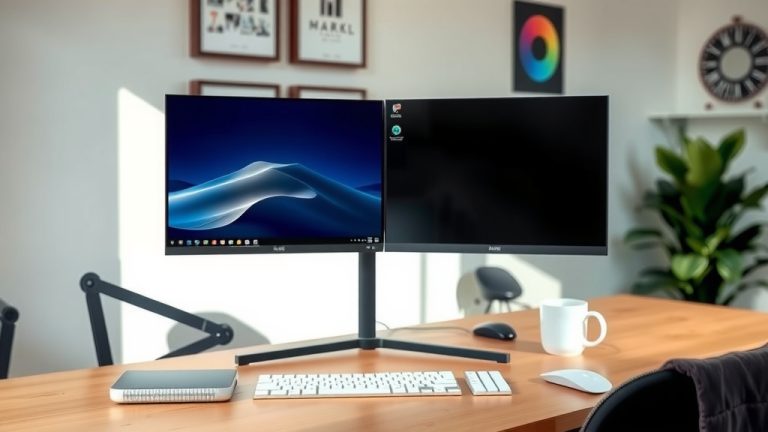
You won’t need a super powerful computer to drive a 24-inch 1080p monitor. This makes it a great, budget-friendly choice for many users. It’s also easier to fit on most desks. You can even consider a dual-monitor setup with two 24-inch screens. This gives you a lot of workspace.
Can Bigger Be Better for Daily Tasks?
What about a 27-inch monitor for everyday use? It can be great if you have the desk space and prefer a larger viewing area. Some users find a 27-inch screen helps reduce eye strain because text can be displayed larger.
However, if you stick with a 1080p resolution on a 27-inch screen, things might look a little less sharp. We found that many users prefer a higher resolution, like 1440p (QHD), for 27-inch monitors. This brings us to our next point: resolution matters.
Bigger Screens for Specific Needs
Gaming: Immersion is Key
Gamers often crave a larger, more immersive experience. This means screens typically start at 27 inches and go up from there. A bigger screen can make you feel more “in the game.”
For gaming, resolution and refresh rate are just as important as size. Many gamers opt for 27-inch or 32-inch monitors with 1440p or even 4K resolution. These higher resolutions offer incredible detail.
We found that popular gaming monitor sizes are 27 inches and 32 inches. These sizes hit a good balance between immersion and being able to see the whole screen without excessive head movement. A 32-inch 4K monitor can feel like you’re looking through a window into another world!
Creative Professionals: Detail and Space
If you’re a graphic designer, video editor, or photographer, screen real estate is your friend. You need to see your work clearly and have plenty of space for tools and palettes.
For these professions, monitors 27 inches and larger are very common. Many professionals choose 32-inch or even larger displays. Higher resolutions, like 4K (3840 x 2160 pixels), are essential for seeing fine details.
A larger screen with a high resolution means you can display more information at once. This can speed up your workflow. You’ll be able to see your edits without constant zooming. Many experts recommend 4K resolution for professional creative work (Adobe).
Ultrawide Monitors: A Different Experience
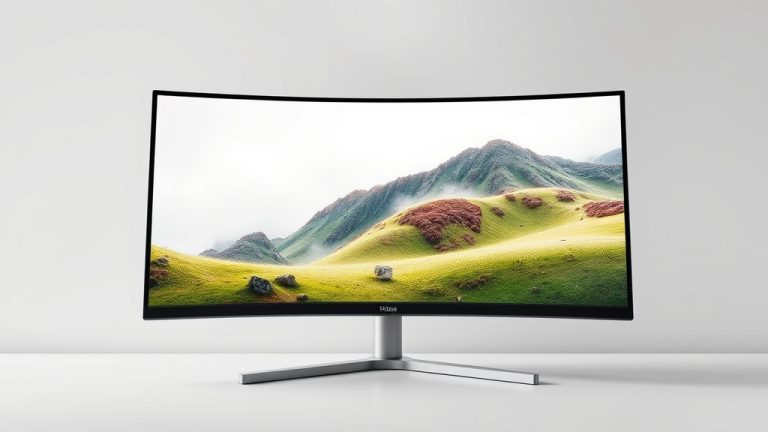
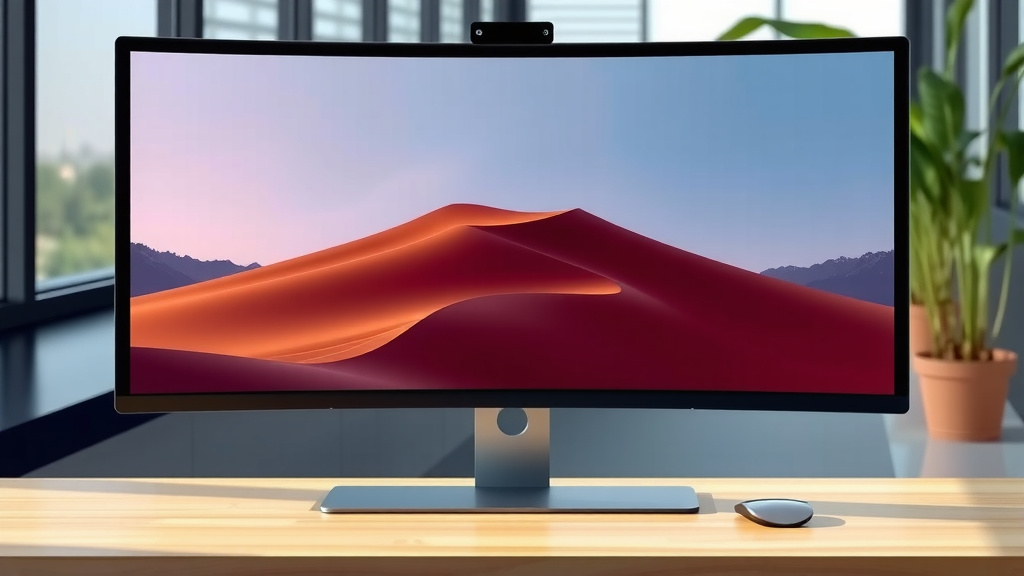
Ultrawide monitors offer an even wider aspect ratio than standard displays. They are great for multitasking and immersive gaming. Think of them as two monitors side-by-side, but without the bezel in the middle.
These monitors are usually 34 inches or larger. They provide a huge amount of horizontal space. This is fantastic for editing video timelines or having multiple windows open for coding. They can also be amazing for certain types of games.
However, they do require a good amount of desk space. And make sure your games and software support ultrawide resolutions. Some older titles might stretch or show black bars. We found that they are a fantastic, albeit niche, option.
Considering Resolution and Pixel Density
Screen size and resolution go hand-in-hand. A larger screen with a lower resolution can look pixelated or blurry. This is because the same number of pixels are stretched over a bigger area.
Pixel density, measured in pixels per inch (PPI), tells you how sharp the image will be. Higher PPI means a sharper, clearer picture. For example, a 27-inch 4K monitor will have a much higher PPI than a 27-inch 1080p monitor.
We generally recommend the following pairings:
| Monitor Size | Recommended Resolution | Typical PPI Range |
|---|---|---|
| 24 inches | 1080p (1920×1080) | ~92 PPI |
| 27 inches | 1440p (2560×1440) or 4K (3840×2160) | ~109 PPI (1440p) / ~163 PPI (4K) |
| 32 inches | 1440p (2560×1440) or 4K (3840×2160) | ~92 PPI (1440p) / ~138 PPI (4K) |
As you can see, a 32-inch 1440p monitor has a similar pixel density to a 24-inch 1080p monitor. For the sharpest images on larger screens, aim for 4K. Many sources suggest 4K is ideal for screens 27 inches and above for the best clarity (RTINGS).
Desk Space and Ergonomics
Before you click “buy,” measure your desk! A huge monitor might look amazing on paper, but it’s no good if it’s crammed into a corner or too close to your face.
You want to be able to sit a comfortable distance from your screen. A good rule of thumb is to have about an arm’s length between you and the monitor. For most people, this is around 2-3 feet. This distance helps prevent eye strain and neck discomfort.
If you have a smaller desk, a 24-inch monitor is likely your best bet. If you have more space, you can comfortably accommodate a 27-inch or even a 32-inch monitor. Consider monitor arms if desk space is limited. They can help lift the monitor off the desk.
Your Monitor Size Checklist
To make sure you’re picking the right size, ask yourself these questions:
- What will I primarily use the monitor for? (Work, gaming, general browsing)
- How much desk space do I have available? (Measure it!)
- What resolution do I need for my tasks? (1080p, 1440p, 4K)
- What’s my budget for a new monitor? (Larger screens and higher resolutions cost more)
- How far will I be sitting from the screen? (Ergonomics matter!)
Conclusion
Ultimately, the best monitor size for you hinges on your daily tasks and available space. For general productivity and web browsing, a 24-inch screen often hits the sweet spot for clarity and comfort. If you’re a gamer or a creative professional, larger screens, typically 27 to 32 inches, offer more immersion and workspace, especially when paired with higher resolutions like 1440p or 4K. Don’t forget to measure your desk and consider your viewing distance for optimal ergonomics. With these factors in mind, you’re well-equipped to find a monitor that perfectly suits your needs. Take a moment to re-evaluate your primary uses and desk setup before making your final choice!
Frequently Asked Questions
Will a 27-inch monitor be too big for my desk?
It really depends on your desk size and how far you sit from your screen. A 27-inch monitor generally requires about 2-3 feet of viewing distance to be comfortable. We recommend measuring your desk space and practicing sitting at that distance to see if it feels right for you.
Is a 24-inch monitor still good for gaming?
Yes, a 24-inch monitor can be excellent for gaming, especially if you play fast-paced competitive titles. Many esports pros prefer 24-inch screens because they can easily see the entire screen at once without moving their head. Just ensure it has a good refresh rate and response time for a smooth gaming experience.
How does resolution affect the ideal monitor size?
Resolution is key – higher resolutions like 1440p or 4K look much sharper on larger screens. If you choose a big monitor with a low resolution (like 1080p), the pixels can become stretched and appear blurry. We found that 1440p is a great match for 27-inch monitors, while 32-inch and larger screens often benefit from 4K.
Can I use two smaller monitors instead of one big one?
Absolutely! A dual-monitor setup, perhaps with two 24-inch screens, can offer fantastic multitasking capabilities. You get a lot of screen real estate without one single, massive display taking over your desk. Just make sure your graphics card can support a dual-monitor setup and that you have enough desk space for two.
What’s the difference between ultrawide and regular monitors for my work?
Ultrawide monitors offer a wider aspect ratio, giving you more horizontal space. This is ideal for tasks like editing video timelines, coding with multiple windows open, or immersive gaming. Regular monitors have a standard aspect ratio. While ultrawides are great for multitasking, they do take up more desk space and require software that supports their wider resolution.