27 Inch Monitor Size: How Big Is It Really
So, you’re wondering how big a 27-inch monitor really is? Typically, it refers to the diagonal screen measurement. You’ll find a 27-inch monitor offers a great balance for most users. It’s a popular size for both productivity and entertainment, giving you enough screen real estate without overwhelming your desk.
When we talk about monitor sizes, it’s important to remember we’re measuring the viewable screen area, not the whole unit. A 27-inch display provides a noticeably larger picture than smaller options. This makes it a solid choice for gaming, multitasking, and detailed work. It’s a sweet spot for many!
- A 27-inch monitor’s size is measured diagonally across the screen.
- This size offers a good balance for various tasks like work and gaming.
- It’s larger than smaller monitors but usually fits comfortably on most desks.
- Many people find this size ideal for an improved viewing experience.
Let’s break down exactly what you can expect from a 27-inch monitor and how it might fit into your setup.
Understanding Your 27-Inch Monitor’s Footprint
So, you’re curious about the actual size of a 27-inch monitor. It’s not quite as simple as just saying “it’s 27 inches.” This measurement refers to the diagonal length of the viewable screen. Think of it like measuring a TV screen; it’s the distance from one corner to the opposite corner, not including the bezel or stand. Many people find this size to be a sweet spot. It offers a substantial viewing area without demanding an enormous amount of desk space.
Diagonal Measurement Explained
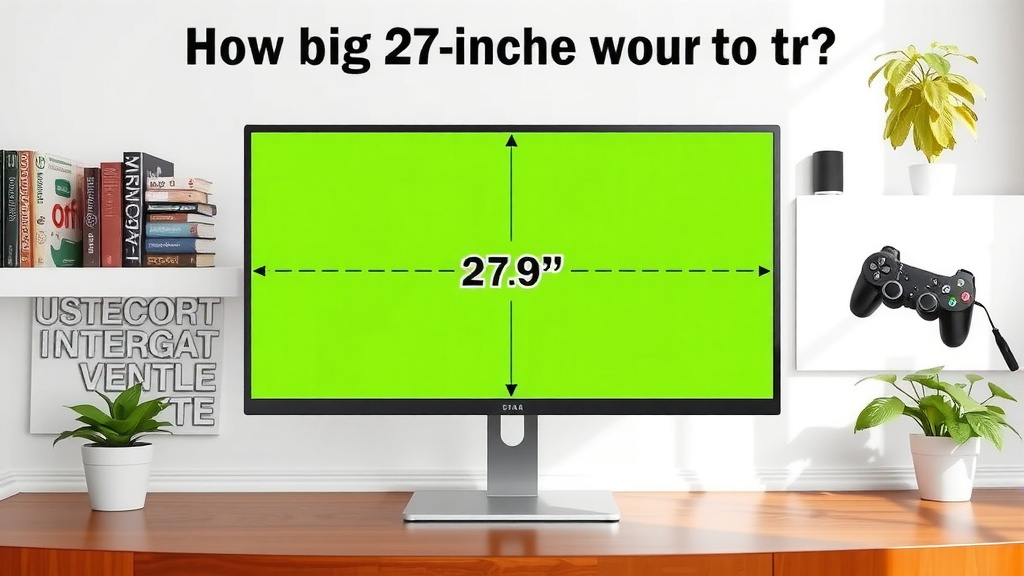
The 27 inches isn’t the width or height. It’s the diagonal. This means the actual width and height of the screen will be smaller. For a typical 16:9 aspect ratio monitor, a 27-inch screen is usually around 23.5 inches wide and 13.2 inches tall. This gives you a better idea of how much horizontal and vertical space the display will take up. We found that understanding this difference helps many shoppers avoid surprises when the monitor arrives.
Aspect Ratio’s Role
Monitors come in different aspect ratios, with 16:9 being the most common for general use and gaming. Ultrawide monitors have wider aspect ratios, like 21:9 or 32:9. A 27-inch monitor with a 21:9 aspect ratio would be much wider and shorter than a standard 27-inch 16:9 monitor. This means the physical dimensions can vary even with the same diagonal measurement. Always check the specific dimensions if desk space is tight.
How a 27-Inch Monitor Feels on Your Desk
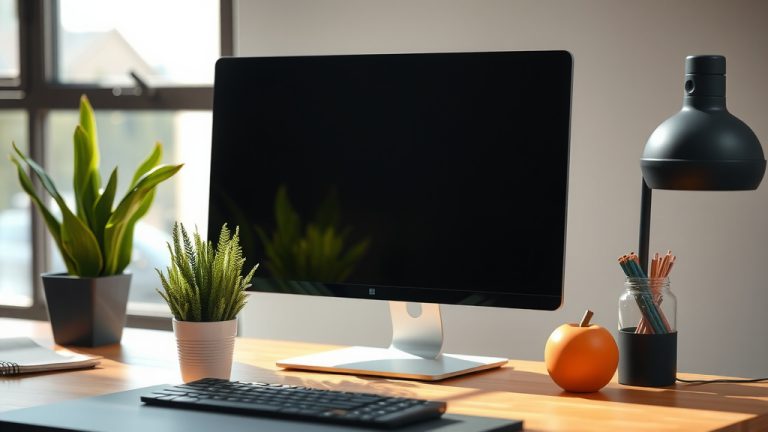
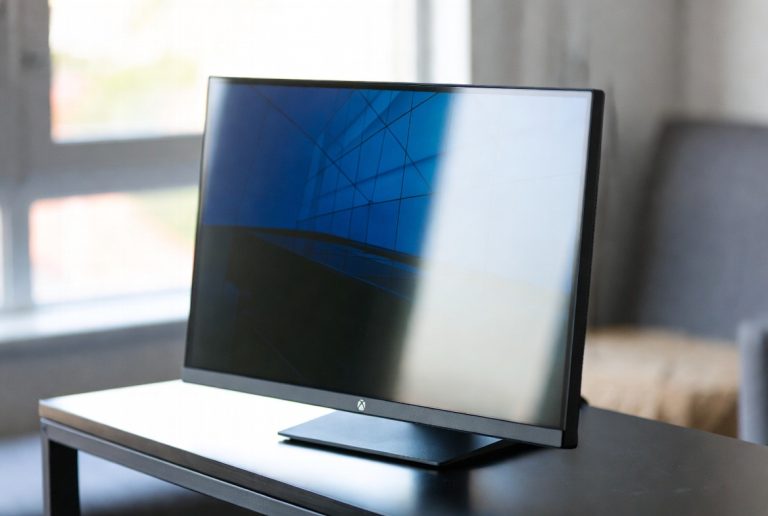
When you imagine a 27-inch monitor, picture a comfortable yet expansive display. It’s a significant step up from smaller 21 or 24-inch screens. We found that most users feel this size offers an excellent balance. It provides enough room for multiple windows without feeling cramped. You can spread out your work or enjoy a more immersive entertainment experience. It’s like getting a bigger window into your digital world.
Desk Space Considerations
Let’s talk real estate. A 27-inch monitor typically has a width (including bezels) of around 24-25 inches. The depth can vary depending on the stand design, but it’s usually between 8-10 inches. This means it should fit comfortably on most standard desks. A desk that is 48 inches wide should offer plenty of room. If you have a smaller compact desk, you might want to measure your available space first. We suggest leaving some space around the monitor for airflow and comfort.
Stand vs. Mount
The monitor stand can influence how much space it takes up. Some stands are minimalist, while others are more substantial. If desk space is a premium, consider a monitor arm. A VESA mount allows you to attach the monitor to a wall or desk mount, freeing up valuable surface area. This is a popular option for gamers and professionals who need more room for accessories.
Viewing Distance Matters
How far away will you be sitting? For a 27-inch monitor, an ideal viewing distance is usually between 2 to 3 feet. This distance allows you to take in the whole screen without excessive head or eye movement. If you sit too close, you might feel overwhelmed. Sit too far, and you might miss some of the detail. It’s similar to sitting too close to a large TV; things can appear blurry or too big to comprehend comfortably.
Benefits of the 27-Inch Screen Size
Why is 27 inches so popular? For many, it hits the sweet spot between functionality and space. It’s large enough to be immersive for movies and games, yet manageable for everyday tasks. You can easily see details for photo editing or spread out spreadsheets without constant scrolling. Many experts suggest this size is optimal for reducing eye strain because you don’t need to squint or lean forward excessively (The Vision Council).
Productivity Boost
For work, a 27-inch monitor can be a real game-changer. You can comfortably run multiple applications side-by-side. Imagine having your email open on one side and your document on the other, or viewing a large spreadsheet without zooming. Research indicates that larger screen sizes can improve productivity by reducing task-switching time (NCBI). This means less time spent clicking between windows and more time actually getting things done. It’s about streamlining your workflow.
Gaming and Entertainment Immersion
Gamers often gravitate towards 27-inch monitors. The larger screen size pulls you deeper into the game world. Details become sharper, and the action feels more immediate. For movies and streaming, it offers a more cinematic experience than smaller displays. While 32 inches or larger might be more immersive, 27 inches provides a fantastic balance for many without requiring a massive setup. It’s a great choice for console gaming too, as it provides a clear picture from a typical living room viewing distance. Our guide to the best 1080p monitor for console gaming can help you find a display that enhances your experience.
Comparing 27-Inch to Other Sizes
To truly appreciate the scale of a 27-inch monitor, let’s quickly compare it to other common sizes. This helps put things in perspective. We’ve seen many people upgrade from smaller monitors and be amazed by the difference.
| Monitor Size | Typical Use Cases | Desk Footprint Feel |
|---|---|---|
| 21-24 Inches | Basic productivity, budget gaming, small desks | Compact, good for tight spaces |
| 27 Inches | General productivity, gaming, media consumption, design work | Balanced, comfortable viewing, good immersion |
| 32 Inches & Up | Serious gaming, professional content creation, multi-monitor setups | Large, immersive, may require more desk space |
The Upsize to 27 Inches
Moving from a 24-inch to a 27-inch monitor might not sound like a huge leap. However, we found that the increase in screen area is quite noticeable. A 27-inch monitor has about 36% more screen area than a 24-inch monitor. This extra space can make a big difference for multitasking and overall visual comfort. It’s enough to feel like a significant upgrade without being overwhelming.
Things to Check Before Buying
Before you commit to a 27-inch monitor, it’s wise to do a quick check. This ensures it’s the right fit for your needs and space. Here’s a short checklist:
- Measure your desk depth and width.
- Consider your primary use: work, gaming, or both?
- Note your typical viewing distance.
- Check if the monitor stand fits your aesthetic and space.
- Look into VESA mount compatibility if you want to use an arm.
Taking these small steps will help you make a confident decision. You want a monitor that enhances your setup, not one that causes frustration. We found that planning ahead really pays off for most users.
Conclusion
So, you’ve learned that a 27-inch monitor is measured diagonally and offers a fantastic middle ground. It’s spacious enough for productive multitasking and immersive entertainment, yet usually fits well on most desks. We’ve seen how its actual width and height, along with the aspect ratio, influence its footprint. Remember to consider your viewing distance and desk space before buying. Now that you know what to expect, take that final measurement of your desk. Your ideal 27-inch monitor is waiting to enhance your setup!
Frequently Asked Questions
Will a 27-inch monitor be too big for my small desk?
A 27-inch monitor typically has a width of around 24-25 inches, including the bezels. While this is larger than smaller monitors, it usually fits comfortably on most standard desks. We suggest measuring your desk depth and width, and consider a monitor arm if you need to save surface space.
How far away should I sit from a 27-inch monitor?
For optimal viewing comfort, experts suggest sitting about 2 to 3 feet away from a 27-inch monitor. This distance allows you to see the entire screen without excessive eye or head movement. Sitting too close might feel overwhelming, while sitting too far can make details harder to discern.
Is a 27-inch monitor good for gaming?
Yes, 27-inch monitors are very popular for gaming. The larger screen size provides a more immersive experience, allowing you to see more of the game world and its details. It offers a great balance between immersion and manageable desk space for many gamers.
How much more screen space does a 27-inch monitor offer compared to a 24-inch?
A 27-inch monitor offers about 36% more screen area than a 24-inch monitor. This increase in size is noticeable and can significantly improve your ability to multitask or enjoy visually detailed content.
Can I use a 27-inch monitor for detailed design work?
Absolutely. The larger screen real estate of a 27-inch monitor is excellent for tasks requiring detail, like graphic design or photo editing. You can view larger images, work with multiple tools and windows side-by-side, and see finer elements more clearly.