What Size is a 27-Inch Monitor
So, you’re wondering about a 27-inch monitor size. Think of it as a sweet spot for most users. It offers a bigger screen experience without taking over your whole desk. This size is great for both work and play, giving you more space to see everything clearly. It’s a popular choice for a reason.
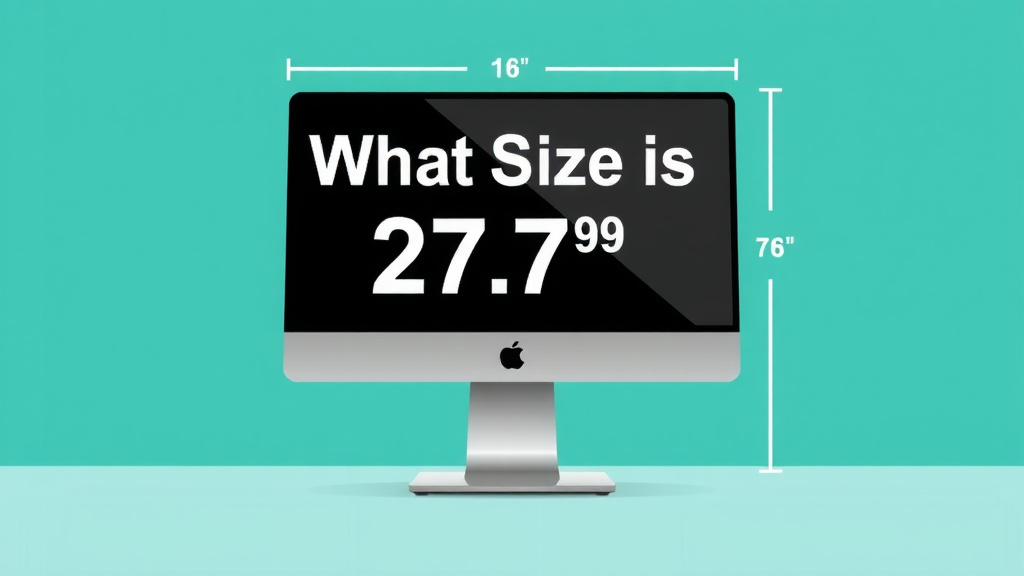
A 27-inch monitor typically measures about 23.5 inches wide. The height is around 13.5 inches tall. This is just for the screen itself, not including the stand. Many people find this size perfect for multitasking. It’s large enough to have multiple windows open comfortably.
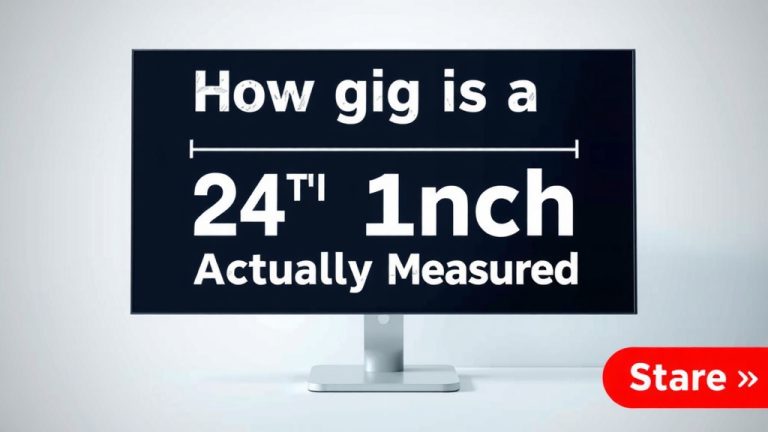
- 27 inches refers to the screen’s diagonal measurement.
- Actual screen width is about 23.5 inches.
- Actual screen height is about 13.5 inches.
- It’s a popular size for gaming and productivity.
- It fits well on most desks.
Let’s break down exactly what this size means for your setup and daily use.
You’re curious about the real estate a 27-inch monitor gives you, right? It’s a popular size, and for good reason. Let’s dive into what that measurement actually means for your desk and your eyes.
Understanding the Dimensions of a 27-Inch Display
So, how big is a 27-inch monitor in practice? It’s all about the diagonal measurement of the screen itself. This means from one corner to the opposite corner. It’s a standard way to measure screens for TVs and monitors alike.
When we talk about a 27-inch monitor, we’re referring to the viewable screen area. The actual physical dimensions, including bezels and stands, will be larger. But the screen size itself is your primary indicator of how much you’ll see.
Screen Size vs. Physical Size
It’s easy to confuse screen size with the overall dimensions of the monitor. Remember, the 27 inches is just the diagonal length across the display panel. This is a key point for understanding how much space it will occupy.
The width of the screen is typically around 23.5 inches. The height is usually about 13.5 inches. These are for the display area only. The bezel around the screen and the stand add extra inches. You’ll want to measure your desk space carefully before buying.
Aspect Ratio and Its Impact
Most modern 27-inch monitors use a 16:9 aspect ratio. This is what gives you that wide, rectangular screen. It’s ideal for watching movies and playing games. It also works very well for multitasking. You can easily fit two applications side-by-side.
Think of it like having a widescreen movie theater on your desk. The 16:9 ratio offers a comfortable viewing experience. It doesn’t feel too narrow or too tall. This is why it’s become the standard for so many digital displays.
Why 27 Inches is a Popular Choice
Many people find a 27-inch monitor to be the perfect balance. It offers a substantial screen real estate. Yet, it doesn’t overpower a standard desk setup. It’s a sweet spot for many different users.
Productivity Powerhouse
For work, a 27-inch monitor can be a real game-changer. You can open multiple windows and documents. Imagine having your email, a spreadsheet, and a web browser open at once. You can switch between them easily without constant minimizing and maximizing. For work, a 27-inch monitor can be a real game-changer, and our guide to the best 1080p monitors for work can help you find one.
Research from user experience studies often highlights the benefits of larger displays for productivity. More screen space can reduce task switching. This means less time spent hunting for information. You can also see more of your work at a glance. Many office environments now offer 27-inch monitors as standard.
Gaming and Entertainment Hub
Gamers often love 27-inch monitors. The larger screen pulls you into the action. The 16:9 aspect ratio is perfect for most modern games. You get a great view of the game world. It helps you spot enemies or details more easily.
When watching movies or streaming shows, that extra size makes a difference. You get a more immersive experience. It’s like having a small personal cinema. The details pop more. The overall viewing is more enjoyable.
Fitting It on Your Desk
Worried about space? A 27-inch monitor usually fits well on most desks. The actual width of the screen is around 23.5 inches. Add a few inches for the bezel and stand. You’re likely looking at a total width of about 25-27 inches. This fits on many common desk sizes.
Of course, monitor stands vary. Some are quite deep. Others are more minimalist. You can also consider a monitor arm. This can free up desk space entirely. It allows you to adjust the monitor’s position more freely.
Key Considerations for 27-Inch Monitors
While 27 inches is a great size, there are a few things to keep in mind. Resolution is a big one. Viewing distance also plays a role.
Resolution Matters: 1080p vs. 1440p vs. 4K
For a 27-inch monitor, the resolution is super important. At 27 inches, a 1920×1080 (Full HD or 1080p) resolution can look a bit stretched. The pixels might be noticeable. This is called pixel density. You might see some jagged edges on text or images.
Many experts recommend a 1440p (2560×1440) resolution for 27-inch monitors. This is often called QHD. It offers about 77% more pixels than 1080p. This results in much sharper images and clearer text. It’s a great sweet spot for clarity and performance.
Alternatively, 4K (3840×2160) resolution is also an option. This provides incredible detail. However, it requires a more powerful computer. Your graphics card needs to be up to the task. Plus, some older applications might not scale well with 4K text.
Viewing Distance and Eye Strain
The distance you sit from your monitor affects your experience. For a 27-inch display, a viewing distance of about 2 to 3 feet is often recommended. This distance allows you to see the entire screen without excessive head or eye movement.
If you sit too close to a 27-inch monitor, especially a 1080p one, you might notice the pixels. You might also experience eye strain. Sitting too far away can make small text hard to read. Finding that comfortable distance is key.
| Monitor Size | Typical Width (Screen Only) | Typical Height (Screen Only) | Best For |
|---|---|---|---|
| 24-inch | ~20.9 inches | ~11.8 inches | Basic productivity, gaming, tight spaces |
| 27-inch | ~23.5 inches | ~13.5 inches | Productivity, gaming, media consumption, multitasking |
| 32-inch | ~27.9 inches | ~15.7 inches | Immersive gaming, heavy multitasking, content creation |
What to Look For in Your Next 27-Inch Monitor
When you’re ready to buy, keep these points in mind for your 27-inch monitor:
- Resolution: Aim for 1440p (QHD) for the best clarity.
- Refresh Rate: 60Hz is standard. 120Hz+ is better for smooth gaming. While 60Hz is standard, our guide to the best 1080p high refresh rate monitors can help you find smoother options.
- Response Time: Lower is better for gaming (1ms-5ms).
- Panel Type: IPS offers great color and viewing angles. VA has better contrast. TN is fastest but has worse colors.
- Ergonomics: Look for adjustable height, tilt, and swivel.
- Connectivity: Ensure it has the ports you need (HDMI, DisplayPort, USB-C).
In summary, a 27-inch monitor offers a generous screen size that enhances both productivity and entertainment. It’s a popular choice because it strikes a great balance between immersion and desk real estate. Just remember to consider the resolution and your viewing distance to get the most out of it!
Conclusion
You’ve explored the dimensions and advantages of a 27-inch monitor. It truly hits a sweet spot, offering ample screen space for productivity and immersion without overwhelming your desk. Remember, the 27 inches refers to the diagonal screen measurement. The actual width is around 23.5 inches, and height is about 13.5 inches. For the best visual experience, especially at this size, aim for a 1440p (QHD) resolution. Now you’re ready to find the perfect 27-inch monitor that fits your space and your needs.
Frequently Asked Questions
Will a 27-inch monitor fit on my desk?
Generally, yes. The screen itself is about 23.5 inches wide. With bezels and a stand, the total width is usually around 25-27 inches. Measure your desk’s width to be sure, and consider a monitor arm if space is very tight.
Is 27 inches too big for a small room?
Not necessarily. While the screen is larger, the overall footprint of most 27-inch monitors is manageable for typical desks. The key is your viewing distance; sitting 2-3 feet away usually works well, even in smaller spaces.
What’s the difference between a 27-inch and a 24-inch monitor?
A 27-inch monitor offers about 3 inches more diagonal screen space than a 24-inch. This translates to more width and height, making it better for multitasking and a more immersive viewing experience.
Do I really need a 1440p resolution for a 27-inch monitor?
While 1080p can work, 1440p (QHD) is highly recommended for 27-inch monitors. It provides a much sharper image and clearer text by packing more pixels into the larger screen, reducing pixelation.
How far away should I sit from a 27-inch monitor?
A viewing distance of 2 to 3 feet is generally ideal for a 27-inch monitor. This range allows you to see the entire screen comfortably without straining your eyes or neck.