Monitor Sizes Explained: What’s the Right Monitor for You
Monitors come in a wide range of sizes, typically measured by their diagonal screen dimension. You’ll most commonly find monitors ranging from 19 inches to 34 inches, but sizes can go much larger for specialized setups. Your personal needs, like gaming, work, or casual browsing, will help determine the best monitor size for you.
The size you choose impacts your viewing experience and the space your monitor takes up. A larger screen offers more screen real estate for multitasking, but it also requires more desk space. Many users find that ultrawide monitors offer a unique immersive experience. We found that picking the right size can really boost your productivity.
- Monitor sizes are measured diagonally.
- Common sizes range from 19 to 34 inches.
- Larger screens offer more space but need more room.
- Your use case (gaming, work) is key to choosing size.
Let’s break down the different monitor sizes and what they mean for your setup.
Understanding Monitor Screen Dimensions
When we talk about how big monitors are, we’re usually talking about their screen size. This is measured diagonally across the screen. Think of it like measuring the longest side of a pizza box, not the whole box. Manufacturers measure from one corner to the opposite corner. This diagonal measurement is the standard way to compare monitor sizes.
The units you’ll see are almost always in inches. So, a 24-inch monitor means the diagonal from the bottom left corner to the top right corner is 24 inches. This measurement doesn’t include the bezel, which is the plastic frame around the screen. It’s purely about the viewable area.
Common Monitor Sizes and Their Uses
Smaller Monitors (Under 22 Inches)
These monitors are becoming less common for everyday use. You might still find them in specialized settings. Think of point-of-sale systems or small workstations. They take up very little desk space. However, for most people, they feel too cramped for modern computing tasks.
Compact to Mid-Size Monitors (22 to 25 Inches)
This is a popular range for many users. A 24-inch monitor is often considered the sweet spot. It’s large enough for comfortable work and general browsing. You can easily fit two of these side-by-side on many desks. They offer a good balance of screen space and footprint. Many entry-level gaming monitors also fall into this size category.
Standard Full-Size Monitors (26 to 30 Inches)
Stepping up to a 27-inch monitor makes a noticeable difference. You get significantly more screen real estate. This is great for multitasking or detailed work. Graphic designers and programmers often prefer this size. It allows for more windows to be open and easily visible. For gaming, a 27-inch monitor can be quite immersive.
Monitors around 30 inches, like a 32-inch display, offer even more room. These are excellent for productivity if you have the desk space. Watching movies or playing games on a 32-inch screen can feel more cinematic. Just be sure your desk can handle the larger physical dimensions.
Large and Ultrawide Monitors (30+ Inches)
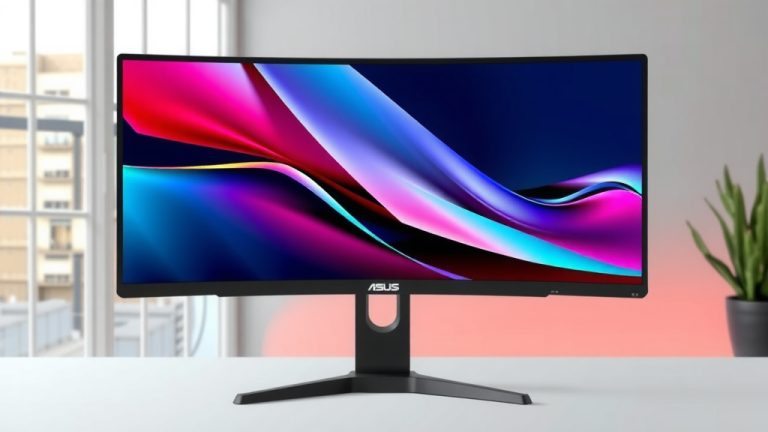
This category includes the big players. Monitors 30 inches and above are for those who want maximum screen real estate. Ultrawide monitors are a specific type here. They have a wider aspect ratio, often 21:9 or 32:9. An ultrawide 34-inch monitor is like having two 27-inch monitors without the bezel in between. An ultrawide 34-inch monitor is like having two 27-inch monitors without the bezel in between. Our guide to the best 1080p ultrawide gaming monitor can help.
Ultrawides are fantastic for creative professionals. Video editors can see more of their timeline. Gamers often rave about the immersive experience. However, they require a significant amount of desk depth and width. You also need to ensure your computer can drive these high resolutions smoothly.
Factors Influencing Your Monitor Size Choice
Your Primary Use Case
What will you be doing most often? This is the most important question. For basic web browsing and email, a 22-24 inch monitor is usually fine. If you’re a gamer, you might lean towards 27 inches for immersion, or even an ultrawide if budget and space allow. Professionals who juggle multiple applications, like coders or financial analysts, often benefit greatly from larger or ultrawide screens. Professionals who juggle multiple applications, like coders or financial analysts, often benefit greatly from larger or ultrawide screens. Our guide to the best 1080p office monitor can help.
Desk Space Availability
Be honest with yourself about your desk. A 34-inch ultrawide monitor needs a lot of real estate. Measure your desk before you buy. Consider the depth as well as the width. You need space for the monitor, your keyboard, mouse, and any other accessories. A monitor that’s too big can make your workspace feel cluttered and cramped.
Viewing Distance and Room Size
How far will you sit from the screen? Most experts suggest a viewing distance of about an arm’s length, or 20-30 inches. If you sit further away, a larger screen makes more sense. For a small office or bedroom setup, a huge monitor might overwhelm the space. Consider the overall balance of your room.
The American Optometric Association suggests maintaining a comfortable viewing distance to reduce eye strain (American Optometric Association). For most monitors, this means being about 20-40 inches away. A larger screen at too close a distance can force you to move your head a lot, which is tiring.
Resolution and Pixel Density
Monitor size is closely tied to resolution. A 24-inch monitor with a 1080p (Full HD) resolution will look good. But a 32-inch monitor with the same 1080p resolution will appear pixelated. This is because the pixels are spread out over a larger area. This is known as lower pixel density.
For larger monitors, you generally want higher resolutions like 1440p (QHD) or 4K (UHD). This keeps the image sharp and clear. A 27-inch monitor with 1440p is very popular. It offers a great balance of sharpness and performance demands. A 32-inch monitor often looks best at 4K. Researching resolution for your chosen size is key.
Ultrawide Monitors: A Special Category
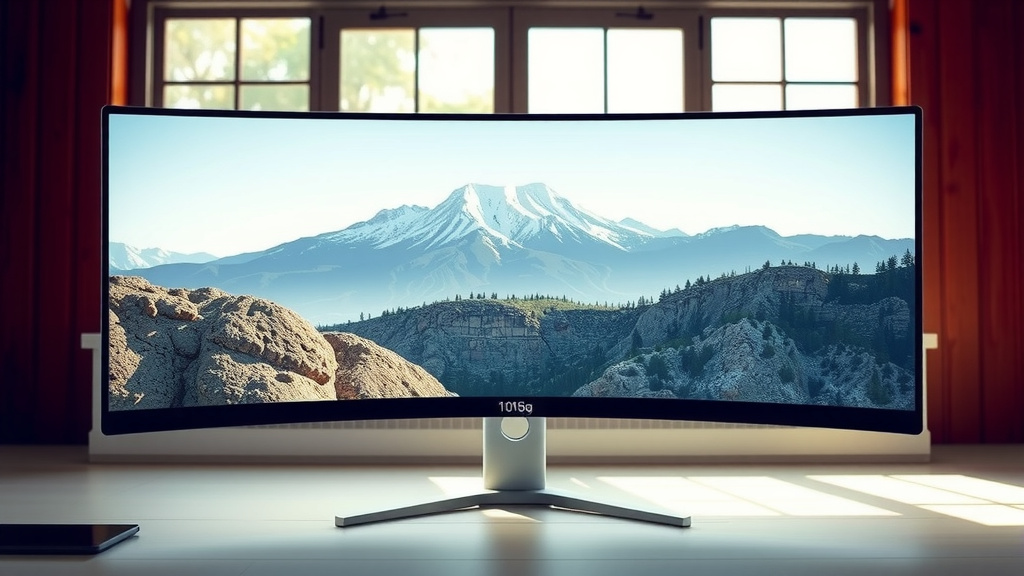
Ultrawide monitors offer an immersive experience that standard aspect ratios can’t match. They are significantly wider than they are tall. The most common aspect ratios are 21:9 and 32:9. Imagine a movie theater screen on your desk. That’s the kind of panoramic view you get.
The benefit for productivity is immense. You can line up multiple documents side-by-side with ease. Many find they can work faster without constantly switching windows. Gaming on an ultrawide can pull you right into the game world. However, not all games support ultrawide resolutions perfectly. You might see black bars on the sides in some titles. Software compatibility can also be a consideration.
Your Monitor Size Checklist
To help you decide, consider these points:
- Measure your available desk space carefully.
- Identify your main computer activities (gaming, work, casual).
- Consider how far you typically sit from your screen.
- Factor in the resolution you want for clarity.
- Think about whether you need space for multiple monitors.
- What’s your budget? Larger screens often cost more.
Conclusion
Choosing the right monitor size is a personal decision. It’s about finding the sweet spot between your needs and your space. We found that considering your primary use, available desk real estate, viewing distance, and desired resolution are the most important factors. Don’t rush the process. Take a moment to measure your desk and think about how you’ll actually use the screen.
Your next step is to confidently pick a size that enhances your workflow or entertainment. You’ve got the information you need to make a great choice.
Frequently Asked Questions
What is the most common monitor size?
The most common monitor sizes typically range from 24 to 27 inches. This size offers a great balance for general productivity, gaming, and everyday use. It provides enough screen real estate without overwhelming most desk setups.
Can a monitor be too big for my desk?
Yes, a monitor can definitely be too big for your desk. Larger monitors, especially ultrawides, require significant width and depth. Always measure your available space carefully before purchasing to avoid a cramped workspace.
Do I need a higher resolution for a bigger monitor?
Yes, generally you do. Larger monitors benefit from higher resolutions like 1440p or 4K. This ensures the image remains sharp and clear. A big screen with a low resolution will look pixelated.
Are ultrawide monitors good for multitasking?
Ultrawide monitors excel at multitasking. Their expanded width allows you to view multiple windows side-by-side without overlap. Many users find they can work more efficiently this way compared to standard monitors.
How far should I sit from my monitor?
A comfortable viewing distance is usually about an arm’s length away, roughly 20 to 30 inches. Sitting too close to a large monitor can cause eye strain and discomfort. Adjust your seating position to match the screen size.