Average Computer Monitor Size: What You Need to Know
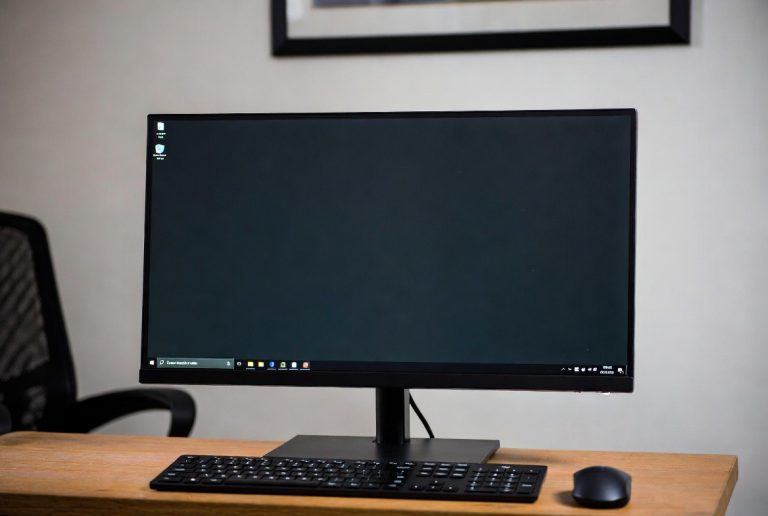
The average computer monitor size you’ll find today typically falls between 24 and 27 inches diagonally. This range offers a great balance for most tasks, whether you’re working, gaming, or just browsing the web. While smaller and larger options exist, this sweet spot is where most people land for a comfortable viewing experience.
When we talk about monitor size, we’re measuring the diagonal distance across the screen, just like TVs. It’s easy to get lost in the options, but understanding the common sizes helps narrow down your choices. You’ll see everything from tiny 19-inch screens to massive 40-inch behemoths, but most desks are best suited for the mid-range options we mentioned.
- The average monitor is 24 to 27 inches.
- This size is good for general use.
- Monitor size is measured diagonally.
- Many other sizes are available.
Ready to figure out the perfect monitor size for your setup? Let’s dive into the details and see what makes the most sense for you!
What’s the Typical Computer Monitor Size?
When most people ask about the average computer monitor size, they’re usually wondering what’s best for their everyday needs. We’ve found that the sweet spot for most users is right around 24 to 27 inches diagonally. This range hits a great balance. It offers enough screen real estate for productivity without overwhelming your desk. It’s also comfortable for entertainment like watching videos or casual gaming.
Understanding Monitor Dimensions
It’s important to remember that monitor size is always measured diagonally. This measurement spans from one corner of the screen to the opposite corner. Think of it like measuring a television screen. This diagonal measurement helps standardize size comparisons across different aspect ratios and brands. So, a 27-inch monitor isn’t just wider; it’s larger overall.
The Dominant Size: 27 Inches
Currently, the 27-inch monitor is incredibly popular. Many experts and tech reviewers point to this size as a favorite for a reason. It provides a noticeable upgrade in screen space compared to smaller options. You get more room for multitasking. Spreadsheets become easier to manage. Websites display more content without excessive scrolling. For many, this is the best all-around choice.
The Solid Contender: 24 Inches
Before the 27-inch monitor gained so much traction, the 24-inch screen was king. It remains a fantastic option, especially for those with more compact desk spaces or budget constraints. We found that 24 inches is still perfectly adequate for most daily computing tasks. It offers a comfortable viewing experience without feeling cramped. It’s a reliable workhorse.
Why These Sizes Are So Popular
The popularity of 24- and 27-inch monitors isn’t an accident. It’s a result of extensive research and user feedback. Manufacturers aim to meet the demands of the largest group of consumers. These sizes offer a harmonious blend of functionality and physical footprint. Let’s break down why they work so well.
Balancing Screen Real Estate and Desk Space
One of the biggest factors is desk real estate. Most people don’t have massive workstations. A 27-inch monitor takes up a fair amount of space. A 24-inch monitor is even more forgiving. You need enough room for your keyboard, mouse, and other accessories. These monitor sizes generally fit comfortably without making your desk feel cluttered. It’s a practical consideration for your home or office setup.
Comfortable Viewing Distance
Your optimal viewing distance is also key. For monitors in the 24- to 27-inch range, a typical viewing distance of about 2 to 3 feet works well. This distance allows you to take in the entire screen without excessive head or eye movement. This promotes better ergonomics and reduces strain. We found that many users naturally position themselves at this distance.
Cost-Effectiveness and Value
Generally, as monitor size increases, so does the price. The 24- and 27-inch categories offer excellent value. You get a substantial screen for your money compared to smaller or much larger displays. This makes them accessible to a wider range of budgets. Many experts suggest this size range provides the best “bang for your buck” for general users.
Exploring Other Monitor Sizes
While 24 to 27 inches dominate, the monitor market offers a much wider spectrum of sizes. You might encounter these if you have specific needs or preferences. Understanding them can help you appreciate why the mid-range is so common.
Smaller Monitors: The Compact Choice
You can still find monitors as small as 19 or 20 inches. These are often found in specialized business environments or as secondary displays. They are extremely space-saving. However, for primary use, they can feel quite restrictive. You’ll likely find yourself scrolling and zooming much more often. We see these less and less for general consumers.
Larger Monitors: The Immersive Experience
Monitors larger than 27 inches are becoming more common. Think 32 inches and beyond. These are fantastic for activities that benefit from a huge visual canvas. This includes professional video editing, complex graphic design, or immersive gaming. However, these also demand more desk space. You also need to sit further back to view them comfortably. We found that 32 inches is a popular step-up for enthusiasts.
Ultrawide Monitors
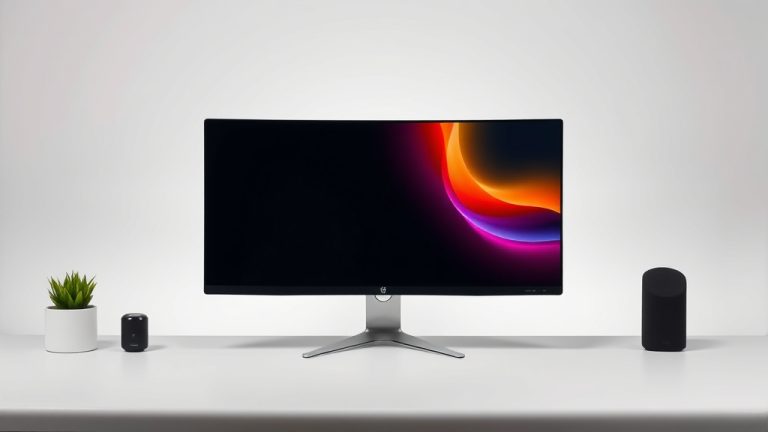
Don’t forget ultrawide monitors! These are measured by their width, not just diagonal height. They offer a panoramic view. An ultrawide might be 34 inches, but it’s significantly wider than a standard 34-inch display. They are amazing for multitasking and certain types of gaming. But they require a very deep desk to position correctly.
Choosing the Right Size for You
So, how do you pick the perfect size? It really comes down to your specific usage and available space. Consider these questions:
- What will you primarily use your monitor for? (Work, gaming, general browsing, creative tasks?)
- How much desk space do you have? (Measure it out!)
- What is your typical viewing distance? (How far do you sit from your screen?)
- What’s your budget? (Larger screens typically cost more.)
A Quick Checklist for Your Decision
To help solidify your choice, run through this quick checklist:
- Confirm your desk dimensions.
- Consider your primary computer tasks.
- Think about viewing comfort and ergonomics.
- Set a realistic budget for your monitor.
- Read reviews for recommended sizes in your category.
Monitor Size by Use Case (General Guidelines)
We’ve compiled some general guidelines based on common user needs. These are not strict rules, but rather helpful starting points. Research and expert opinions often align with these suggestions.
| Primary Use Case | Recommended Diagonal Size Range | Notes |
|---|---|---|
| General Home/Office Use | 24 – 27 inches | Great balance of space and comfort. |
| Productivity/Multitasking | 27 – 32 inches | More screen for spreadsheets, multiple windows. |
| Casual Gaming | 24 – 27 inches | Good for immersion without being overwhelming. |
| Immersive Gaming/Creative Work | 32+ inches or Ultrawide | Requires more space and budget, offers maximum visual impact. |
| Budget-Conscious/Minimalist | 20 – 24 inches | Space-saving and cost-effective. |
Conclusion
You’ve learned that the average computer monitor size sits comfortably between 24 and 27 inches. This range provides a fantastic balance for most daily tasks, from work to entertainment. We’ve seen how this sweet spot offers ample screen real estate without dominating your desk. Remember to consider your personal desk space, viewing distance, and primary use case when making your choice. By following these guidelines, you can confidently select a monitor that enhances your computing experience.
Frequently Asked Questions
Will a 24-inch monitor feel too small for productivity?
For most general productivity tasks, a 24-inch monitor offers enough screen space. You’ll be able to manage spreadsheets and browse the web comfortably. If you frequently work with many windows open or large documents, you might find a slightly larger screen more beneficial.
Is a 27-inch monitor too big for a small desk?
A 27-inch monitor can work on a smaller desk, but you need to be mindful of its physical footprint. Ensure you have enough clearance for your keyboard and mouse. Some stands are more compact, or you could consider a monitor arm to save space.
How do ultrawide monitors compare in size to standard monitors?
Ultrawide monitors are wider than standard monitors of the same diagonal measurement. For example, a 34-inch ultrawide is much broader than a 34-inch standard monitor. They offer a panoramic view, great for multitasking but require more desk depth.
What’s the difference in viewing experience between 24 and 27 inches?
A 27-inch monitor offers a noticeable increase in screen real estate compared to a 24-inch one. This means more content is visible at once, reducing scrolling. For many users, this extra space enhances multitasking and immersion.
Can I use a 32-inch monitor for everyday browsing?
Yes, you can certainly use a 32-inch monitor for everyday browsing. However, you’ll likely want to sit a bit further back from the screen to view it comfortably. Make sure your desk is deep enough to accommodate it without feeling like you’re too close.