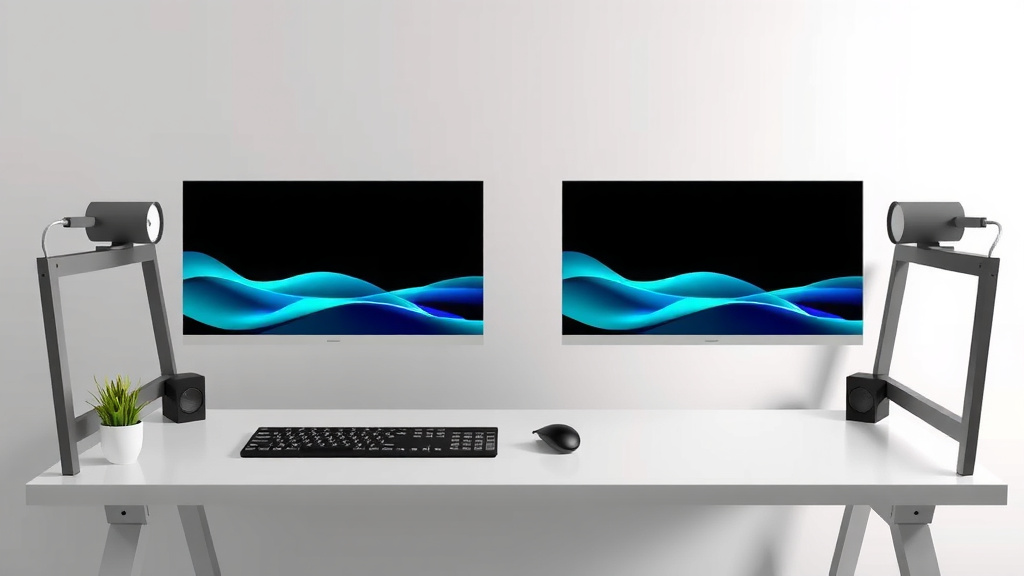
Desk Size Guide for Dual Monitors
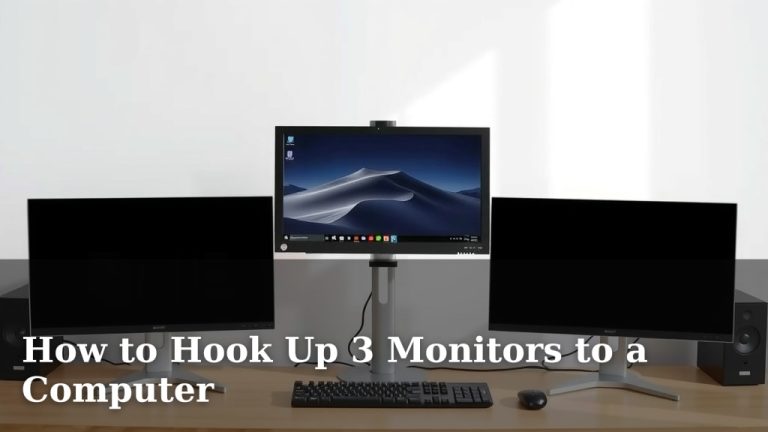
You need a desk that’s at least 47 inches wide for two monitors, but 55 inches or more is ideal. This ensures enough space for your monitors, keyboard, and mouse without feeling cramped. A common setup might place two 24-inch monitors side-by-side, needing ample depth and width.
Choosing the right desk size prevents neck strain and boosts your productivity. You want enough surface area to avoid bumping your monitors and to comfortably position your setup. We found that desk depth also plays a key role in your viewing distance. Many desks don’t offer enough depth for this.
- A good starting point is a 47-inch wide desk.
- Aim for 55 inches or wider for better comfort.
- Consider desk depth for proper monitor placement.
- The right size helps prevent strain and improves focus.
Let’s walk through exactly how to pick the perfect desk size for your dual-monitor setup.
Your Workspace Needs for a Dual Monitor Setup
So, you’re ready to join the dual-monitor club! It’s a fantastic way to boost your productivity. But before you buy, let’s talk about desk size. You might think any desk will do. However, research and common user experiences show a clear need for specific dimensions. You need enough space so your monitors don’t feel like they’re in your face. You also need room for your keyboard, mouse, and maybe even a coffee mug. We’ve found that a desk that’s too small can actually hinder your work.
Understanding Monitor Size and Placement
The size of your monitors is the first big factor. Most people starting with two monitors go for something in the 24-inch range. These are a great size for productivity without taking over your entire desk. However, if you’re eyeing larger monitors, like 27 inches or even 32 inches, you’ll need substantially more space. We found that placing two 24-inch monitors side-by-side typically requires about 48 inches of clear width.
Think about how you arrange your screens. Do you like them perfectly aligned? Or perhaps one is slightly angled? Most people prefer to have them close together, with minimal gap. This means the total width needed is roughly the sum of each monitor’s screen width, plus a little extra breathing room. We’ve seen setups where monitors are pushed back to create more desk space in front. This is a smart move for ergonomics.
The Crucial Role of Desk Depth
Many people focus only on desk width. But desk depth is just as important, if not more so, for a dual-monitor setup. Why? Because you need to position your monitors at a comfortable viewing distance. Staring at screens too close can lead to eye strain and headaches. Experts at the Cleveland Clinic suggest maintaining an arm’s length distance from your monitor.
For two monitors, this often means pushing them back further than you might think. If your desk is too shallow, your monitors will end up too close. This forces you into an uncomfortable posture. We found that a desk depth of at least 24 inches is a minimum. However, 28 to 30 inches offers much better flexibility for proper monitor placement and comfortable viewing distances.
Calculating Your Ideal Depth
Let’s do some quick math. If you have two 24-inch monitors, their actual screen width is about 21 inches each. Placed side-by-side, that’s 42 inches of screen. Add a few inches for the bezel and a small gap, and you’re at around 45-47 inches of total width. Now, consider that 24-inch monitor is about 14 inches tall. To achieve a comfortable viewing distance, say 2.5 feet (30 inches) away, you need your desk to be deep enough to accommodate that. If your monitors are on stands, you need even more depth.
We found that many standard desks, especially older or cheaper models, are only 18 to 22 inches deep. This is simply not enough for a dual-monitor setup if you want to avoid neck strain. A deeper desk allows you to place your monitors further back. This creates a more natural viewing angle and frees up valuable space in front of you.
Recommended Desk Dimensions for Two Monitors
So, what are the magic numbers? Based on our research and common recommendations, here’s what you should aim for. These are guidelines, and your specific monitor sizes might shift things slightly. But this will get you started on the right foot.
Minimum Width Requirements
For most dual-monitor setups, especially with screens up to 24 inches, you’ll want a desk that is at least 47 inches wide. This allows you to place two monitors side-by-side with a little room to spare. It’s enough space to avoid feeling cramped. You can comfortably fit your keyboard and mouse in front of the screens. We found this to be the absolute minimum for a usable setup.
The Sweet Spot: Optimal Width
If you can, aim for wider. A desk that is 55 inches or more in width is ideal. This provides ample space. You can spread your monitors out a bit more if you like. You’ll have plenty of room for accessories. This also gives you the flexibility to upgrade to slightly larger monitors later. Many experts suggest that 60 inches is the sweet spot for serious productivity setups.
Depth Recommendations for Ergonomics
As we discussed, depth is key. For a dual-monitor setup, we strongly recommend a desk with a depth of at least 24 inches. However, for the best ergonomic experience and flexibility, aim for a depth of 28 to 30 inches. This ensures you can position your monitors at a healthy viewing distance. It also prevents them from encroaching on your workspace. We found that desks with this depth allow for a much more comfortable and productive workflow.
Desk Height Matters Too
While width and depth are primary concerns for monitor placement, don’t forget desk height. The standard desk height in the US is around 29-30 inches. This height is generally suitable for most people when sitting. Your elbows should be at about a 90-degree angle when your hands are on the keyboard. If you’re significantly taller or shorter, consider an adjustable-height desk. This can make a big difference in your overall comfort. We’ve seen many ergonomic studies highlighting the importance of proper desk height (Occupational Safety and Health Administration).
Putting It All Together: Your Desk Checklist
Choosing the right desk might seem daunting, but it doesn’t have to be. By considering your monitors’ size and your personal preferences, you can find the perfect fit. Think about the space you have available in your room, too. Sometimes, a slightly smaller desk might fit better visually, but ensure it still meets the minimum depth requirements. Your health and productivity are worth the careful consideration.
Here’s a quick checklist to help you decide:
- Measure your current monitors (or the ones you plan to buy).
- Check the minimum width needed (around 47 inches).
- Aim for an ideal width (55 inches or more).
- Prioritize depth (24 inches minimum, 28-30 inches ideal).
- Consider your ideal desk height for sitting.
- Ensure the desk fits comfortably in your room.
By keeping these points in mind, you can select a desk that supports your dual-monitor setup perfectly. You’ll enjoy a more comfortable and efficient workspace. It’s an investment in your daily workflow!
Conclusion
You’ve learned the key dimensions for a dual-monitor desk. A width of at least 47 inches is your starting point. Aiming for 55 inches or more offers real comfort and flexibility. Don’t forget desk depth; 24 inches is minimum, but 28-30 inches is ideal for ergonomics. Your workspace impacts your health and productivity. Now, take these numbers and measure your space. Find a desk that fits your monitors, your room, and your workflow. You’re one step closer to a much more comfortable and efficient setup!
Frequently Asked Questions
What is the absolute minimum desk width for two 27-inch monitors?
For two 27-inch monitors, you’ll need more space than the general 47-inch minimum. We found that around 55-60 inches wide is a better starting point. This accounts for the larger screen size and any desired spacing between them.
Does the type of monitor stand affect the desk depth I need?
Yes, it absolutely does. If your monitors use their own stands, they take up desk depth. Using a monitor arm that clamps to the desk or goes through a grommet hole can free up significant surface area. This might allow you to get away with a slightly shallower desk.
Can I use a corner desk for a dual-monitor setup?
A corner desk can work well, but you need to check its dimensions carefully. Measure the length of each surface that will hold your monitors. Ensure the combined usable width and sufficient depth meet our recommendations. Corner desks often offer a lot of overall surface area, which is a plus.
How much space do I need in front of my monitors?
You need enough space for your keyboard and mouse, plus some room to rest your arms. We found that a comfortable viewing distance, often an arm’s length away, is key. A deeper desk (28-30 inches) helps achieve this and leaves ample space in front.
What if my room is small? Can I still use two monitors?
It’s possible, but you’ll need to be strategic. Prioritize desk depth (at least 24 inches). You might need to opt for a slightly narrower desk (closer to 47 inches) and arrange your monitors very close together. Consider slim monitor stands or arms to save space.