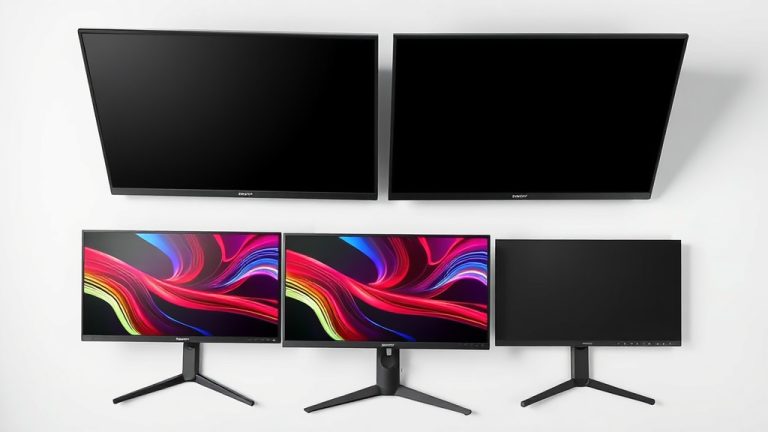
Average Monitor Size: What You Need to Know
The average monitor size is typically around 24 to 27 inches diagonally. This range offers a good balance of screen real estate for most everyday tasks and gaming. However, many factors influence what feels “average” for you.
When we talk about monitor size, we’re measuring the diagonal distance from one corner to the opposite. It’s not just about the number of inches; the aspect ratio (like 16:9 or 16:10) also plays a big role in how much you see. Your desk space and what you’ll use the monitor for are key.
- The most common monitor sizes are 24-inch and 27-inch.
- These sizes are great for general use and gaming.
- Monitor size is measured diagonally.
- Your usage and desk space matter a lot.
Let’s dive into how monitor size is measured and what factors make a screen feel right for your setup.
So, you’re wondering about the “average” monitor size, right? It’s a great question because the screen you stare at all day can really impact your comfort and productivity. Let’s break down what most people end up with and why.
Finding Your Screen Sweet Spot
When we talk about the typical monitor size, we’re generally looking at the 24-inch to 27-inch range. This area has become the sweet spot for a lot of users.
Why this range? It hits a sweet spot for many people. You get enough space to work comfortably without your desk feeling cramped. It’s a good balance for everyday tasks and even some gaming.
The Reigning Champions: 24-inch and 27-inch Monitors
In our research, we found that 24-inch monitors were once the standard for many. They are still incredibly popular, especially for budget-conscious buyers or those with limited desk space. They offer a good amount of screen real estate without being overwhelming. A 1080p monitor is still king for hitting a sweet spot between smooth visuals and price.
Then came the 27-inch monitor, which many now consider the new standard. A 27-inch screen provides a noticeable increase in viewing area. This extra space can make a big difference for multitasking or enjoying games and movies. Many people find it to be the ideal upgrade from smaller screens.
What Makes These Sizes So Popular?
The popularity of 24 and 27-inch monitors isn’t accidental. We found that a few key factors drive this trend. One is the balance between screen size and desk footprint. You want a screen that’s big enough to be useful but not so big that it dominates your workspace. These sizes generally fit well on most desks.
Another factor is resolution. For a 24-inch or 27-inch monitor, 1080p (Full HD) or 1440p (QHD) resolutions are common. These resolutions offer a good pixel density, meaning images and text look sharp without being excessively expensive. A 1440p resolution on a 27-inch monitor, for example, is often cited as a great visual experience (RTINGS.com).
Beyond the Average: Larger and Smaller Options
While 24 to 27 inches is the average, the world of monitors is much wider. You can find much smaller screens, often used as secondary displays or for very specific tasks. On the flip side, there are massive monitors that can transform your desk into an immersive command center.
Smaller monitors, typically in the 19 to 22-inch range, are still around. These are often budget-friendly and great for basic tasks like email or web browsing. They are also useful as a second monitor to extend your workspace. Imagine having your main tasks on a larger screen and a reference document or chat window on a smaller one.
On the other end, you’ll see 30-inch, 32-inch, and even larger monitors. These are fantastic for professionals who need a lot of screen space for design work, video editing, or coding. Gamers also love them for an immersive experience. However, these larger screens require more desk space and often a higher resolution to maintain image clarity.
How Monitor Size is Measured: It’s All About the Diagonal!
It’s important to know that monitor size is measured diagonally. Think of a rectangle – they measure from the bottom left corner straight up to the top right corner. This measurement is always in inches.
This diagonal measurement doesn’t tell the whole story, though. The aspect ratio plays a big part too. Most common is 16:9, which is wider than it is tall. This is great for watching movies and general use. You might also see 16:10, which gives you a bit more vertical space, helpful for productivity.
Understanding Aspect Ratios and Screen Shape
The aspect ratio dictates the shape of your screen. A 16:9 monitor is what you’re probably most familiar with. It’s like a widescreen TV.
A 16:10 monitor is slightly taller relative to its width. For example, a 27-inch 16:9 monitor has a different usable screen area than a 27-inch 16:10 monitor. The 16:10 will give you more vertical space, which can feel like you’re getting more out of that 27-inch diagonal measurement for work tasks (DisplayMate).
There are also ultra-wide monitors with ratios like 21:9 or even 32:9. These are very wide and can replace multiple monitors. They offer an incredibly immersive experience for gaming and multitasking.
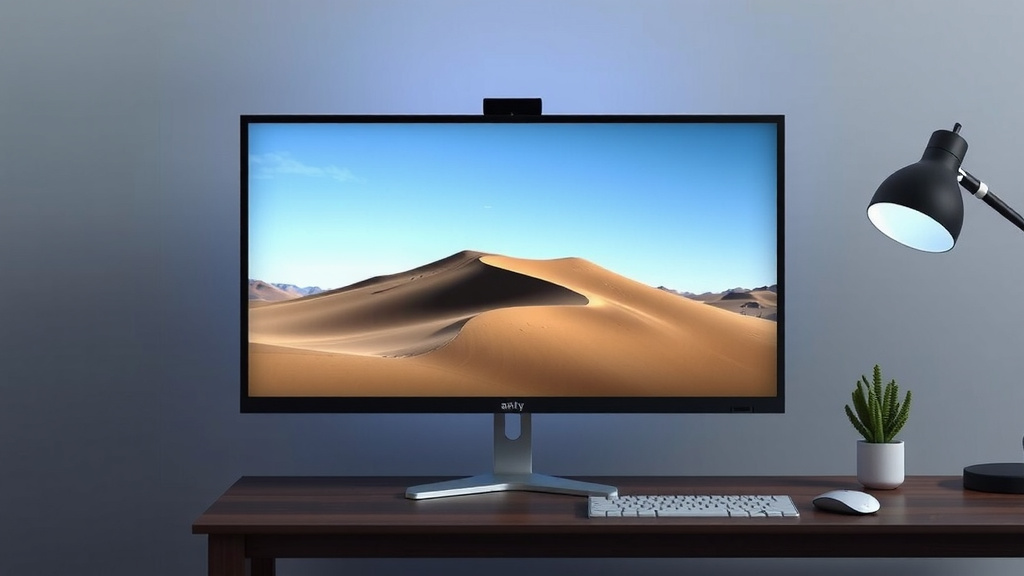
Factors That Influence Your “Average” Monitor Size
So, what’s the right size for you? It’s not just about industry averages. Your personal needs and setup are key.
Your Primary Use Case Matters
What do you actually do on your computer? This is the biggest question to ask yourself. If you’re primarily browsing the web and checking emails, a 24-inch might be perfectly fine. You won’t strain your eyes, and it won’t overwhelm your desk.
For gamers, screen size can be a big deal. A larger screen offers more immersion. However, we found that gamers often prioritize refresh rates and response times alongside size. A 27-inch monitor at 1440p is a popular choice for many gamers, offering a good balance of visuals and performance.
Creative professionals, like graphic designers or video editors, often need more screen real estate. They might opt for 27-inch or larger monitors, sometimes even ultrawide displays. More pixels mean more detail and more room to work with tools and timelines. Many experts suggest higher resolutions like 4K for these tasks (Adobe).
Desk Space and Ergonomics
Let’s talk about your physical setup. How much desk space do you actually have? A 32-inch monitor might sound great, but if it leaves no room for your keyboard, mouse, or a cup of coffee, it’s not practical. Measure your desk before you buy!
Ergonomics are also crucial. You want your monitor positioned at a comfortable height and distance. Staring down at a large monitor or craning your neck to see a small one can lead to discomfort or even pain. Research by ergonomists suggests that the top of the screen should be at or slightly below eye level (OSHA).
Consider the viewing distance, too. How far do you sit from your screen? If you’re close to your monitor, a smaller screen might be better. If you sit further back, a larger screen can fill your field of vision more effectively.
Here’s a quick checklist to help you decide:
- Measure your available desk space.
- Think about what you use your monitor for most.
- Consider how far away you sit from the screen.
- Decide if you need space for multiple monitors.
- Prioritize resolution and refresh rate if gaming or creative work is key.
- Don’t forget ergonomics – comfort is king!
Budget Considerations
Let’s be real, budget plays a role. Monitor prices increase with size and features. A 24-inch 1080p monitor will be significantly cheaper than a 32-inch 4K monitor with a high refresh rate.
We found that the 24-inch category often offers the best bang for your buck for basic needs. The 27-inch category provides a good step up in size and features without breaking the bank for many. Anything larger or with advanced specs will generally cost more. It’s about finding the best fit for your wallet and your needs.
Conclusion
You’ve learned that the average monitor size typically falls between 24 and 27 inches, offering a great balance for most users. We’ve seen how monitor size is measured diagonally and how aspect ratios affect screen shape. Remember, the “average” is just a starting point; your ideal monitor depends on your specific use case, desk space, and budget. Before making a decision, take a moment to measure your desk and consider how you’ll be using your screen most often.
Frequently Asked Questions
Is a 27-inch monitor too big for a small desk?
A 27-inch monitor can sometimes feel large on a smaller desk. It’s important to measure your desk space and consider the monitor’s depth and stand. You might find it works well if you position it correctly, or a smaller 24-inch monitor could be a better fit for comfort.
What’s the difference between 16:9 and 16:10 aspect ratios?
The 16:9 aspect ratio is wider and more common, like a standard TV screen, which is great for media. A 16:10 monitor is slightly taller, offering more vertical screen space. This extra height can be beneficial for productivity tasks like reading documents or coding.
Do I need a higher resolution for a larger monitor?
Yes, generally you will want a higher resolution for a larger monitor to maintain image sharpness. For example, a 1080p resolution on a 27-inch screen might look less crisp than on a 24-inch screen. 1440p or 4K resolutions are often recommended for 27-inch and larger displays.
Can I use a smaller monitor as a second display?
Absolutely! Smaller monitors, often 19 to 22 inches, are excellent as secondary displays. They’re perfect for keeping applications like email, chat, or reference materials visible without cluttering your main workspace. This setup can significantly boost your multitasking efficiency.
How far away should I sit from my monitor?
Your ideal viewing distance depends on the monitor size and resolution. A good rule of thumb is to sit about an arm’s length away, or roughly 20-30 inches. For larger or higher-resolution monitors, you might sit a bit further back to comfortably take in the entire screen.