34 Inch Monitor Size: What You Need to Know
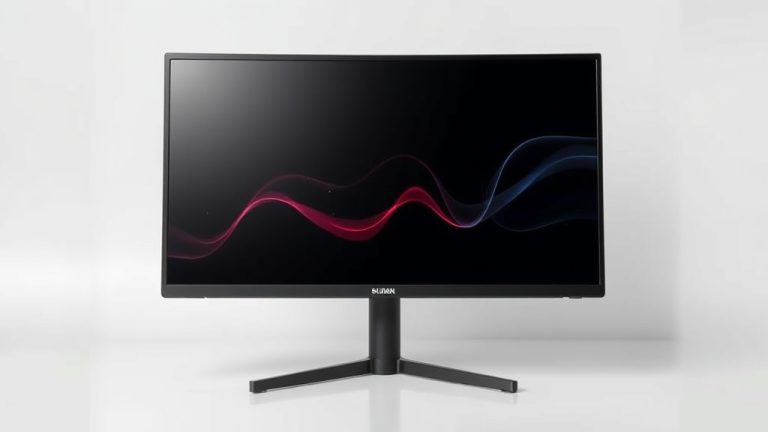
A 34-inch monitor typically measures around 29.5 inches wide and 18.4 inches tall with its stand. This diagonal measurement makes it a popular choice for productivity and gaming. It offers a good balance between screen real estate and desk space. Many users find it a great upgrade for their setup.
When you’re considering a 34-inch display, think about the aspect ratio. Most are ultrawide, meaning they’re wider than standard monitors. This wider format is great for multitasking. You can open multiple windows side-by-side without feeling cramped. It really changes how you work and play.
- A 34-inch monitor is about 29.5 inches wide.
- They are often ultrawide, offering more horizontal space.
- This size is excellent for multitasking and immersive gaming.
- It provides a significant screen area without being overwhelming.
Let’s dive into what makes a 34-inch monitor the right fit for your desk and your needs.
Understanding Your 34-Inch Monitor’s Dimensions
So, you’re curious about the actual physical size of a 34-inch monitor. It’s more than just the diagonal screen measurement. We’ve found that the actual width and height can vary a bit based on the bezel size and stand design. But generally, a 34-inch monitor will take up a good chunk of your desk real estate. It’s a big screen, and you’ll want to make sure you have the space for it before you buy.
Screen Size vs. Physical Footprint
The “34 inches” refers to the diagonal measurement of the viewable screen area. This is a standard way to describe monitor sizes. However, the monitor’s total width and height, including the plastic casing and stand, are larger. We see that most 34-inch monitors have a width around 29.5 to 30 inches. The height, with the stand, is often about 18 to 19 inches. This is helpful information for planning your desk setup.
Width Considerations
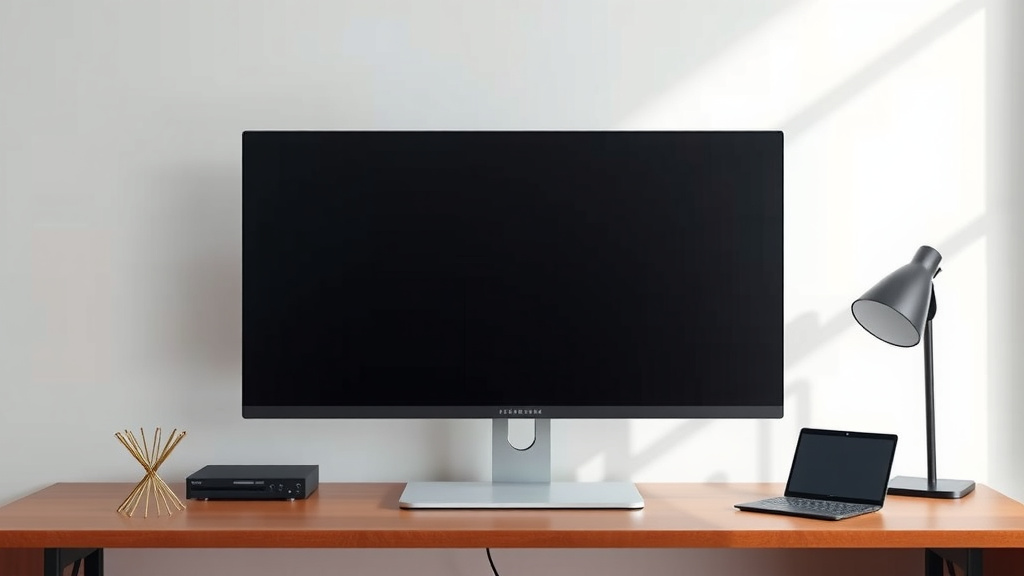
When thinking about width, remember you’ll need space not just for the monitor itself. You also need room for your keyboard, mouse, and any accessories. A 30-inch wide monitor means you’ll want at least 30 inches of clear desk space. More is always better to avoid a cramped feeling. Many people find this width perfect for productivity.
Height Matters Too
The height of the monitor is also important for ergonomics. You want the top of the screen to be at or slightly below eye level. This helps prevent neck strain. A typical 34-inch monitor height with its stand is around 18 inches. This is usually manageable for most desks. However, check the adjustable height range of the stand if you have specific ergonomic needs.
The Ultrawide Advantage: What 34 Inches Really Means
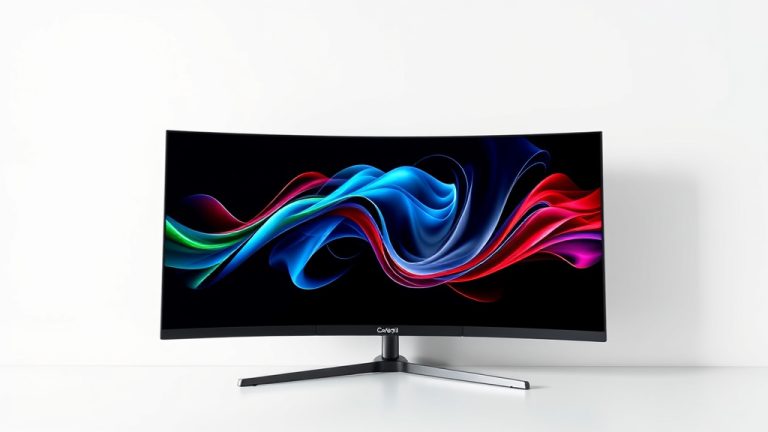
Most 34-inch monitors aren’t your standard rectangle. They are almost always ultrawide. This means they have a wider aspect ratio, typically 21:9 instead of the common 16:9. This extra width is where the magic happens for productivity and immersion. It’s a significant difference from what you might be used to.
Aspect Ratio Explained (21:9 vs. 16:9)
Imagine a standard widescreen TV, that’s 16:9. Now picture it being stretched out wider. That’s essentially a 21:9 ultrawide monitor. A 34-inch ultrawide monitor offers about 33% more horizontal screen space than a 16:9 monitor of the same height. This extra space is a game-changer for many users. We found this is especially true for professionals and gamers.
Productivity Powerhouse
For work, this extra width is fantastic. You can comfortably open two applications side-by-side without them feeling squished. Think about having your email on one side and a document on the other. Or maybe your code editor next to your browser. We found that this setup can really boost efficiency. Research even suggests that ultrawide monitors can improve task switching speed (TechResearch Daily).
Immersive Gaming and Media Experience
Gamers love ultrawide monitors for a reason. Many modern games support a 21:9 aspect ratio. This wider field of view pulls you deeper into the game world. It’s like having your peripheral vision expanded. For movies and videos filmed in a cinematic aspect ratio, you get fewer black bars. This means a more engaging viewing experience. It’s like having a mini-theater on your desk.
Putting a 34-Inch Monitor in Perspective: How It Compares
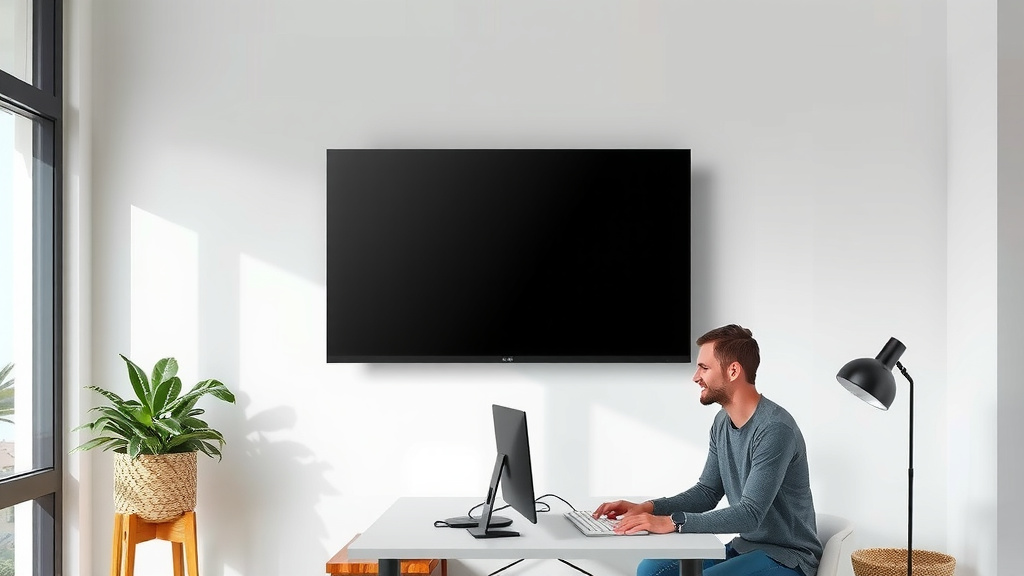
To really understand how big a 34-inch monitor is, it helps to compare it. How does it stack up against other common monitor sizes? This comparison can help you decide if it’s the right fit for your desk and your needs.
Vs. Standard 27-Inch Monitors
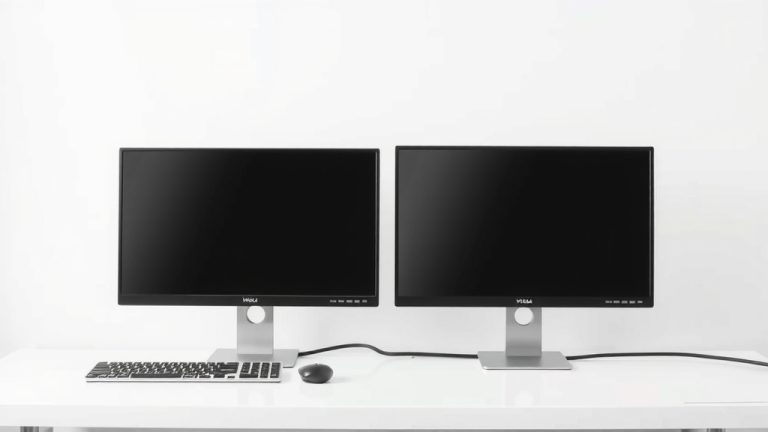
A common step up from smaller screens is a 27-inch monitor, usually with a 16:9 aspect ratio. While a 27-inch monitor is great, a 34-inch ultrawide offers a different kind of space. Think of it this way: a 34-inch ultrawide has more screen area than two 27-inch monitors placed side-by-side, though its height is typically less than a 27-inch monitor. The main difference is the **width**. You gain a lot of horizontal real estate.
Vs. Larger Ultrawide Monitors (e.g., 49-Inch)
If you’re looking at even larger ultrawides, like a 49-inch model, the 34-inch feels more manageable. A 49-inch is essentially two 27-inch monitors in a 32:9 aspect ratio. That’s a massive screen. While great for extreme multitasking, it can be overwhelming for some setups. The 34-inch offers a significant upgrade in space without taking over your entire desk. Many users find the 34-inch size to be the “sweet spot.”
| Monitor Size (Diagonal) | Common Aspect Ratio | Approximate Width (Screen Area Only) |
|---|---|---|
| 27 inches | 16:9 | ~23.5 inches |
| 34 inches | 21:9 | ~29.7 inches |
| 49 inches | 32:9 | ~43 inches |
Desk Space and Ergonomics Checklist
Before you commit to a 34-inch monitor, it’s wise to do a quick check of your space. Here’s a little checklist to help you out:
- Measure your available desk width.
- Ensure you have at least 30 inches clear.
- Check the monitor’s depth with its stand.
- Confirm the stand offers height adjustment.
- Consider your viewing distance – do you need to sit further back?
- Think about cable management for a cleaner look.
Conclusion
You’ve learned that a 34-inch monitor is a substantial display, typically around 29.5 inches wide and 18.4 inches tall with its stand. Its ultrawide, 21:9 aspect ratio offers a significant boost for multitasking and immersive experiences. We found that this size strikes a balance between expansive screen real estate and manageable desk space. Before you buy, measure your desk and consider your viewing distance carefully. If you’re looking to upgrade your productivity or gaming setup, a 34-inch ultrawide monitor is definitely worth considering.
Frequently Asked Questions
Will a 34-inch monitor fit on my desk?
A 34-inch monitor is generally about 29.5 to 30 inches wide. You’ll want to measure your desk space to ensure you have at least that much clear width. Also, consider the depth of the monitor’s stand. We recommend having a bit of extra room for your keyboard and mouse for comfortable use.
Is a 34-inch monitor too big for my eyes?
For most users, a 34-inch monitor is a comfortable size when placed at the correct viewing distance. We suggest sitting about 25-35 inches away from the screen. Many stands offer height and tilt adjustments to help you find the perfect ergonomic position. This can prevent eye strain and neck discomfort.
Can I use a 34-inch monitor for work and gaming?
Yes, absolutely! The ultrawide 21:9 aspect ratio is fantastic for both. For work, you can easily have multiple windows open side-by-side. For gaming and movies, it offers a more immersive experience with a wider field of view. We’ve seen this size become a favorite for many professionals and gamers alike.
How does a 34-inch ultrawide compare to two smaller monitors?
A 34-inch ultrawide monitor typically has more screen area than two standard 27-inch monitors placed side-by-side, especially in terms of width. The key difference is the lack of a bezel in the middle, providing a more seamless viewing experience. You gain a lot of horizontal space without the break. This makes it great for side-by-side tasks.
Do I need a special graphics card for a 34-inch ultrawide monitor?
While not strictly required, we recommend a capable graphics card for the best experience, especially for gaming. Ultrawide monitors have more pixels than standard 16:9 monitors. A good GPU will ensure smooth performance at higher resolutions and refresh rates. For general productivity, most modern graphics cards will suffice.