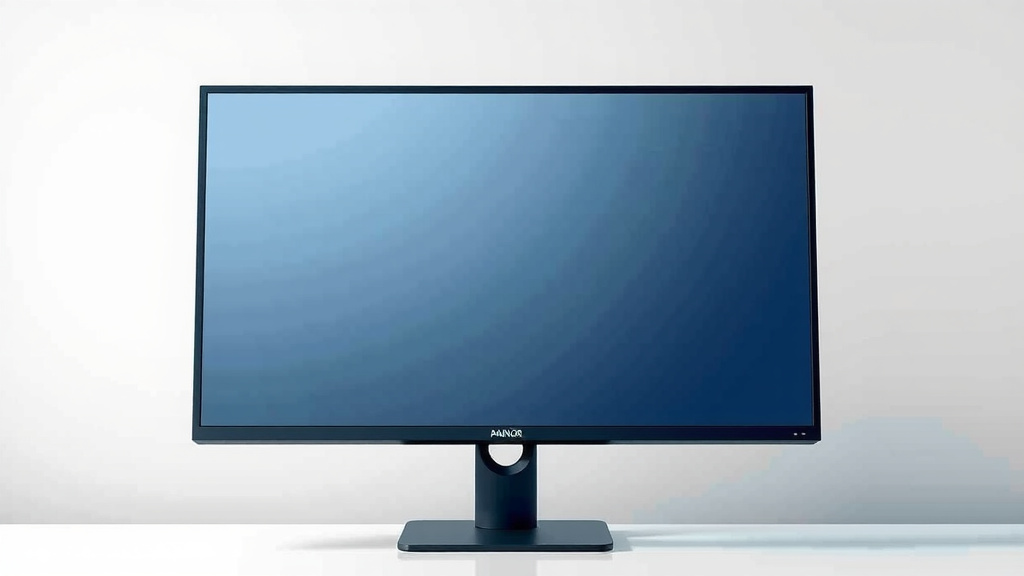
Monitor Size Guide: How Big Do Monitors Actually Get
Monitors can get surprisingly large, with some reaching screen sizes of over 80 inches diagonally. For home users, you’ll commonly find monitors in the 24 to 32-inch range. The size you choose really depends on your desk space and what you plan to use it for.
While super-sized monitors are often associated with professional video walls or commercial displays, residential options have also grown considerably. We found that even larger monitors, like those in the 40-inch to 55-inch range, are becoming more accessible for home offices or entertainment setups, offering an immersive viewing experience.
- Monitors can be huge, some over 80 inches!
- Most people use 24 to 32-inch monitors at home.
- Larger sizes (40-55 inches) are more common now.
- Your needs and space determine the best size.
Let’s dive into what kind of monitor sizes are out there and what might be the perfect fit for your setup.
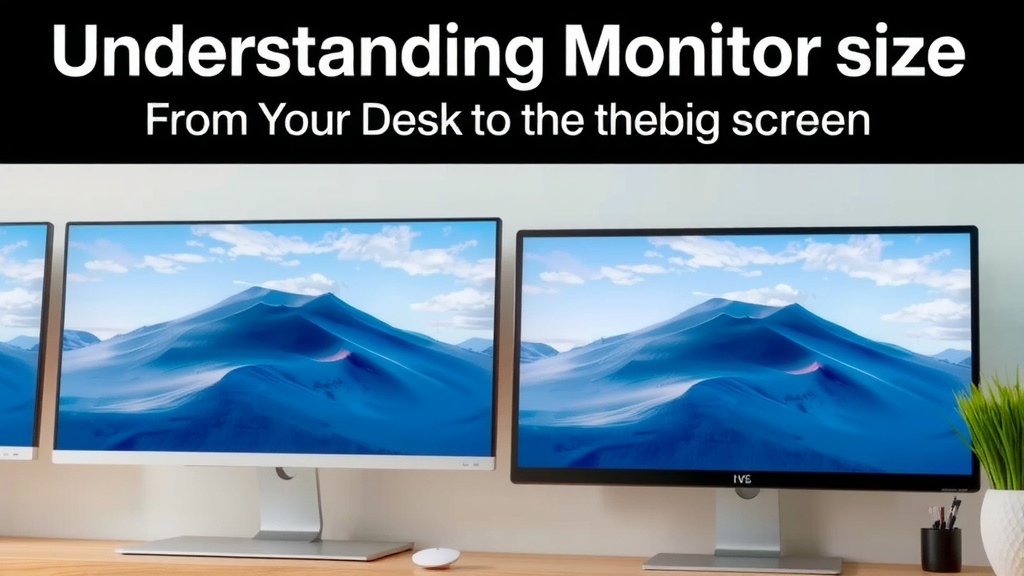
Understanding Monitor Size: From Your Desk to the Big Screen
So, you’re wondering how big monitors actually get, right? It’s a great question, especially with how screens have changed. We’ve researched this and found that monitor sizes can range dramatically. You’ll see tiny ones for specific tech and massive ones that feel like a movie theater. Let’s break down the spectrum for you.
Common Monitor Sizes for Everyday Use
When you think about a typical computer setup, what size screen comes to mind? Most folks are working with monitors that fit nicely on a desk without taking over. We found that the sweet spot for many home offices and general computer use falls between 24 and 32 inches.
The Popular 24-Inch Monitor
The 24-inch monitor has long been a staple for many users. It offers a good balance of screen real estate without demanding too much desk space. You’ll often see these in office environments and for gamers who prioritize performance over sheer size. Many find it perfect for multitasking, allowing you to have a couple of windows open side-by-side comfortably. It’s a reliable choice that won’t overwhelm your workspace.
Stepping Up to 27 Inches
A 27-inch monitor is another extremely popular option. It provides a noticeable step up in screen area from a 24-inch display. This extra space is often appreciated for detailed work, creative tasks, or immersive gaming. The visual difference is quite pleasing, and it still manages to fit on most standard desks. We found that many users consider 27 inches the ideal size for a primary workstation.
The 32-Inch Sweet Spot
Moving into the 32-inch range, you get even more room to spread out. These larger displays are fantastic for productivity, letting you view more content at once. For entertainment, a 32-inch monitor can offer a more cinematic experience. However, you do need to consider your desk depth and viewing distance. Sitting too close to a 32-inch screen might be less comfortable for some. Many experts suggest a viewing distance of about 3 feet for this size (Harvard Health Publishing).
When Bigger Means Better: Larger Monitors for Specific Needs
Beyond the standard desktop sizes, monitors start to get significantly larger. These aren’t your typical office screens. We found that monitors in the 40-inch and above category are usually chosen for specific purposes, whether it’s for professional use or a dedicated home theater.
The 40-Inch and Beyond Category
Monitors hitting the 40-inch mark and going up from there are really stepping into a different class. These are often seen as all-in-one entertainment hubs or powerful workstations. You might find them used as a replacement for a small TV in a dorm room or a compact apartment. For graphic designers or video editors, a large screen can be incredibly beneficial for seeing finer details in their work. However, these screens demand a considerable amount of desk space or wall real estate.
Ultrawide Monitors: A Different Kind of Big
It’s worth noting ultrawide monitors here. While they might not always be the tallest, their width can be impressive. An ultrawide monitor can be 34 inches, 38 inches, or even larger, but it’s the extra horizontal space that makes them feel enormous. These are brilliant for multitasking, allowing you to run three or even four standard windows side-by-side without feeling cramped. Gamers also love them for an even more immersive field of view.
Massive Displays: For Work or Play
Now, let’s talk about the giants. We researched monitors that push boundaries, and some can exceed 55 inches. You’ll see these in public spaces, digital signage, or as part of a multi-monitor wall. For home use, a screen of this size often doubles as a television. Some ultra-enthusiast gamers or home theater buffs might opt for a monitor this large for the ultimate visual immersion. Think of a giant monitor like a billboard; it needs its own space and a good viewing distance to be appreciated.
Factors to Consider When Choosing Your Monitor Size
Selecting the right monitor size isn’t just about picking the biggest one you can find. It’s about finding what works best for your specific needs and your environment. We’ve put together a few key points to help you decide.
- Desk Space: Measure your desk carefully. A huge monitor on a tiny desk just won’t work.
- Viewing Distance: How far will you sit from the screen? This impacts comfort and what you can see.
- Primary Use: Are you gaming, working, or just browsing? Different tasks benefit from different sizes.
- Resolution: Higher resolutions (like 4K) on larger screens provide sharper images. For the sharpest images on larger screens, consider a 10 bit 4K monitor.
- Budget: Larger monitors generally come with a higher price tag.
Your Viewing Distance Matters
Many experts recommend a specific viewing distance for optimal comfort and clarity (American Optometric Association). For a 27-inch monitor, sitting about 2-3 feet away is often ideal. As you go larger, like to a 32-inch or 40-inch display, you’ll want to increase that distance. Too close, and you might be straining your eyes or seeing individual pixels. Too far, and the details can get lost.
What Will You Use It For?
Consider your daily activities. If you’re primarily writing emails and browsing the web, a smaller monitor might be perfectly fine. But if you’re editing photos, watching movies, or playing fast-paced video games, you might appreciate the extra real estate a larger screen provides. For professional graphic design, we found that larger, high-resolution monitors are often preferred to see fine details.
A Quick Size Guide
To help you visualize, here’s a general breakdown of what you can expect in terms of screen real estate. Remember, these are diagonal measurements.
| Diagonal Size | Typical Use Cases | Desk Space Needed |
|---|---|---|
| 20-24 inches | General office work, basic computing, secondary monitors | Minimal |
| 24-27 inches | Productivity, gaming, creative tasks, main workstations | Moderate |
| 27-32 inches | Immersive gaming, video editing, detailed work, media consumption | Significant |
| 32-40 inches | Home theater replacements, large-scale creative projects, advanced multi-tasking | Very Significant |
| 40+ inches | Digital signage, professional video walls, specialized setups | Extensive |
What to Measure for Your New Monitor
Before you click that buy button, let’s do a quick check. You want to ensure your chosen monitor fits your space like a glove.
- Measure the width of your desk.
- Measure the depth of your desk.
- Consider the height of your monitor stand.
- Think about the wall space if you plan to mount it.
- Ensure there’s enough room for your keyboard and mouse.
Conclusion
We’ve seen that monitor sizes span an incredible range, from compact 20-inch displays perfect for basic tasks to enormous screens over 80 inches that redefine immersion. For most people, the sweet spot for everyday productivity and gaming sits between 24 and 32 inches, offering a great balance of screen real estate and desk compatibility. Larger monitors, including ultrawides, are fantastic for specific needs like detailed creative work or cinematic viewing. Before you make your choice, always measure your desk, consider your primary use, and think about your ideal viewing distance. Your perfect monitor size is out there – now you know how to find it.
Frequently Asked Questions
What is the biggest monitor size you can buy for home use?
For home use, monitors can go quite large, with some consumer models reaching 55 inches or even more, often blurring the line with televisions. While professional video walls can be much bigger, these larger home monitors are generally intended for dedicated entertainment or powerful workstations.
Is a 27-inch monitor too big for a small desk?
Generally, a 27-inch monitor is manageable on most standard-sized desks, but it can feel a bit large for very compact spaces. You’ll want to ensure you have enough depth for comfortable viewing distance and that it doesn’t overpower your workspace. Measuring your desk is always a good idea.
Do I need a 4K monitor for larger screen sizes?
While not strictly required, a 4K resolution is highly recommended for larger monitors (32 inches and above). Higher resolutions on bigger screens prevent pixelation and ensure a sharp, detailed image, making your viewing experience much more enjoyable.
What is the difference between a large monitor and a TV of the same size?
While the diagonal size might be the same, monitors typically offer higher refresh rates and lower response times, which are better for gaming and fast-moving content. TVs often have better built-in speakers and smart features, and their pixel density may be lower on larger screens compared to a similarly sized monitor.
How far away should I sit from a 32-inch monitor?
For a 32-inch monitor, a viewing distance of around 3 to 4 feet (about arm’s length) is usually recommended. This distance allows you to take in the entire screen comfortably without straining your eyes or having to move your head excessively to see everything.