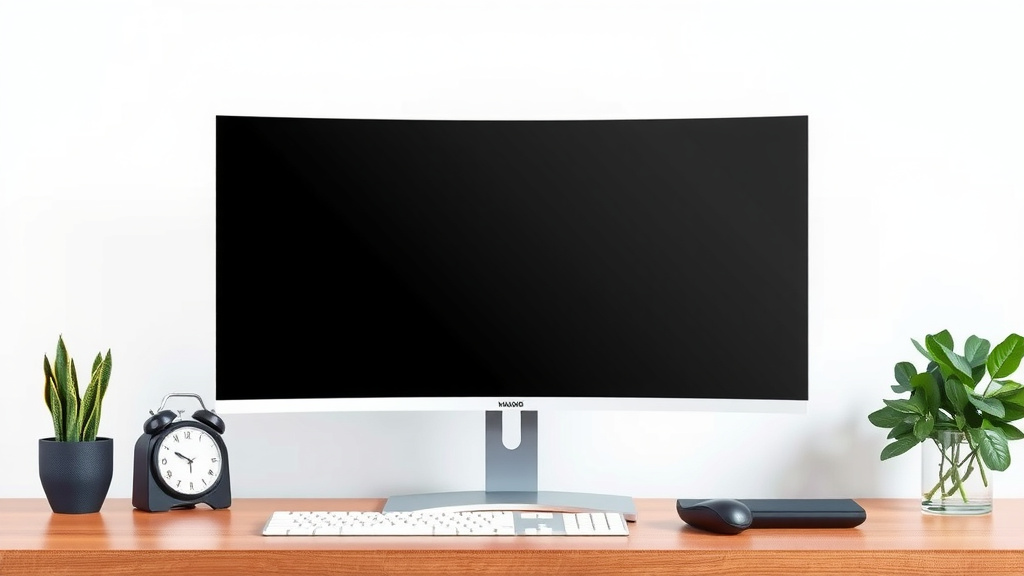
Curved Monitors Explained: Benefits & Drawbacks
Curved monitors offer an Curved monitors offer an immersive viewing experience, and our guide to the best 1000R curved monitors can help you find one.immersive viewing experience by wrapping the screen around your field of vision. This design can reduce eye strain and make visuals feel more natural and engaging, especially on larger displays. Many users find them a welcome upgrade for gaming and productivity alike.
This unique shape is achieved by bending the screen panel into a gentle arc. The curvature is designed to match how your eyes naturally see. It helps to keep the entire screen within your focus, reducing the need to constantly adjust your eyes. This can lead to a more comfortable and less fatiguing experience over long periods.
- Curved monitors bend the screen to match your vision.
- They aim for a more immersive and comfortable view.
- This reduces eye strain by keeping the screen in focus.
- It’s great for gaming, watching movies, and work.
- The degree of curve varies between models.
Ready to see what makes curved monitors so popular? Let’s break down the different types and how they work.
Understanding the Curve: How Monitors Went Round
Curved monitors are a bit of a marvel in display technology. They take a flat surface and bend it. This simple change offers a surprisingly different visual experience. We’ve all seen flat screens forever, right? So, what’s the big deal with a curve?
Essentially, a curved monitor mimics the natural way your eyes perceive the world. Think about looking around a room. Your eyes naturally see things in a gentle arc. A curved screen tries to replicate that feeling. It brings the edges of the display closer to your peripheral vision. This helps create a more unified and focused picture.
The Science Behind the Bend
The magic happens in the panel itself. Manufacturers literally flex the display panel. This gives it that gentle arc. It’s not a gimmick; there’s a real ergonomic reason behind it. It aims to reduce visual distortion.
When you look at a large, flat screen, especially at the edges, you’re looking at it from an angle. Your eyes have to work a bit harder to focus. Research shows this can lead to eye strain over time (NCBI). A curved monitor aims to keep the entire screen at a more consistent distance from your eyes. This means less strain and a more comfortable viewing session.
What Does Curvature Actually Mean?
You’ll see numbers like 1800R, 1500R, or 1000R associated with curved monitors. What do these mean? These numbers refer to the radius of the curve. A smaller number, like 1000R, means a *tighter*, more pronounced curve. A larger number, like 1800R, means a *gentler*, less aggressive curve.
Think of it like drawing a circle. A 1000R monitor would be like a section of a circle with a 1000mm radius. An 1800R monitor would be from a circle with an 1800mm radius. The tighter the curve, the more it wraps around your field of view.
| Curve Rating (R) | Description | Best For |
|---|---|---|
| 1000R – 1500R | Tighter, more aggressive curve | Immersive gaming, single-user focus |
| 1800R – 3000R | Gentler, less noticeable curve | General productivity, shared viewing, wider desks |
The “best” curve depends on your desk setup and how you use your monitor. For most people, a 1800R or 1500R curve strikes a nice balance. It offers a sense of immersion without feeling overwhelming.
Benefits You Can Actually Feel
So, why should you consider a curved display? The advantages often boil down to comfort and immersion. Let’s break down what users and studies report.
Reduced Eye Strain: Say Goodbye to Tired Eyes
This is a big one for many users. Looking at a flat screen for hours can be taxing. Your eyes constantly adjust focus as you move from the center to the edges. A curved monitor keeps more of the screen within your natural line of sight. Many users report a noticeable reduction in eye fatigue and dryness after switching to a curved model.
Research indicates that the reduced need for constant eye adjustment can lead to a more comfortable experience. This is especially true for people who spend long hours in front of their computers. Your eyes can relax a bit more.
Enhanced Immersion: Get Lost in Your Content
For gamers and movie buffs, this is where curved monitors really shine. The way the screen wraps around you pulls you deeper into the action. You feel more enveloped by the visuals. The display feels larger than it actually is.
Imagine playing a racing game. The track seems to stretch out in front of you. The sidelines appear to curve away naturally. It’s a much more engaging sensation than seeing the same scene on a flat panel. This improved sense of depth and presence is a major draw.
Wider Field of View: See More Without Moving Your Head
On larger curved monitors, you get a wider field of view. This means you can see more of the screen without turning your head. It’s like having a panoramic view at your desk. For multitasking, this is fantastic. You can have multiple windows open side-by-side and see them all comfortably.
This also benefits productivity tasks like video editing or coding. You can see more of your timeline or code without scrolling. It streamlines your workflow. You spend less time repositioning windows and more time getting work done.
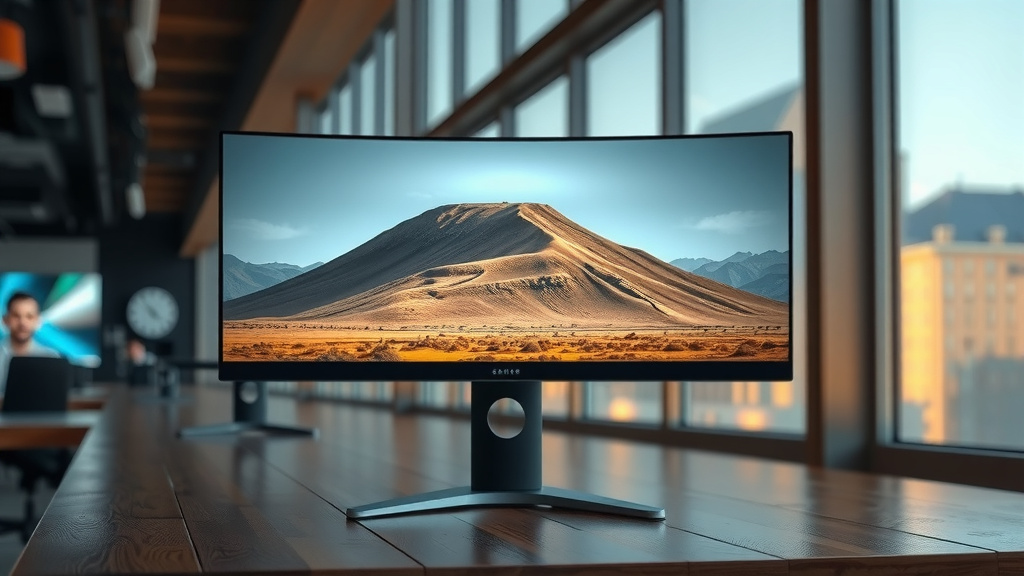
Who Benefits Most from a Curved Monitor?
While many people enjoy curved monitors, some users stand to gain more than others. It really depends on your primary use cases and desk setup.
The Avid Gamer
For gamers, especially those playing simulation or open-world titles, the immersion is unmatched. The wider field of view and wrap-around effect can provide a competitive edge. It draws you into the game world like never before. Many professional gamers prefer curved displays for this reason.
The Productivity Powerhouse
If your job involves staring at a screen for hours, comfort is key. Curved monitors can help alleviate eye strain and fatigue. The ability to see more information at a glance also boosts efficiency for tasks like data analysis or software development.
The Movie Enthusiast
Watching movies on a large curved monitor can feel like sitting in a private cinema. The immersive quality enhances the cinematic experience. You feel more connected to the on-screen action. It’s a more engaging way to enjoy your favorite films.
Consider Your Desk Space
It’s worth noting that curved monitors, especially larger ones, can take up more desk space. Their depth can also be slightly greater than a similarly sized flat monitor. Make sure you have enough room before you buy. Measure your desk to be sure!
Here’s a quick checklist to see if a curved monitor might be right for you:
- Do you spend 4+ hours daily at your computer?
- Are you looking for a more immersive gaming experience?
- Do you often experience eye strain or fatigue?
- Do you multitask with multiple windows open?
- Do you enjoy a cinematic feel when watching videos?
- Is your desk large enough to accommodate it?
Conclusion
You’ve seen how curved monitors bring a unique, comfortable, and immersive viewing experience right to your desk. They work by mimicking your natural vision to reduce eye strain and pull you deeper into your games and content. Whether you’re a gamer, a multitasker, or just spend a lot of time in front of your screen, the benefits of reduced fatigue and enhanced immersion are clear. If you’re looking for a more engaging and comfortable setup, it’s definitely worth measuring your desk and considering a curved display for your next upgrade.
Frequently Asked Questions
Do curved monitors look weird in person?
Curved monitors might look a bit different at first, but most users find the effect is subtle and natural once you’re using it. The curve is designed to match how your eyes naturally perceive things. You’ll likely find it feels more comfortable than distracting after a short adjustment period.
Are curved monitors better for your eyes?
Yes, many users report reduced eye strain with curved monitors. This is because the curve keeps more of the screen within your natural field of vision. This means your eyes don’t have to work as hard to focus on the edges.
Can I use a curved monitor for work with multiple windows?
Absolutely! Curved monitors are excellent for productivity, especially with multiple windows. The wrap-around effect makes it easier to view side-by-side applications without straining your eyes. You can see more content at a glance, which speeds up your workflow.
How far away should I sit from a curved monitor?
The ideal distance depends on the monitor’s size and curvature (R rating). Generally, a tighter curve (like 1000R) is best enjoyed a bit closer, while a gentler curve (like 1800R) can be viewed from a slightly further distance. Aim for a spot where the screen feels immersive but not overwhelming.
Do curved monitors perform better for gaming than flat ones?
For many gamers, curved monitors offer a more immersive experience. The way the screen wraps around your peripheral vision pulls you deeper into game worlds. Some find this enhanced immersion and wider perceived field of view can even offer a slight competitive edge in certain games.