Monitor Size Guide: What’s Right for Your Setup
The best monitor size for you depends on your primary use and desk space. For general productivity and everyday tasks, a 24-inch to 27-inch monitor is often the sweet spot. Gamers might prefer something larger for immersion, while designers may need more screen real estate for their work.
Choosing the right monitor size involves more than just picking the biggest screen you can find. We found that considering factors like your viewing distance and the resolution of the monitor is key. A monitor that’s too large for your setup can actually make things uncomfortable and harder to see.
- General use: 24-27 inches is usually ideal.
- Gaming: Larger screens (27+ inches) offer more immersion.
- Productivity/Design: Consider larger screens or ultrawide options for more space.
- Desk space: Measure your area before you buy!
- Viewing distance: How far you sit matters for comfort.
Let’s break down exactly what you should consider when picking the perfect monitor size for your needs.
Choosing Your Ideal Monitor Size
Selecting the right monitor size is a big decision. It impacts your comfort and productivity. We found that the best size depends on a few key factors. Let’s break them down so you can make the smartest choice for your setup.
How Far Will You Sit? Understanding Viewing Distance
Your viewing distance is super important. It’s how far you sit from the monitor. A general rule of thumb exists for a reason. It helps prevent eye strain and ensures you see the whole screen clearly. For most people, this means keeping about an arm’s length away.
Finding the Sweet Spot for Your Eyes
If you sit about 2 feet away, a 24-inch to 27-inch monitor is often perfect. Anything much larger can feel overwhelming. You might have to move your head a lot to see everything. That gets tiring quickly. We found that this range provides a good balance of screen real estate without being too much.
For the Close-Up Crew
Are you someone who likes to be really close to your screen? Maybe you have a very shallow desk. In this case, sticking to the smaller end of the spectrum, like 22 inches or 24 inches, is probably best. You’ll be able to see the whole picture without straining your eyes or neck.
The “Front Row” Experience
On the flip side, if you have a deep desk or prefer to sit further back, you can go larger. A 27-inch monitor or even a 32-inch might work well. Just make sure you can still comfortably take in the entire screen. You shouldn’t be doing any “head swiveling” to read text or view images.
What Will You Be Doing on Your Monitor?
Your primary use is probably the biggest driver of monitor size. What you do all day at your computer matters a lot. Let’s look at some common scenarios.
Everyday Computing and Office Work
For general tasks like browsing the web, checking email, and using office software, a 24-inch to 27-inch monitor is usually the sweet spot. These sizes offer enough space to have a couple of windows open side-by-side. Many experts recommend this range for balanced productivity (Ergonomics Guidelines).
The Productivity Powerhouse
If you often work with spreadsheets or documents, more screen space can be a real benefit. A 27-inch monitor might feel more comfortable than a 24-inch. It lets you see more data at once. This can speed up your workflow. We found that many users report increased efficiency with this size.
Gaming: Bigger is Often Better (But Not Always)
Gamers often crave immersion. A larger screen can draw you deeper into the game world. For many gamers, 27 inches is a popular choice. It offers a more expansive view without being overwhelming. Ultrawide monitors (more on those later) are also a big hit in the gaming community.
The Immersive Advantage
When playing fast-paced games, a bigger screen can give you a slight edge. You can see more of the action. However, if the monitor is *too* big for your viewing distance, you might miss things happening in the corners. It’s a balance.
Creative Professionals: Designers, Video Editors, and More
If your work involves visual creativity, screen real estate is king. Graphic designers, video editors, and coders often benefit from larger displays. A 27-inch monitor is a good starting point. Many professionals opt for 32 inches or even larger.
The Need for Detail
When you’re working with detailed images or timelines, you need space to see everything clearly. A larger monitor allows you to display multiple toolbars and windows without constant resizing. We found that designers often prefer monitors with high resolutions to match their larger screen size.
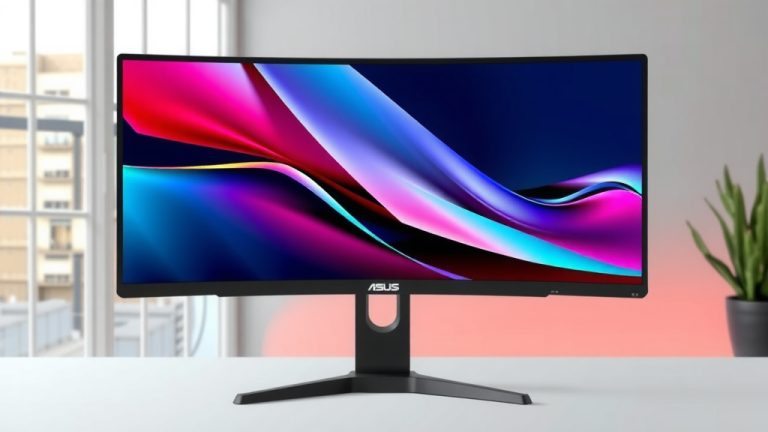
Ultrawide and Super Ultrawide Monitors
What about those super-wide monitors? These are becoming increasingly popular. They offer an incredibly immersive experience and a lot of workspace. Think of them as two or even three monitors placed side-by-side, but without the bezels in the middle.
When to Go Ultrawide
Ultrawide monitors are fantastic for multitasking, gaming, and video editing. They provide a panoramic view that can boost productivity. However, they do take up more desk space. You’ll want to measure your desk carefully before committing to one of these beasts.
Desk Space: The Unsung Hero
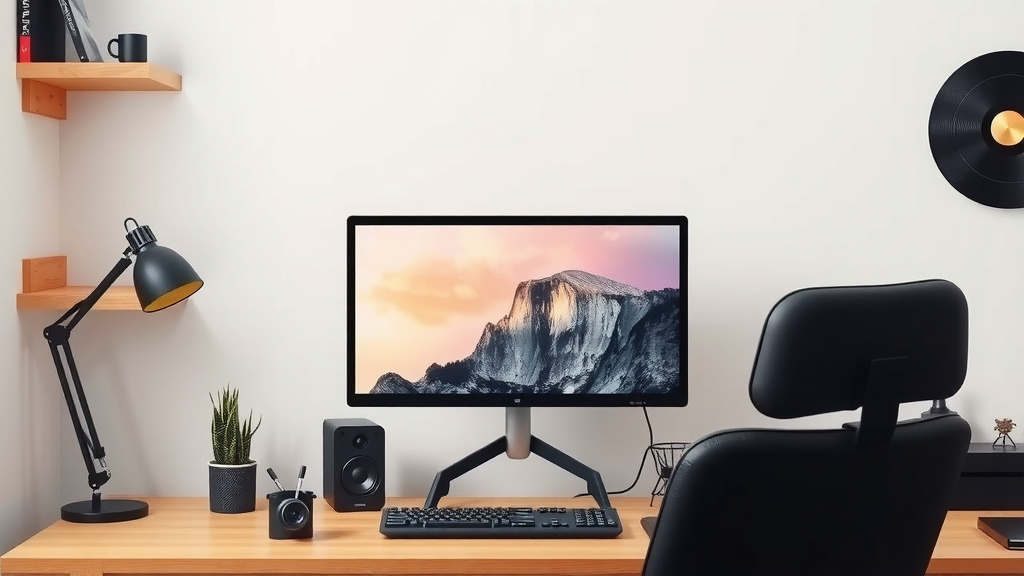
Let’s not forget about your actual desk! A massive monitor might look amazing in a showroom, but it needs to fit in your home. Measure the width and depth of your available space. Make sure you can comfortably position the monitor at your ideal viewing distance.
Measure Twice, Buy Once
Consider the monitor’s stand as well. Some stands are quite deep and can push the monitor closer to you than you’d like. You might need to factor in a monitor arm if desk space is limited. We’ve seen many setups where the monitor was simply too big for the available area, leading to discomfort.
Resolution Matters as Much as Size
Monitor size and resolution go hand-in-hand. A large monitor with a low resolution will look pixelated. Text won’t be sharp, and images won’t be clear. Always consider the resolution in relation to the screen size.
Common Resolutions Explained
For a 24-inch monitor, 1080p (Full HD) is standard. For 27-inch monitors, 1440p (QHD) is often recommended. It offers a sharper image than 1080p. For 32-inch monitors and above, 4K (UHD) is ideal for crisp visuals. Many experts suggest matching resolution to size for the best clarity (Display Calibration Guides).
Quick Checklist for Your Monitor Purchase
Before you click that “buy now” button, ask yourself these quick questions:
- What will I use this monitor for most often?
- How far away will I be sitting from the screen?
- How much desk space do I actually have?
- What resolution makes sense for the size I’m considering?
- Do I want a standard or an ultrawide aspect ratio?
- Can I test out a monitor of this size in person?
Conclusion
Choosing the right monitor size is all about balancing your personal needs with your physical space. We’ve seen that factors like how far you sit, what you do on your computer, and even your desk dimensions play a big role. Don’t just grab the largest screen you see. Instead, consider what truly makes you comfortable and productive.
Think about your daily tasks and your viewing distance. Then, measure your desk! By considering these elements, you can confidently pick a monitor that enhances your experience, rather than hinders it. Now, go forth and find that perfect screen!
Frequently Asked Questions
What’s the most common monitor size for home offices?
For most home office setups, monitors between 24 inches and 27 inches are the most popular choice. This range offers a great balance for everyday tasks and productivity without feeling too overwhelming or taking up too much desk space.
Can a monitor be too big for my desk?
Yes, a monitor can definitely be too big for your desk. You need to ensure there’s enough space not only for the screen itself but also for comfortable viewing distance and any accessories you use. Always measure your desk area before buying a larger monitor.
Is 1080p resolution okay for a 27-inch monitor?
While 1080p is standard for smaller monitors, it might look a bit pixelated on a 27-inch screen. We found that 1440p (QHD) resolution is generally recommended for 27-inch monitors to ensure sharp text and clear images.
Should I get an ultrawide monitor for gaming?
Ultrawide monitors can offer a very immersive gaming experience, pulling you deeper into the game world with their panoramic view. However, they require more desk space and you should ensure your favorite games support the ultrawide aspect ratio for the best experience.
How close should I sit to my monitor?
A good general rule is to sit about an arm’s length away from your monitor. This viewing distance helps prevent eye strain and allows you to see the entire screen comfortably without excessive head movement. This distance often pairs well with 24-inch to 27-inch displays.