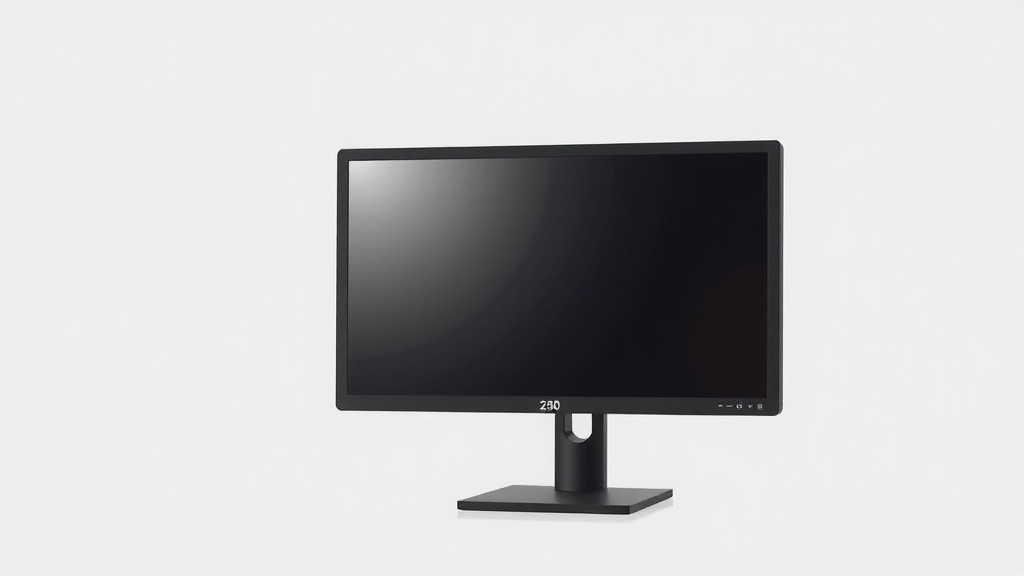
What Does a 24-Inch Monitor Actually Look Like
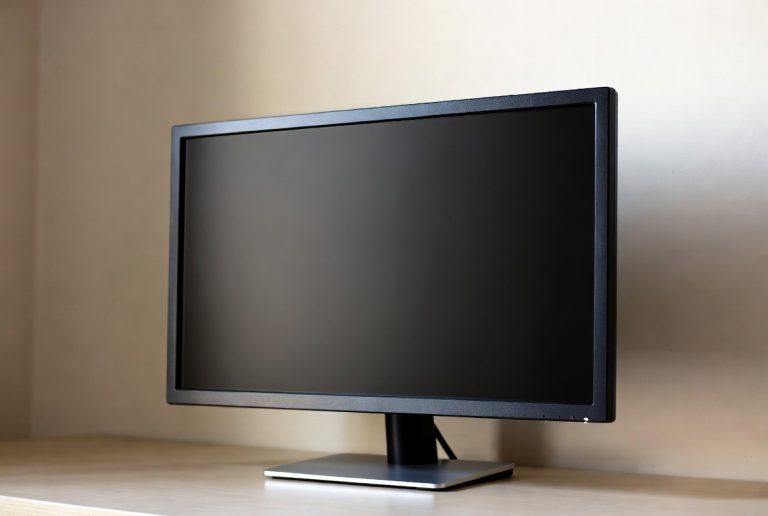
A 24-inch monitor typically measures about 20.5 inches wide and 12.9 inches tall, not including the stand. This measurement is for the screen’s viewable area. Actual physical dimensions can be larger depending on the bezel size.
When you’re looking for a new screen, understanding these dimensions helps you figure out if it fits your desk space. A 24-inch monitor offers a good balance for many users. It’s popular for gaming and general productivity.
- A 24-inch monitor’s viewable screen is roughly 20.5″ wide by 12.9″ tall.
- This size is great for tight desk spaces.
- It’s a popular choice for everyday computer use.
- Gaming and work tasks are comfortable on this screen.
Let’s break down exactly what “24 inches” means for your monitor and what to expect. For gaming, consider a 1080p 144Hz monitor for smoother visuals.
Understanding Your 24-Inch Monitor’s Real Estate
When we talk about a 24-inch monitor, what does that actual size mean for your workspace? It’s more than just a diagonal measurement. We need to consider the visible screen area versus the total physical dimensions. This helps you visualize how it will fit on your desk.
Screen Size vs. Physical Footprint
That 24-inch number refers to the diagonal measurement of the viewable screen. Think of it like buying a TV; the screen size is what you see, not the whole unit. This diagonal measurement is usually from one corner of the display panel to the opposite corner. It’s the core of what you’ll be looking at.
What “Viewable Area” Really Means
The viewable area is the part of the screen that actually shows an image. For a 24-inch monitor, this is approximately 20.5 inches wide and 12.9 inches tall. These are the dimensions that matter most when considering how much space your content will take up. You want to make sure your windows and applications have enough room to spread out comfortably.
Accounting for the Bezel
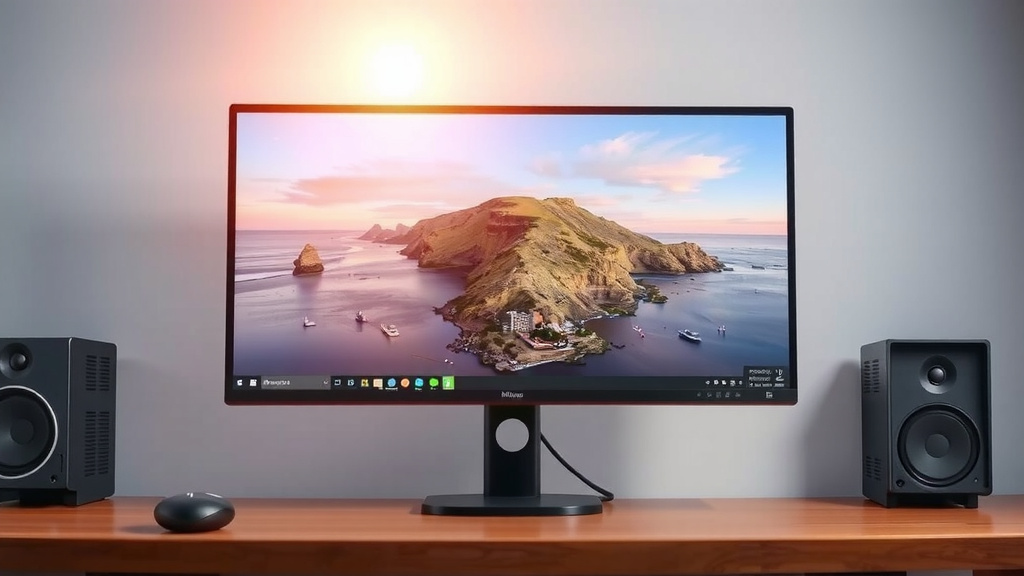
Now, let’s talk about the frame around the screen, also known as the bezel. The bezel is the plastic or metal border surrounding the display. This adds to the monitor’s overall physical size. Some monitors have very thin bezels, making the unit look sleeker and more modern. Others might have thicker bezels, increasing the total width and height. You might find yourself asking, “Will this actually fit between my speakers?” The bezel size plays a big role.
Physical Dimensions: A Closer Look
So, if the screen itself is about 20.5 inches wide, how wide is the whole monitor? With a typical thin bezel design, the total width might be around 22 to 23 inches. The height, including the bezel, could be roughly 16 to 18 inches, depending on the stand. Always check the product specifications for exact measurements if desk space is super tight. It’s like planning furniture; you need the overall footprint.
Why 24 Inches is a Popular Sweet Spot
You’re probably wondering why so many people choose a 24-inch monitor. There are some excellent reasons for its popularity. It hits a nice balance for many different types of users, from students to gamers to office professionals. It avoids being too small to be productive, yet it’s not so large that it overwhelms your desk.
The Ideal Size for Productivity
For everyday tasks like email, web browsing, and document editing, a 24-inch monitor is fantastic. You can comfortably open a few windows side-by-side. For example, you might have your email on one side and a web browser on the other. Many experts suggest this screen size helps reduce eye strain compared to smaller screens where you might be squinting. It’s a good compromise between having enough space and not needing to turn your head constantly.
A Gamer’s Delight
Gamers often find 24 inches to be the ideal sweet spot. Why? Because it offers a great balance of screen real estate without demanding too much movement. In fast-paced games, you need to see the whole screen easily. A 24-inch monitor lets you take in the action without excessive head or eye movement. This can lead to quicker reaction times. Plus, 24-inch monitors often come with high refresh rates, which are essential for smooth gameplay. Many gaming tournaments use 24-inch displays for these reasons. Many gaming tournaments use a 24-inch gaming monitor for these reasons.
Fitting into Your Setup
Let’s be honest, not everyone has a massive desk. A 24-inch monitor is perfect for smaller spaces or dorm rooms. It fits comfortably on most standard desks without dominating the area. You can still have your keyboard, mouse, and maybe even a second, smaller display or some decorations. It doesn’t feel cramped. You can create a productive and enjoyable setup without feeling overwhelmed by screen size.
Comparing 24 Inches to Other Sizes
To really understand if a 24-inch monitor is right for you, it helps to see how it stacks up against other common sizes. This gives you context and helps you make a more informed decision. We’ve all seen those giant ultrawide monitors, but are they always the best choice?
Smaller Monitors (Under 24 inches)
Monitors smaller than 24 inches, like 21 or 22 inches, can feel quite cramped for multitasking. You’ll likely find yourself switching between windows much more often. They are often found in budget setups or for very specific, single-task applications. Think of a secondary monitor just for chat or system stats. For primary use, they can feel a bit too restrictive.
Larger Monitors (Over 24 inches)
Stepping up to 27 inches or more brings a noticeable difference. You get more screen real estate, which is great for complex spreadsheets or detailed design work. However, larger monitors can also require more desk space. You might need to sit further back to view the entire screen comfortably. For some, this can lead to more neck strain. We found that 27-inch monitors are often considered the next big step up, offering a good boost in space without becoming unwieldy for many.
A Quick Comparison Table
Here’s a simple way to visualize the differences:
| Monitor Size (Diagonal) | Approximate Viewable Width | Approximate Viewable Height | Best For |
|---|---|---|---|
| 21.5 Inches | 18.7 Inches | 10.5 Inches | Basic tasks, secondary display |
| 24 Inches | 20.5 Inches | 12.9 Inches | General use, gaming, moderate multitasking |
| 27 Inches | 23.5 Inches | 13.2 Inches | Intensive multitasking, design, larger games |
As you can see, the 24-inch monitor offers a solid middle ground. It provides enough width for side-by-side windows without a drastic increase in height compared to a 27-inch. This makes it feel more balanced.
Making the Final Choice
So, how big is a 24-inch monitor in practical terms? It’s a screen that gives you about 20.5 inches of horizontal space to work with, fitting comfortably on most desks. It’s a popular size for a reason – it’s versatile.
Consider Your Needs
Before you click “buy,” take a moment to think about what you’ll be doing most often. Will you be gaming competitively? Do you need to spread out multiple documents? Or is it mainly for casual web browsing and watching videos? Your primary use case is the most important factor.
Desk Space Assessment
Measure your desk! Seriously, grab a tape measure. Check the available width and depth. Make sure to account for your keyboard, mouse, and any other peripherals. A 24-inch monitor, with its stand, will likely need around 22-23 inches of width and about 16-18 inches of height clearance. You don’t want to get it home only to find it’s too big or too small.
Final Checklist for Your Monitor Hunt
- Measure your desk space accurately.
- Consider your primary use: gaming, work, or general browsing.
- Check the monitor’s physical dimensions, not just screen size.
- Look at the bezel size – thin bezels save space.
- Think about resolution (1080p is standard for 24″).
- Read reviews about eye comfort and performance for your tasks.
Conclusion
You’ve learned that a 24-inch monitor offers a practical screen size, with a viewable area around 20.5 inches wide by 12.9 inches tall. This size strikes a great balance, fitting well on most desks without sacrificing productivity or gaming immersion. It’s a popular choice because it avoids feeling cramped and doesn’t require excessive movement. Before buying, remember to measure your actual desk space and consider your main computer activities. This ensures your new monitor will be a perfect fit for your setup and needs.
Frequently Asked Questions
Will a 24-inch monitor be too big for a small desk?
Generally, a 24-inch monitor is a good fit for smaller desks. Its physical footprint, including the bezel and stand, typically ranges from 22 to 23 inches wide. This size usually leaves enough room for your keyboard and mouse, preventing your workspace from feeling cluttered. Always double-check the specific monitor’s dimensions to be sure.
Is a 24-inch monitor good for watching movies?
Yes, a 24-inch monitor can be perfectly fine for watching movies, especially if you have limited desk space. While larger screens offer a more cinematic experience, a 24-inch display still provides a good viewing area for enjoyment. You’ll get a clear picture without needing to sit too far away or strain your eyes.
Can I put two 24-inch monitors side-by-side?
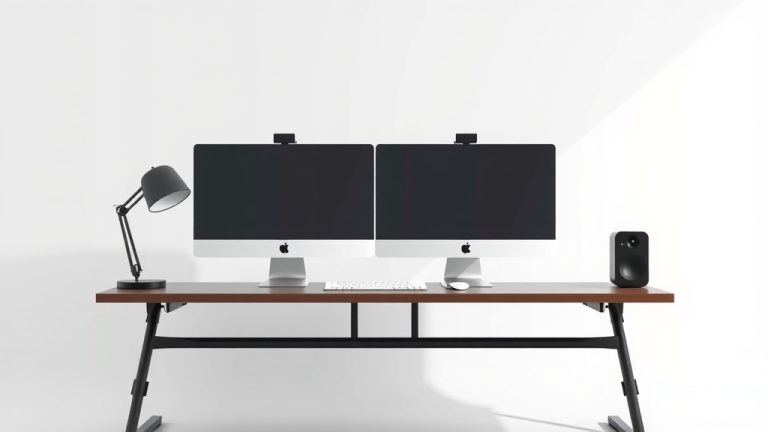
You can definitely set up dual 24-inch monitors side-by-side. With their typical width of about 22-23 inches each, two monitors will span roughly 44 to 46 inches. Ensure your desk is wide enough to accommodate this setup comfortably. This dual-monitor arrangement is excellent for multitasking and boosting productivity.
What is the typical physical width of a 24-inch monitor?
The physical width of a 24-inch monitor, including the frame or bezel, is usually around 22 to 23 inches. This measurement is important because it determines how much horizontal space the monitor will occupy on your desk. Thinner bezels will result in a slightly smaller overall width compared to monitors with thicker frames.
Is a 24-inch monitor good for graphic design work?
A 24-inch monitor can be a decent starting point for graphic design, especially for beginners or those with budget constraints. It offers enough screen real estate to view your work clearly and manage your tools. However, professional designers often prefer larger screens, like 27 inches or more, for a more expansive view of their projects and easier multitasking with design software.