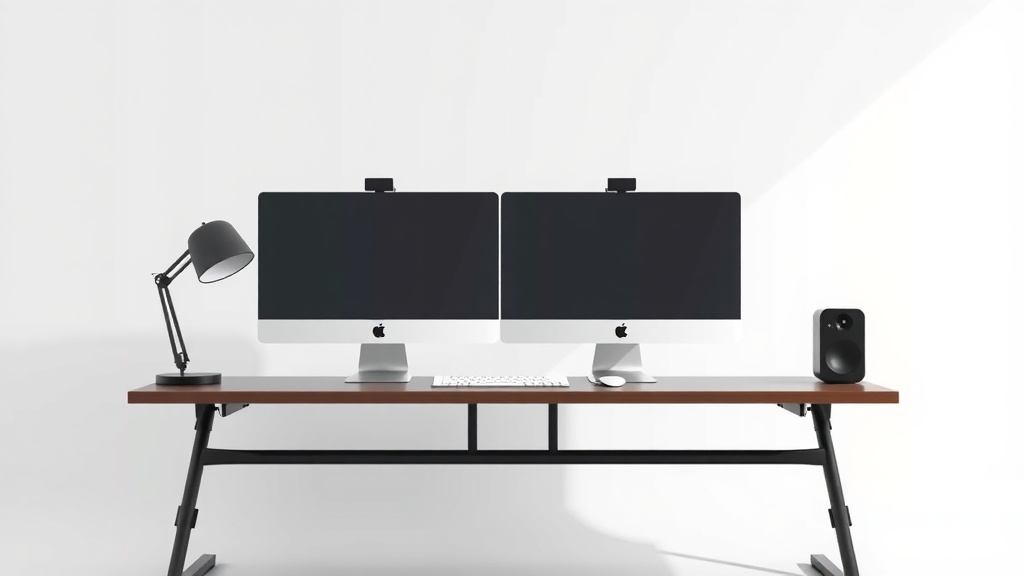
Dual Monitor Desk Size Guide: How Big Is Big Enough
For two monitors, you’ll want a desk that’s at least A 27 inch 1080p monitor is a popular choice for many setups.47 inches wide. This provides enough space for both screens side-by-side without feeling cramped. A depth of at least 24 inches is also recommended for comfortable viewing distance.
Choosing the right desk size depends on your monitor sizes and how you arrange them. You might need more width if you have large monitors or prefer them further apart. Desk depth affects ergonomics and how much space you have for accessories. We found that desk width and depth are key factors for a dual-monitor setup.
- Aim for at least 47 inches wide.
- Ensure at least 24 inches of depth.
- Consider monitor size and arrangement.
- Ergonomics play a big role.
Let’s get into the details to help you find the perfect desk for your dual-monitor workspace.
Choosing the Right Desk Dimensions for Your Dual Monitor Setup
So, you’re ready to level up your workspace with two monitors. Awesome! But before you hit ‘buy’ on that sleek new desk, let’s talk size. Getting the dimensions right is key to a comfortable and productive setup. We found that width and depth are your two main players here.
Understanding Desk Width: More Space for Your Screens
The width of your desk is arguably the most critical factor for a dual-monitor setup. Think about it: you need enough real estate to comfortably fit two screens side-by-side, plus some wiggle room. We found that 47 inches is a good starting point for most setups.
Standard Monitor Placement
If you’re placing your monitors directly next to each other, you’ll want to measure their combined width. Add a few inches for the monitor stands and a little breathing room between them. This ensures you don’t feel like you’re constantly bumping elbows with your screen bezels. Many standard 24-inch monitors, for example, take up about 21-22 inches of width each. So, two of those easily approach 45 inches, not including stands or space.
Larger Monitors and Wider Spacing
What if you’re rocking those massive 27-inch or even 32-inch displays? Or maybe you just prefer a bit more visual separation between your screens? In these cases, you’ll definitely want to go wider. We found that desks in the 55 to 60-inch range offer a much more relaxed experience for larger monitors.
Ergonomic Considerations for Width
It’s not just about fitting the monitors. Your own comfort matters! Experts suggest having your monitors at an arm’s length for optimal viewing distance (Cleveland Clinic). If your desk is too narrow, you might find yourself leaning forward constantly, which can lead to neck and back strain. A wider desk allows you to position your monitors correctly without sacrificing your posture.
Desk Depth: Balancing Your View and Your Knees
Desk depth is the other half of the dimension equation. It dictates how far away your monitors will sit from you, and how much space you’ll have for other essentials. We found that a depth of at least 24 inches is generally recommended.
Viewing Distance and Eye Strain
The recommended viewing distance for most monitors is around an arm’s length, typically 20-40 inches (CDC). Your desk depth plays a direct role in achieving this. A 24-inch deep desk allows you to place your monitors far enough away to reduce eye strain, especially if you have larger screens or sit closer to your desk. If your desk is too shallow, your monitors might end up too close for comfort.
Space for Accessories and Your Legs
Beyond just the monitors, think about what else lives on your desk. Do you have a keyboard, mouse, speakers, a notepad, or even a coffee mug? A good depth provides space for these items without making your primary work area feel cluttered. Furthermore, desk depth affects your legroom. You don’t want the desk to be so deep that it cramps your style (and your knees) when you’re sitting down.
The Sweet Spot: Balancing Width and Depth
So, what’s the magic combination? We found that a desk that is 47-55 inches wide and 24-30 inches deep tends to hit the sweet spot for most dual-monitor users. This range usually offers enough screen real estate and comfortable viewing distances. Of course, your specific needs might vary.
Consider this table as a general guideline:
| Desk Width | Desk Depth | Best For |
|---|---|---|
| 47-50 inches | 24-28 inches | Standard 24-inch monitors, minimal accessories. |
| 55-60 inches | 28-30 inches | Larger monitors (27-inch+), more accessories, or preferred extra space. |
| 60+ inches | 30+ inches | Multiple large monitors, extensive setups, or gaming stations. |
Are There Other Factors to Consider?
Absolutely! While width and depth are primary, a few other things can influence your final decision. Think about the shape of the desk and the material it’s made from.
Desk Shape Matters
Corner desks, for instance, can offer a lot of surface area. They can be great for creating distinct zones for your monitors and other tasks. Straight desks are simpler but still effective. Some people even prefer L-shaped desks to wrap around them, giving them an immersive feel. We found that L-shaped desks can be particularly beneficial for managing multiple monitors and keeping frequently used items within easy reach.
Monitor Mounts and Risers
Are you planning to use monitor arms or risers? This is a big one. Monitor arms often attach to the back edge of the desk. If your desk is too shallow, the arm might intrude too much into your usable space or not provide enough clearance for the monitor to swivel. Risers, on the other hand, sit on top of the desk. They generally require less depth but do add to the overall height of your setup.
Weight Capacity
Don’t forget to check the weight capacity of the desk! Modern monitors, especially larger ones, can be surprisingly heavy. Add a keyboard, mouse, and any other peripherals, and you’ve got a significant load. You want a desk that’s sturdy enough to handle it all without wobbling or, worse, collapsing. We found that most sturdy desks can easily support the weight of two monitors and typical accessories.
Your Dual-Monitor Desk Checklist
To wrap things up, here’s a quick checklist to help you make your final decision:
- Measure your monitors (including stands).
- Check your available room space.
- Prioritize desk width (aim for 47″+).
- Ensure adequate desk depth (aim for 24″+).
- Consider monitor arms or risers.
- Think about your overall comfort and ergonomics.
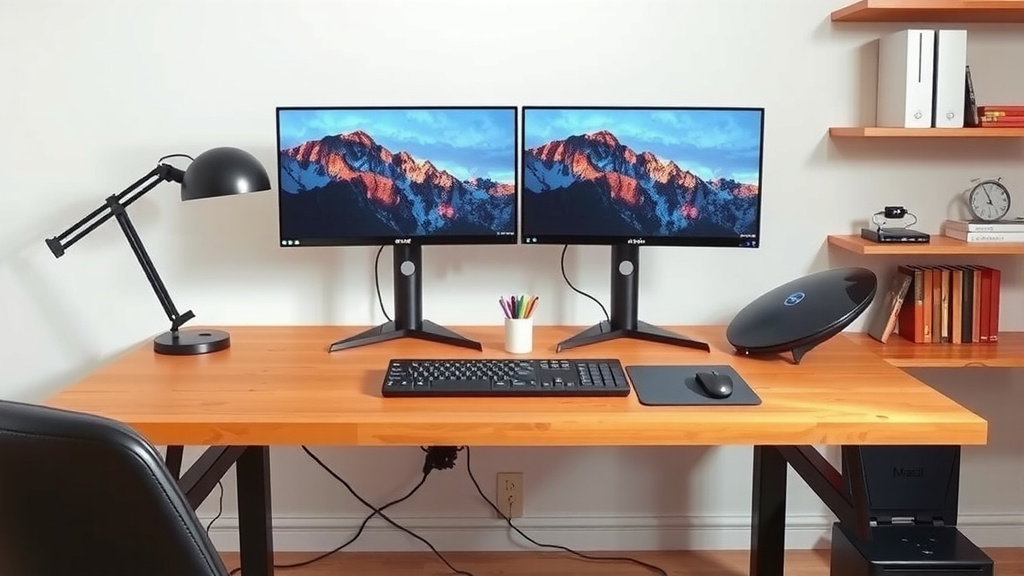
Conclusion
Finding the right desk for your dual monitors is all about balancing space and comfort. We found that a desk at least 47 inches wide and 24 inches deep is your solid starting point. Consider your monitor sizes and whether you plan to use monitor arms to ensure everything fits perfectly. Ultimately, the goal is to create a workspace that supports your productivity and well-being. Now, take those measurements and find the desk that feels just right for your setup!
Frequently Asked Questions
Will a standard 47-inch desk fit two 27-inch monitors?
A 47-inch wide desk is a good minimum, but it might feel a bit snug for two 27-inch monitors. While the screens themselves might fit, you’ll have less room for the monitor stands and comfortable spacing between them. You might find that a desk closer to 55 inches wide would offer a more comfortable experience.
How much depth do I really need for a dual-monitor setup?
A depth of at least 24 inches is generally recommended for dual monitors. This depth helps ensure you have adequate viewing distance, reducing eye strain. It also provides enough space for your keyboard, mouse, and other essentials without making your primary workspace feel cluttered.
Does the type of monitor stand affect the desk size I need?
Yes, it absolutely does. If you’re using monitor arms that clamp to the back of the desk, a shallower desk might cause the arm to intrude too far into your usable space. Monitor risers sit on top and take up less depth, but they do add height to your setup. Always check the specifications of your monitor mount.
What if I have very large monitors, like 32-inch screens?
For larger monitors, such as 32-inch displays, we strongly recommend going wider. A desk in the 55 to 60-inch range, or even larger, will provide the necessary width for comfortable side-by-side placement. You’ll also want to ensure sufficient depth to maintain an ergonomic viewing distance.
Is a corner or L-shaped desk better for two monitors?
Corner and L-shaped desks can be excellent for dual-monitor setups. They often offer more overall surface area, allowing you to create distinct zones for your monitors and other tasks. This shape can help you arrange your screens and accessories in a way that feels more spacious and organized.