Choosing the Right Monitor Size: A 2026 Guide
The right monitor size really depends on your needs and desk space. For general use, a 24-inch monitor is a popular sweet spot, offering a good balance of screen real estate and desk footprint. If you’re a gamer or do creative work, you might prefer something larger, like 27 or 32 inches.
Choosing a monitor isn’t just about the diagonal measurement. Consider your desk setup and viewing distance. Too big, and it might overwhelm your space or force you to strain your eyes. Too small, and you might feel cramped. We’ve found that matching the size to your primary use case is key.
- General Use: 24-inch monitors are often ideal.
- Gaming/Creative Work: Consider 27-inch or 32-inch options.
- Desk Space: Measure your area to avoid an awkward fit.
- Viewing Distance: Sit back and see what feels comfortable.
Let’s walk through how to pick the best monitor size for your setup.
Choosing Your Monitor’s Ideal Screen Size
Picking the right monitor size can feel like a big decision. You want enough screen space to be productive or entertained. But you also don’t want it to take over your entire desk. We’ve found that considering your main use case is the **best starting point** for finding the perfect fit.
Understanding Monitor Size Measurement
First, let’s clarify how monitor sizes are measured. It’s always the diagonal measurement of the viewable screen area. This means from one corner to the opposite corner, not including the bezel or frame. So, a 24-inch monitor has a screen that measures 24 inches diagonally. This number is key, but it’s not the only factor.
Monitor Sizes for Different Needs
The Sweet Spot: 24-Inch Monitors
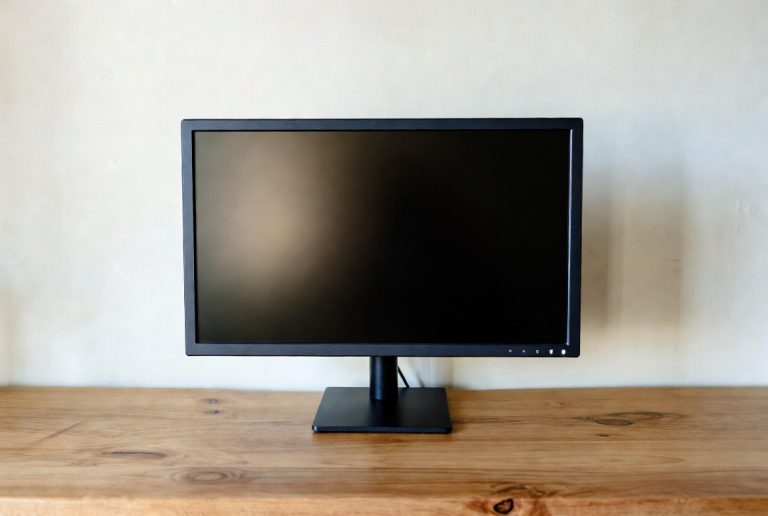
For many people, a 24-inch monitor hits that “just right” mark. It’s a popular choice for a reason. You get a good amount of screen space without it feeling overwhelming. This size is fantastic for everyday tasks like browsing the web, writing emails, and watching videos. It also fits well on most desks, even if your space is a bit limited. Many experts suggest this size for general office work (U.S. Department of Labor).
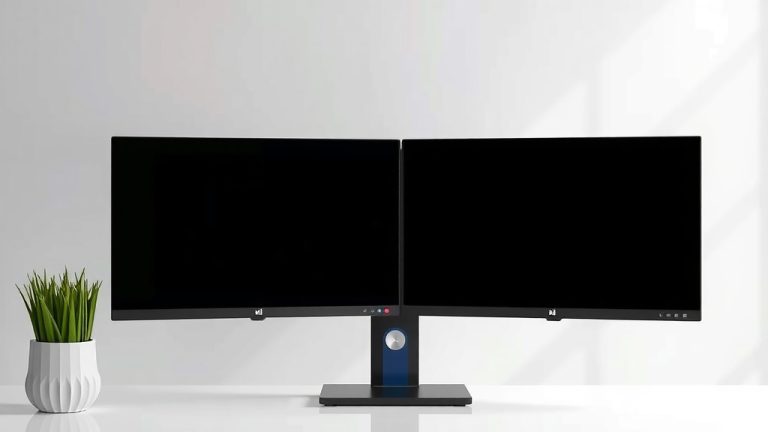
Think of it like a comfortable living room chair. It’s supportive, fits well, and is great for relaxing. A 24-inch monitor offers a similar balance for your computing experience. It provides enough room to have a couple of windows open side-by-side. This can really boost your multitasking efficiency. We found that most users are very satisfied with this size for their daily computer use.
Stepping Up: 27-Inch Monitors
If you crave more screen real estate, a 27-inch monitor might be your next stop. This size offers a noticeable increase in viewing area compared to a 24-inch. It’s excellent for users who spend a lot of time working with spreadsheets, editing photos, or enjoying immersive gaming. The extra inches make a big difference in detail and comfort. If you crave more screen real estate, a 27-inch monitor might be your next stop.
For gaming, a 27-inch monitor can pull you deeper into the action. You see more of the game world without having to move your head as much. We found that gamers often prefer this size for competitive play. It gives them a better view of crucial on-screen elements. Similarly, for creative professionals, more screen space means less zooming and panning. This can lead to a smoother workflow. However, be sure you have the desk space for it!
Going Big: 32-Inch Monitors and Beyond
Ready for a truly expansive view? 32-inch monitors (and even larger) offer a cinematic experience. These are fantastic for demanding tasks like video editing, complex graphic design, or enjoying movies and games in their full glory. You can easily have multiple applications open and clearly visible. This is like having a private cinema right on your desk. Ready for a truly expansive view? 32-inch monitors offer a cinematic experience.
However, with great size comes great responsibility. A 32-inch monitor needs ample desk space. It also requires a proper viewing distance to avoid eye strain. Many sources recommend sitting at least 2.5 to 3 feet away from a monitor this size (Cleveland Clinic). If you have the space and the right setup, these larger displays can be incredibly rewarding. We found that users who upgrade to this size often rave about the immersive quality.
Factors Beyond Just Size
Your Desk Space Matters
Before you fall in love with a giant screen, measure your desk. Seriously, grab a tape measure! You need to know how much physical space you have available. Consider both the width and depth. A monitor that’s too big can make your workspace feel cramped and uncomfortable. You also need room for your keyboard, mouse, and anything else you keep on your desk. Don’t forget to account for the stand’s footprint.
Viewing Distance: Sit Back and Relax
The distance you sit from your monitor impacts comfort and clarity. A general guideline suggests your monitor should be about an arm’s length away. For smaller monitors (24 inches), this might be around 20-25 inches. For larger ones (27-32 inches), you might want to be closer to 30-40 inches. You shouldn’t have to strain your neck or eyes to see the entire screen. We found that adjusting your seating position can make a world of difference.
Research suggests that maintaining an optimal viewing distance can reduce eye strain and fatigue (American Optometric Association). Try sitting at your desk as you normally would. Then, extend your arm. That arm’s length is a good starting point for comfortable viewing. If you find yourself leaning forward or squinting, the monitor might be too large for your current setup or too close.
Resolution and Pixel Density
While size is important, so is resolution. This refers to the number of pixels on the screen (e.g., 1920×1080 for Full HD, 2560×1440 for QHD, 3840×2160 for 4K). A higher resolution means sharper images and more detail. On a larger monitor, a higher resolution is generally preferred.
We found that a 24-inch monitor looks great with Full HD (1080p). However, a 27-inch or 32-inch monitor can benefit greatly from QHD (1440p) or 4K (2160p). This is because it prevents the pixels from becoming too large and noticeable, a phenomenon known as “pixelation.” When pixels are too spread out, text can look blurry, and images less sharp. This is often referred to as pixel density, measured in pixels per inch (PPI).
Aspect Ratio and Screen Shape
Most monitors today have a 16:9 aspect ratio, which is great for movies and widescreen content. However, you might see 21:9 or even 32:9 ultrawide monitors. These are much wider than they are tall, offering a very immersive experience, especially for gaming and multitasking. They take up a lot of desk space and require a different viewing distance.
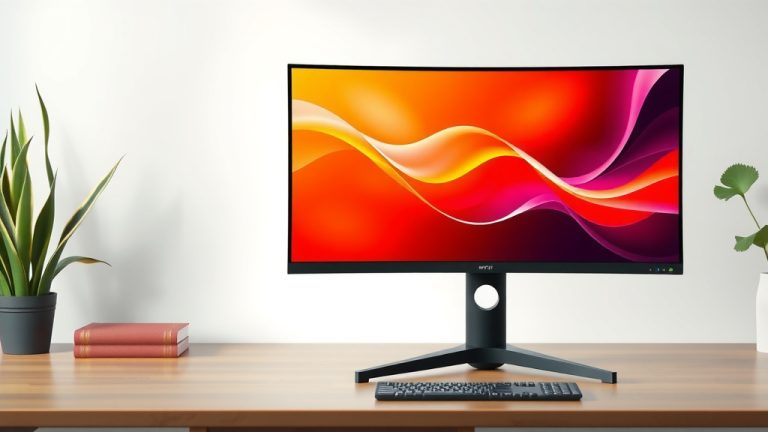
Curved monitors are also an option. The curve is designed to bring the edges of the screen closer to you. This can reduce distortion and enhance immersion, especially on larger or ultrawide displays. Many users find the curve more comfortable for long viewing sessions. We found that while not for everyone, curved monitors are a popular choice for gamers and multimedia enthusiasts.
Putting It All Together: Your Monitor Checklist
Ready to make a decision? Here’s a quick checklist to help you:
- Measure your desk: Ensure the monitor will fit comfortably.
- Consider your primary use: Gaming, work, or general browsing?
- Check your viewing distance: Sit back and see what feels natural.
- Think about resolution: Match it to the monitor size for clarity.
- Read reviews: See what other users say about their experience.
- Visualize the space: Imagine the monitor on your desk.
By keeping these points in mind, you’re well on your way to selecting a monitor that enhances your daily computing life. You deserve a screen that makes your tasks easier and your entertainment more enjoyable!
Conclusion
You’ve learned that the ideal monitor size isn’t a one-size-fits-all answer. It’s about finding the sweet spot that matches your daily tasks and your available desk space. Whether you’re a casual browser, a serious gamer, or a creative professional, there’s a screen size that can boost your productivity and enjoyment. We’ve found that a little planning goes a long way.
Now, take a moment to measure your desk and think about how you use your computer most. Armed with that information, you’re ready to choose a monitor that truly fits your needs and makes your workspace feel just right. Happy hunting for your perfect screen!
Frequently Asked Questions
Will a 27-inch monitor be too big for my small desk?
A 27-inch monitor can sometimes feel large on a small desk, especially if you sit very close. We recommend measuring your desk’s depth and width first. Ensure you’ll have enough space for your keyboard and mouse without feeling cramped. You might need to adjust your setup or consider a monitor with a slimmer stand.
Can I use a 32-inch monitor for general web browsing?
Yes, you absolutely can! Many people enjoy general browsing on a 32-inch monitor for the expansive view. Just be mindful of your viewing distance. You’ll want to sit a bit further back, perhaps 3 feet or more, to avoid eye strain. We found that users who have the space often love the comfort this size offers.
How far away should I sit from a 24-inch monitor?
For a 24-inch monitor, a good starting viewing distance is about an arm’s length away, roughly 20-25 inches. You shouldn’t feel like you’re straining your eyes or neck to see the whole screen. Experiment a bit to find what feels most comfortable for you.
What’s the difference between monitor size and resolution?
Monitor size refers to the diagonal measurement of the screen, like 24 inches. Resolution is about the number of pixels on that screen, such as 1920×1080 (Full HD). On larger monitors, a higher resolution is often preferred for sharper text and images, preventing pixelation. We found this combination leads to a much better visual experience.
Is a curved monitor better than a flat one for gaming?
Many gamers prefer curved monitors, especially larger or ultrawide ones. The curve is designed to bring the edges of the screen closer to your peripheral vision. This can enhance immersion and reduce distortion. We found that while it’s a personal preference, the wrap-around effect is a big draw for gaming enthusiasts.