Choosing the Right Monitor Size for Your Needs
The best monitor size for you really depends on your primary use and desk space. For general use and productivity, a 24-inch to 27-inch monitor is usually a sweet spot. Gamers might prefer larger screens for immersion, while designers may need more screen real estate for their work.
When choosing, think about how far you’ll be sitting from the screen. A bigger monitor needs more distance to be comfortable. We found that balancing screen size with resolution is key to a sharp and enjoyable viewing experience. Too large a screen with low resolution can look blurry.
- Consider your main activities (gaming, work, general use).
- Measure your desk space to ensure a good fit.
- Think about your sitting distance from the screen.
- Balance size with resolution for clarity.
Let’s break down the different monitor sizes and what they’re best suited for, so you can make the perfect choice for your setup.
Choosing Your Ideal Monitor Size
So, how big of a monitor should you really get? The answer isn’t one-size-fits-all. It depends on what you’ll be doing and where you’ll be putting it. Let’s figure out what’s best for your unique needs.
Understanding Monitor Sizes: Diagonal Measurements
Monitor sizes are always measured diagonally, from one corner to the opposite. This is similar to how TV screen sizes are listed. You’ll see numbers like 24″, 27″, 32″, and so on. Remember, this is just the screen itself, not the entire monitor with its bezels and stand. The diagonal measurement gives you a general idea of the screen’s surface area.
The Sweet Spot for Most Users: 24-inch to 27-inch Monitors
If you’re a general user, a student, or work from home with typical office tasks, this range is often perfect. These sizes offer a good balance between screen real estate and usability without overwhelming your desk.
24-inch Monitors: The Reliable All-Rounder
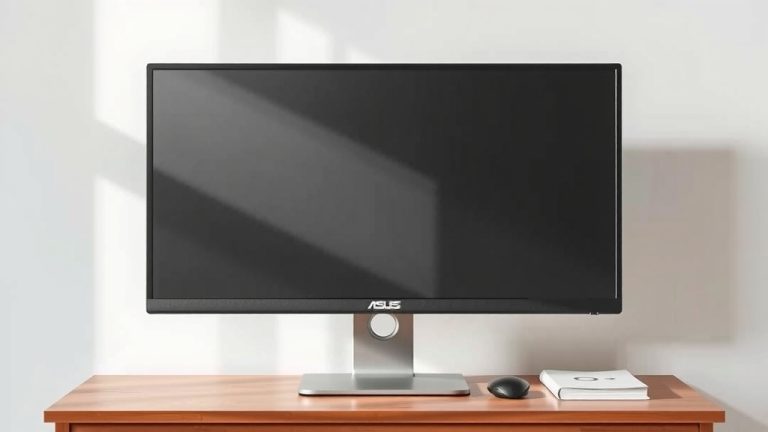
A 24-inch monitor is a fantastic choice for many. It’s large enough for comfortable productivity and browsing. You won’t feel cramped. Plus, it usually doesn’t demand a huge amount of desk space. We found that for college students or those in smaller apartments, a 24-inch monitor is a practical and budget-friendly option. It’s also great if you’re sitting at a typical desk distance of about 2-3 feet away.
27-inch Monitors: The Popular Upgrade
Stepping up to 27 inches provides a noticeable increase in screen real estate. This makes multitasking and viewing documents side-by-side much easier. Many people find a 27-inch monitor to be the ideal size for a modern workspace. It offers more immersion for media consumption and gaming without being too much for average desk setups. We found that research indicates a 27-inch monitor at a 1080p resolution can appear less sharp than a 24-inch at the same resolution. For 27-inch screens, many experts recommend at least a 1440p (QHD) resolution for optimal clarity (RTINGS.com).
Larger Monitors: For Immersive Experiences and Serious Work
When you want more screen or a more cinematic feel, you’ll look at monitors 30 inches and up. These can transform your desk into a command center, but they come with considerations.
30-inch to 34-inch Monitors: Ultrawide and Big Screens
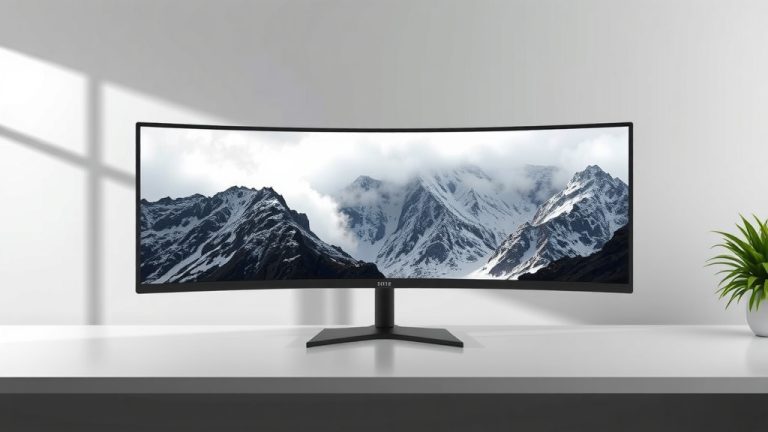
This category includes both standard large monitors and ultrawide options. Ultrawide monitors, often 34 inches or larger with a 21:9 aspect ratio, offer an incredibly immersive experience. They are fantastic for gaming, watching movies, and editing video. For productivity, they allow you to have multiple windows open side-by-side without any bezels in between. You’ll need a deeper desk and more space to comfortably view these. Sitting too close can lead to eye strain. We found that many users appreciate the increased field of view for productivity tasks.
38-inch and Larger Monitors: The Ultimate Immersion
These giants are for those who want the biggest visual experience possible. They are often used for professional design work, intense gaming setups, or as a complete replacement for a dual-monitor configuration. Be aware that you’ll need a very generous desk space and a considerable viewing distance to avoid neck and eye strain. Many experts suggest a minimum viewing distance of 3-4 feet for monitors this size to ensure comfort and optimal viewing (Human Factors and Ergonomics Society).
Consider Your Primary Activities
What you do with your monitor is the biggest factor in choosing the right size. Let’s break it down.
Gaming: Bigger Can Be Better for Immersion
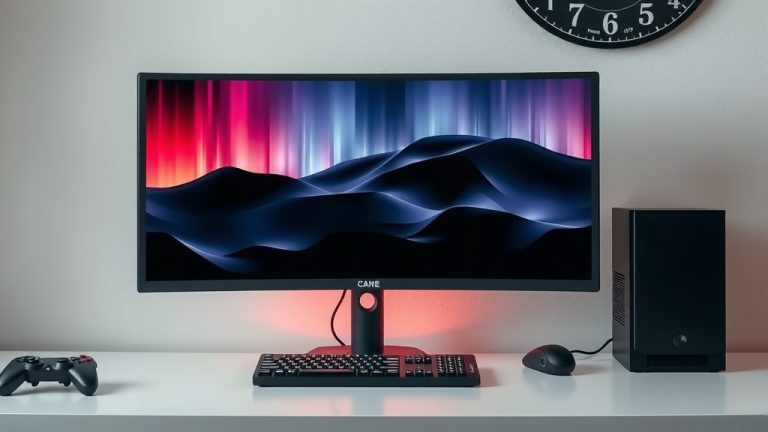
For gamers, screen size often equates to immersion. A larger monitor can pull you deeper into the game world. Ultrawide monitors are particularly popular for their expansive field of view, giving you a competitive edge in some titles. We found that gamers often prefer 27-inch or larger displays for a more engaging experience. Higher refresh rates and faster response times are usually more critical for gaming than sheer size, but size certainly adds to the fun.
Productivity and Work: Screen Real Estate is Key
If you spend hours working with spreadsheets, code, or multiple documents, more screen space is usually a good thing. A 27-inch or 32-inch monitor can significantly boost your productivity by allowing you to see more at once. Ultrawide monitors are also excellent for this, as they can effectively act as two monitors placed side-by-side. We found that a larger screen size, combined with a higher resolution like 1440p or 4K, provides the sharpest and most efficient workspace for demanding tasks.
General Use and Browsing: Balance is Important
For everyday tasks like browsing the web, checking email, and watching videos, a 24-inch or 27-inch monitor is usually more than sufficient. You want a screen that is comfortable to look at for extended periods without feeling overwhelmed. We found that focusing on good ergonomics and viewing distance is more important than getting the absolute biggest screen for casual use.
Viewing Distance Matters!
This is a point that often gets overlooked. How far will you be sitting from your screen? It’s like picking a TV for your living room; a huge TV in a tiny room won’t work well.
As a general guideline, research suggests your viewing distance should be about 1.5 to 2.5 times the diagonal measurement of your screen for optimal comfort (Occupational Safety and Health Administration).
- For a 24-inch monitor, aim for about 2-3 feet.
- For a 27-inch monitor, 3-4 feet is a good range.
- For larger monitors (32 inches and up), you’ll want to sit 4-5 feet or more away.
If you have limited desk space or a smaller room, a massive monitor might actually be a hindrance rather than a help. You’ll end up craning your neck or having to move your head back and forth constantly.
Resolution: The Partner to Size
Screen size and resolution work hand-in-hand. A large monitor with a low resolution will look blurry and pixelated. Think of it like a picture: you can stretch a small photo very wide, but it just becomes blurry. The same applies to monitors.
| Monitor Size | Recommended Resolution | Why it Matters |
|---|---|---|
| 24-inch | 1080p (Full HD) | Sharp text and images. Good balance of performance and clarity. |
| 27-inch | 1440p (QHD) or 1080p | 1440p offers noticeably more detail. 1080p is acceptable but can look less sharp. |
| 32-inch+ | 4K (UHD) or 1440p | 4K provides incredible detail for large screens. 1440p is a good option for a sharper image without the highest demands. |
We found that pairing a 27-inch monitor with a 1440p resolution is becoming a popular choice for a sharp and spacious display. For 32-inch monitors, 4K resolution truly shines, offering stunning clarity for both work and entertainment.
Desk Space and Ergonomics Checklist
Before you click “add to cart,” take a moment to check a few things:
- Measure your desk depth and width.
- Consider your typical sitting distance from the screen.
- Will the monitor physically fit without blocking your keyboard or other essentials?
- Do you have space to position the monitor at an ergonomic distance?
- Will your computer’s graphics card be able to handle a higher resolution if you choose one?
Conclusion
Choosing the right monitor size boils down to your personal needs and setup. Remember to consider your primary activities, like gaming or work, alongside your available desk space and how far you’ll be sitting from the screen. Balancing monitor size with resolution is key for clarity and comfort. By thinking through these factors, you’ll be well on your way to selecting a display that enhances your daily computing experience. Now, take those measurements and consider your ideal viewing distance to make your final decision!
Frequently Asked Questions
Will a bigger monitor always be better for gaming?
Not always. While larger monitors and ultrawides offer great immersion, gamers often prioritize high refresh rates and fast response times for performance. A 27-inch monitor with excellent gaming specs might be better than a huge, slow one. It’s about finding the right balance for your preferred games.
Can I put a large monitor on a small desk?
You can, but it might not be comfortable. Large monitors require more viewing distance to avoid eye strain and neck discomfort. If your desk is shallow, a big screen could also feel overwhelming and block your workspace. Measure carefully and consider your sitting distance.
Is 1080p resolution okay for a 27-inch monitor?
It’s acceptable, but a 27-inch monitor will look sharper with a higher resolution like 1440p (QHD). At 1080p on a 27-inch screen, individual pixels might be more noticeable, making text and images appear less crisp than on a smaller display with the same resolution.
How close should I sit to a 32-inch monitor?
For a 32-inch monitor, research suggests a viewing distance of about 3 to 4 feet is ideal. Sitting too close can cause eye strain and require you to move your head constantly. Ensure your desk setup allows for this comfortable distance.
What’s the difference between a standard large monitor and an ultrawide?
A standard large monitor is typically 16:9 aspect ratio, offering more vertical and horizontal space than smaller screens. An ultrawide monitor, often 21:9 or 32:9, is significantly wider, providing an expansive view that’s great for multitasking or immersive gaming and media, but it requires more desk width.