How Big Are 27 Inch Monitors Actually
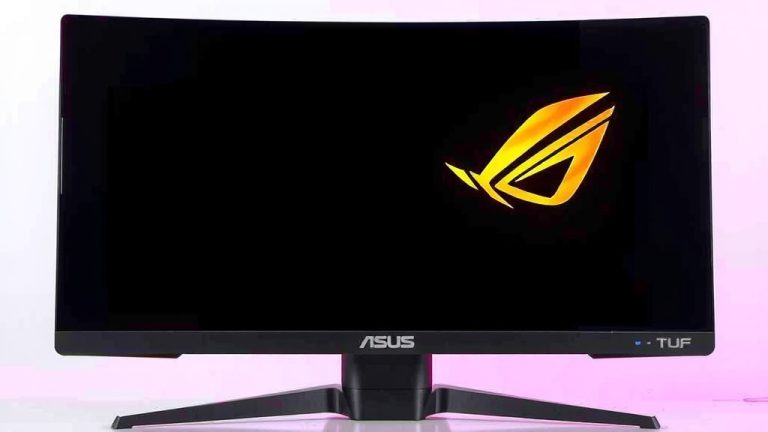
So, you’re wondering, how big are 27-inch monitors? Essentially, a 27-inch monitor refers to the diagonal screen measurement. This means the screen itself is about 23.5 inches wide and 13.2 inches tall. They offer a great balance between screen real estate and desk space for most users.
When we talk about a 27-inch monitor, we’re really talking about the viewable screen area. The actual physical size includes the bezel around the screen. Many people find this size to be the sweet spot for productivity and entertainment without feeling overwhelming.
- A 27-inch monitor measures 27 inches diagonally.
- The screen itself is roughly 23.5 inches wide and 13.2 inches tall.
- It’s a popular size for both work and play.
- Offers a good balance of screen space and desk footprint.
Let’s dive into what makes this monitor size so popular and what you should consider when choosing one.
“`htmlUnderstanding the True Size of a 27-Inch Monitor
So, you’ve heard that 27-inch monitors are popular, but what does that really mean for your desk space? When manufacturers state a monitor is 27 inches, they’re referring to the diagonal measurement across the screen. This is a standard industry practice, much like how you’d measure a TV. It’s important to remember this measurement is for the viewable screen area, not the entire physical unit with its bezels.
Think of it like buying a picture frame. The frame size (27 inches) tells you the size of the artwork it can hold, but the frame itself adds extra inches all around. For a 27-inch monitor, this means the actual physical dimensions will be a bit larger than just the screen itself.
Screen Dimensions: What You Actually See
Let’s get down to the numbers. A typical 27-inch monitor screen has a viewable area that’s approximately 23.5 inches wide. The height usually comes in around 13.2 inches. These are the dimensions that matter most for your visual experience. They dictate how much content you can comfortably see without much scrolling or squinting.
These dimensions are based on a standard 16:9 aspect ratio, which is the most common for monitors today. This ratio provides a good balance for most applications, whether you’re working on spreadsheets, watching movies, or playing games. You get a wide view without it feeling overly stretched.
Physical Footprint: Beyond the Screen
Now, let’s talk about the whole package. The physical size of the monitor, including the stand and bezel, will add to its overall footprint on your desk. While the screen is about 23.5 inches wide, the monitor itself might be closer to 25 inches wide, depending on how slim the bezels are. The depth can vary greatly depending on the stand design.
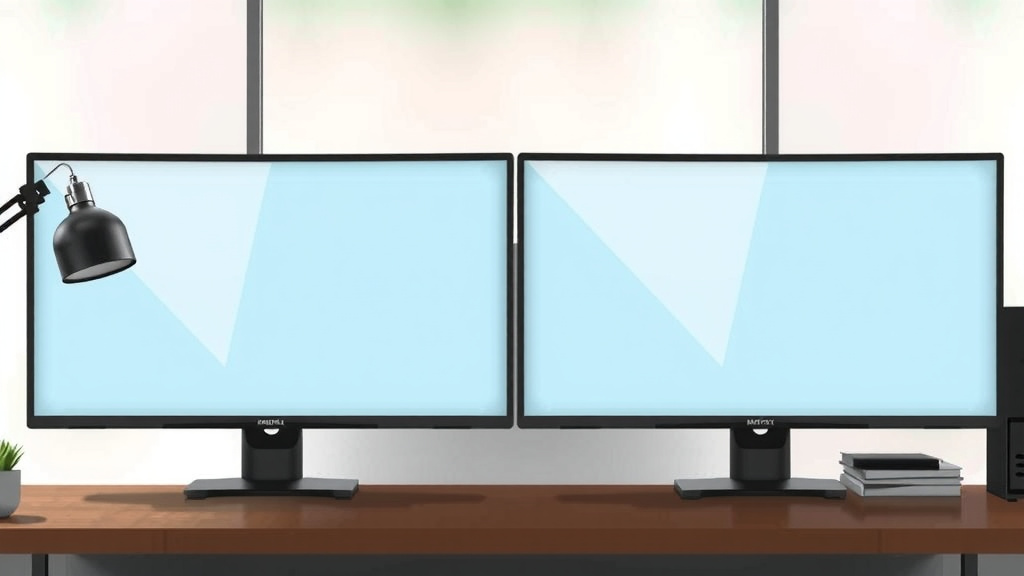
Many modern 27-inch monitors feature ultra-slim bezels. This means less wasted space around the screen. If you’re considering a multi-monitor setup, slim bezels are a huge plus. They allow for a more immersive, almost borderless experience when placed side-by-side. You want to know the total width to ensure it fits on your desk.
Measuring Your Desk Space
Before you buy, whip out your tape measure! Seriously, grab it and measure your desk. You’ll want to check both the width and depth available. A 27-inch monitor usually requires at least 25 inches of width. For depth, most monitors need about 8-10 inches for the stand. Some stands are quite deep, while others are more compact.
Don’t forget to account for your keyboard and mouse. You need enough room to comfortably use your peripherals. If you have limited desk space, consider a monitor with a VESA mount. This allows you to attach it to a monitor arm, freeing up valuable desk surface.
Why 27 Inches is the “Sweet Spot” for Many Users
You might be wondering why this particular size has become so incredibly popular. We found that a 27-inch monitor offers a fantastic balance between screen real estate and desk footprint. It’s big enough to be immersive but not so large that it takes over your entire workspace.
Productivity Powerhouse
For work, these monitors are a dream. You can comfortably view multiple documents side-by-side. This significantly boosts productivity for tasks like coding, graphic design, or managing large spreadsheets. Research suggests that larger screen sizes can improve efficiency for certain tasks. A 27-inch display often provides enough space for this without feeling overwhelming. For professionals, understanding color accuracy is crucial, and our guide to the best 100% sRGB monitors can help.
Many professionals appreciate the clarity and detail a 27-inch monitor provides. Whether you’re reviewing detailed reports or editing images, the larger screen makes it easier to see what you’re doing. It reduces the need for constant zooming or scrolling, which can be a real time-saver.
Entertainment and Gaming Experience
Beyond work, a 27-inch monitor is also great for entertainment. Watching movies or playing games on a larger screen is more immersive. You can take in more of the on-screen action. For gamers, this size can offer a competitive edge. You can see more of the game world without moving your head too much. If you’re considering a 27-inch monitor for gaming, our guide to the best 1080p 27-inch gaming monitors can help you choose.
Many modern 27-inch monitors boast high refresh rates and excellent color accuracy. These features are essential for a smooth and vibrant gaming or viewing experience. We found that the combination of screen size and these features really elevates your entertainment.
The Resolution Factor: Pixels Matter
When discussing the size of a monitor, the resolution is equally important. For a 27-inch monitor, 1440p (QHD or 2560 x 1440 pixels) is often considered the sweet spot. This resolution offers a much sharper image than standard 1080p (FHD). It provides a higher pixel density, meaning images and text look crisper.
If you were to use a 1080p resolution on a 27-inch monitor, the pixels would be more spread out. This can make text look a bit blurry or “soft.” On the other hand, 1440p provides excellent clarity. Some high-end 27-inch monitors even offer 4K (2160p) resolution, which is incredibly sharp but can sometimes make text appear smaller on screen unless scaling is adjusted.
| Monitor Size | Recommended Resolution | Best For |
|---|---|---|
| 24-inch | 1080p (FHD) | General use, gaming on a budget |
| 27-inch | 1440p (QHD) | Productivity, gaming, general use |
| 27-inch and larger | 4K (UHD) | Professional design, video editing, immersive media |
Considering Your Needs: Is 27 Inches Right for You?
So, is a 27-inch monitor the perfect fit for your setup? Let’s think about it. It really comes down to your primary use and the space you have available. If you’re upgrading from a smaller monitor, it will feel like a significant increase in screen real estate. If you’re used to very large displays, it might feel just right.
Desk Space Evaluation
As we mentioned, measure your desk. Can you accommodate a monitor that’s roughly 25 inches wide and about 8-10 inches deep? If your desk is quite shallow or narrow, you might want to consider a smaller monitor or a wall mount. We found that many users underestimate the space a monitor stand requires.
Primary Use Case Checklist
To help you decide, ask yourself these questions:
- Do you multitask with several windows open?
- Do you play video games that benefit from a wider field of view?
- Do you watch movies or streaming content at your desk?
- Do you perform detailed work like photo editing or coding?
- Is your current monitor too small to be comfortable for extended use?
- Do you have enough desk space for a monitor around 25 inches wide?
If you answered “yes” to most of these, a 27-inch monitor is likely an excellent choice for you. It really hits a sweet spot for many people, offering a noticeable upgrade without being unmanageable. It’s a popular size for a reason – it just works well for a wide variety of users and tasks.
Conclusion
So, you’ve learned that a 27-inch monitor offers a fantastic middle ground for your desk. It provides ample screen real estate for productivity and immersive entertainment without consuming too much space. Remember to measure your desk and consider your primary use case. Whether you’re coding, gaming, or watching movies, this size often hits the sweet spot. Your next step? Grab that tape measure, assess your space, and decide if a 27-inch display is the right upgrade for you!
Frequently Asked Questions
Will a 27-inch monitor fit on my small desk?
A 27-inch monitor typically needs about 25 inches of width and 8-10 inches of depth for its stand. You’ll want to measure your desk carefully before buying. If space is tight, consider a monitor with a slim bezel or one that supports a VESA mount for a monitor arm.
Is 1440p resolution good for a 27-inch monitor?
Yes, 1440p (QHD) resolution is generally considered ideal for a 27-inch monitor. It offers a sharp image with a good pixel density, making text clear and visuals crisp. This resolution provides a noticeable improvement over 1080p without requiring the most powerful graphics card.
What’s the difference between the screen size and the monitor’s physical size?
The 27-inch measurement refers to the diagonal viewable screen. The monitor’s actual physical size, including the bezel and stand, will be larger. Modern monitors often have slim bezels to minimize this extra size, but it’s still good to check the total dimensions for your desk.
Can I use a 27-inch monitor for professional graphic design?
Many professionals use 27-inch monitors for graphic design, especially those with 1440p or 4K resolution. The larger screen real estate allows you to see more of your work at once. Ensure the monitor has good color accuracy for best results.
How do 27-inch monitors compare to 24-inch monitors for gaming?
A 27-inch monitor offers a more immersive gaming experience due to its larger screen size. For competitive gaming, a 24-inch monitor can sometimes be preferred as it keeps more of the action within your direct field of view. However, many gamers find 27 inches to be the perfect balance for immersion and performance.