Monitor Screen Size: How It’s Measured
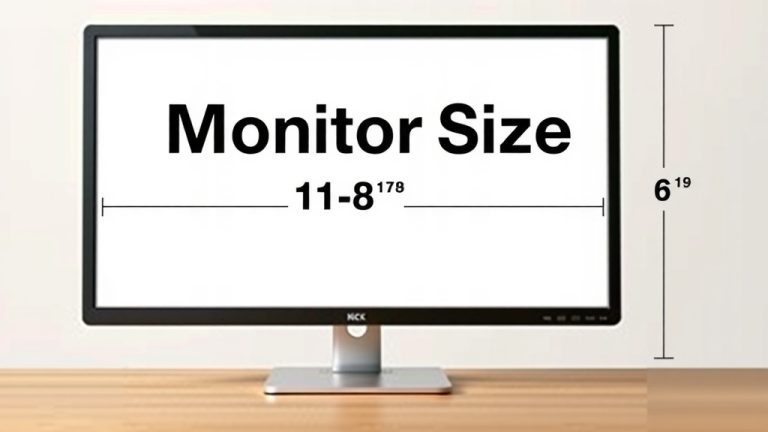
Monitor screen sizes are measured diagonally, from one corner to the opposite corner, using inches. This measurement includes the entire viewable screen area, not just the display itself. So, when you see a monitor advertised as 27 inches, that’s the length of the diagonal line across the screen.
It’s a common measurement used for TVs and computer monitors alike. We found that this standard makes it easy to compare screen dimensions across different brands and models. Don’t confuse this with the physical dimensions of the monitor’s bezel or stand. The diagonal measurement tells you the screen’s viewable real estate.
- Screen size is measured diagonally.
- It’s always in inches for monitors and TVs.
- This measurement refers to the viewable screen area.
- It doesn’t include the outer frame or stand.
Ready to understand your screen better? Let’s break down exactly how this diagonal measurement works and what it means for your viewing experience.
Understanding Your Monitor’s Diagonal Measurement
So, your new monitor is advertised as 24 inches. But what does that really mean? It’s not the width or height. It’s the diagonal measurement. This is a standard across the industry, like how we measure TVs. It helps you compare screens easily, no matter the brand.
The Science Behind the Diagonal
Why a diagonal? Think of a rectangle. The diagonal is the longest straight line you can draw across it. It spans from one corner to the exact opposite corner. This measurement is always in inches for monitors. It gives you a single number to represent the screen’s overall size.
Visualizing the Measurement
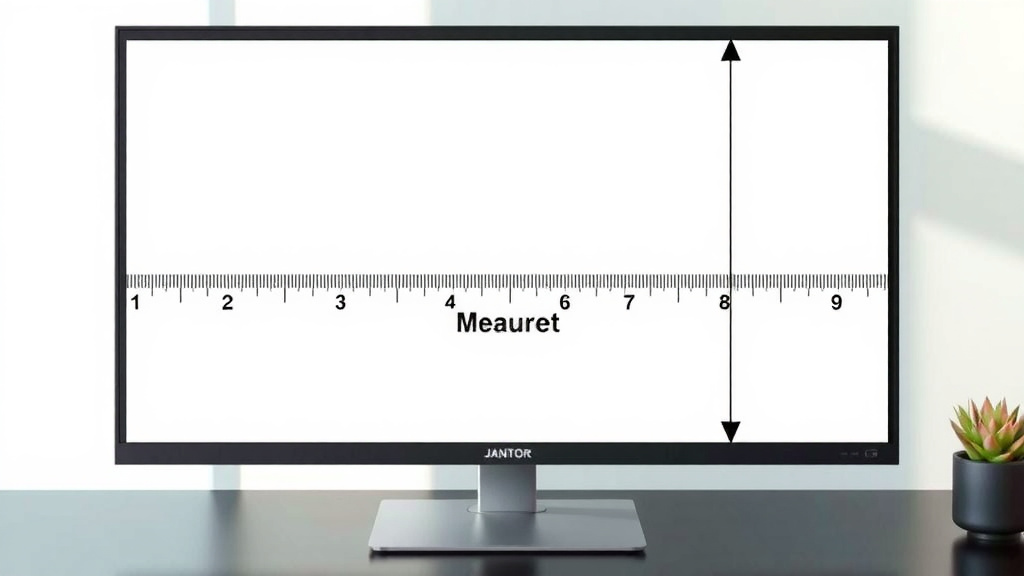
Imagine a ruler held from the top-left corner of your screen down to the bottom-right. Or from the top-right to the bottom-left. That length is your monitor’s size. This simple method provides a consistent way to describe screen dimensions for everyone.
What’s Included in the Measurement?
This is where some confusion can happen. The diagonal measurement refers only to the viewable screen area. This means the part of the screen that actually displays images. It does not include the plastic border around the screen (the bezel). It also doesn’t include the stand that holds the monitor up.
Viewable Area vs. Physical Size
Many people think the advertised size is the entire physical unit. That’s not the case. A 27-inch monitor might look a little bigger or smaller on your desk depending on its bezel width. However, the 27 inches will always refer to the active display portion. This distinction is important for fitting monitors into desk spaces.
How Screen Sizes Compare
Knowing how screen sizes are measured helps you make better purchasing decisions. A larger diagonal number generally means a bigger screen. But aspect ratio also plays a role in how the screen looks. We’ll touch on that briefly.
Common Monitor Sizes and What They Offer
Most common monitor sizes fall into a few ranges. Smaller monitors, like 21-24 inches, are great for basic tasks. Think email, browsing, and light office work. They don’t take up much desk space. Many experts suggest these for smaller workspaces (Wirecutter).
Mid-range monitors, typically 25-27 inches, are a popular sweet spot. They offer a good balance of screen real estate and desk footprint. These are excellent for general productivity, gaming, and watching content. You get more immersive viewing without overwhelming your desk.
Larger monitors, 30 inches and above, are for those who need maximum screen space. This includes graphic designers, video editors, and serious gamers. These can be more immersive but require a larger desk. They can also be more expensive.
Aspect Ratio: A Quick Note
While the diagonal tells you the size, the aspect ratio tells you the shape. The most common is 16:9 (widescreen). This is standard for most TVs and monitors. Older monitors might be 16:10 or even 4:3. A 24-inch 16:9 monitor will look different from a 24-inch 4:3 monitor.
Impact on Your Experience
The 16:9 ratio is great for movies and most games. It provides a wide view. A taller aspect ratio, like 16:10, gives you a bit more vertical space. This can be helpful for scrolling web pages or working with code. It’s a small difference, but it can affect your comfort.
Choosing the Right Monitor Size for You
Think about your primary use for the monitor. Are you a student who needs to manage multiple windows? A gamer seeking an immersive experience? Or someone who just needs a reliable screen for everyday tasks?
Checklist for Your Monitor Size Decision
- Consider your desk space. Measure before you buy!
- Think about what you do most. Gaming? Work?
- What’s your budget? Larger screens often cost more.
- Do you multitask often? More screen real estate helps.
- What resolution do you need? Higher resolutions look better on larger screens.
- Test it out if possible. See the size in person.
Many consumer guides recommend trying to see monitors in person. This helps you get a feel for the actual size. It’s hard to judge from specs alone. What looks good on paper might feel too big or too small on your desk.
A Helpful Comparison Table
Here’s a quick look at how screen sizes and common uses often line up:
| Diagonal Size (Inches) | Typical Aspect Ratio | Common Use Cases | Desk Footprint |
|---|---|---|---|
| 21-24 | 16:9 | Basic Office, Web Browsing, Students | Small |
| 25-27 | 16:9 | General Productivity, Gaming, Media Consumption | Medium |
| 30+ | 16:9, 21:9 (Ultrawide) | Professional Design, Video Editing, Enthusiast Gaming | Large to Very Large |
This table shows that a 27-inch monitor is often a great all-around choice. It balances screen size with practicality for most users.
Conclusion
You’ve learned that monitor screen sizes are straightforwardly measured diagonally in inches. This standard measurement tells you the viewable screen area, not the physical frame or stand. Understanding this helps you compare monitors effectively and know what to expect for your desk space. From basic tasks to immersive gaming, there’s a screen size perfect for your needs. Now you can confidently choose the right monitor based on its diagonal measurement and how it fits your workflow and preferences.
Frequently Asked Questions
Does the bezel count towards the monitor size?
No, the diagonal measurement of a monitor does not include the bezel. The bezel is the plastic or metal frame around the screen. The advertised size refers only to the viewable screen area where the image is displayed.
Can I measure my monitor size myself?
Yes, you can. To measure your monitor size yourself, use a tape measure to find the diagonal distance from one corner of the viewable screen to the opposite corner. This will give you the approximate screen size in inches.
Are all monitor screen sizes measured the same way?
Yes, all monitor screen sizes are measured the same way: diagonally across the viewable screen area in inches. This is an industry standard that ensures consistency when comparing different monitors and brands.
Why do two monitors with the same diagonal size look different?
Two monitors with the same diagonal size might look different due to their aspect ratio and bezel width. A wider aspect ratio (like 21:9 ultrawide) will appear wider than a standard 16:9 screen of the same diagonal measurement. A thicker bezel also makes the physical monitor appear larger.
Is a larger diagonal screen always better for gaming?
A larger diagonal screen can offer a more immersive gaming experience, but it’s not always “better.” It depends on your personal preference, desk space, and the resolution. A bigger screen needs a higher resolution to maintain clarity. Some gamers also prefer smaller screens for competitive play due to faster response times.