How Monitor Dimensions Are Measured: A Simple Guide
Monitor dimensions are measured diagonally from one corner of the screen to the opposite corner, similar to how you’d measure a TV. This diagonal measurement tells you the screen’s size in inches, but it doesn’t tell the whole story about how much space it will take up. You’ll often see this listed as the monitor’s aspect ratio, like 16:9 or 21:9.
While the diagonal is the standard, it’s important to remember this only covers the viewable screen area. The actual physical dimensions, including the bezel and stand, will be larger. Many people assume the diagonal measurement is the only thing that matters, but understanding both is key for desk setup. We found that knowing these details helps avoid surprises.
- Monitor size is measured diagonally across the viewable screen.
- This measurement is always in inches.
- The diagonal size doesn’t include the bezel or stand.
- Aspect ratio (like 16:9) also describes screen shape.
So, now that you know the basic measurement, let’s break down exactly how to measure your monitor’s dimensions accurately and what to consider when buying a new one.
Understanding Your Monitor’s True Size
You’ve seen it advertised everywhere: a 24-inch monitor, a 27-inch monitor, maybe even a massive 32-inch display. But what does that number really mean for your desk space? We’re here to clear up the confusion and make sure you know exactly what you’re getting.
The diagonal measurement is your starting point. It’s the industry standard. Think of it like buying a picture frame – the size listed is the size of the artwork it can hold, not the frame itself. This measurement helps you quickly compare monitor sizes.
The Diagonal is Key, But What Does It Measure?
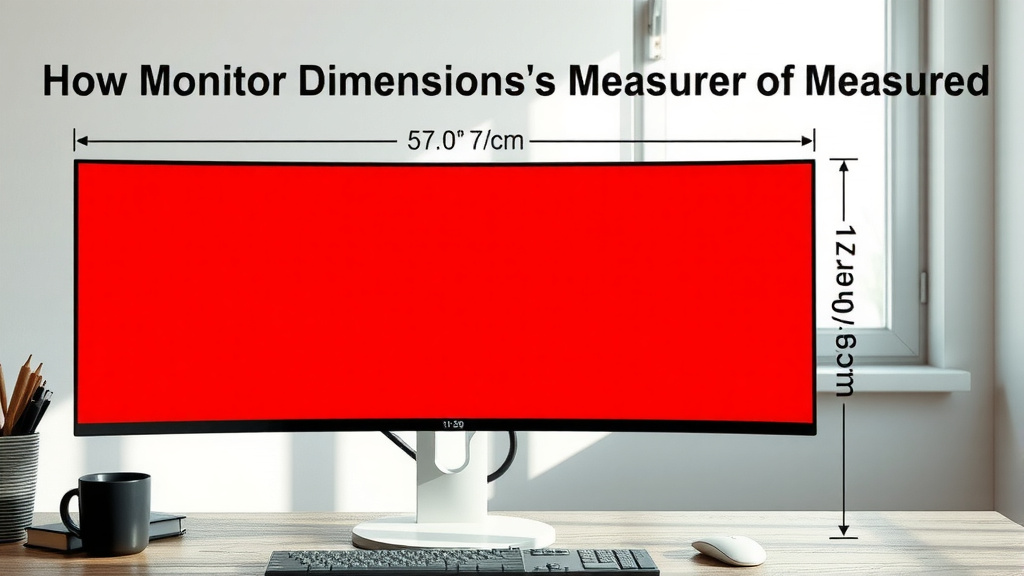
When you see a monitor listed as, say, 27 inches, that 27-inch number refers to the diagonal length of the viewable screen area. This is the part of the monitor where the image actually appears. It does not include the plastic border (the bezel) around the screen or the stand it sits on.
We found that many people assume this diagonal measurement is the total width of the monitor. That’s a common mistake. It’s important to remember this number is purely about the screen itself. So, a 27-inch monitor isn’t necessarily 27 inches wide. It will be shorter in width and height than that diagonal measurement.
Why Only the Viewable Area?
Manufacturers use the viewable screen size for a simple reason: consistency. It’s the best way to give consumers a comparable metric across different brands and models. Imagine if every company measured their monitor diagonals including a half-inch bezel; it would be confusing. This standardized approach helps you know the actual screen real estate you’re getting for your work or play.
Beyond the Diagonal: Aspect Ratio Explained
While the diagonal tells you the screen’s size, the aspect ratio tells you its shape. You’ve likely seen ratios like 16:9 or 21:9. This is a comparison of the screen’s width to its height. The first number is the width, and the second is the height.
The most common aspect ratio today is 16:9. This means for every 16 units of width, there are 9 units of height. It’s a well-balanced ratio that works great for almost everything, from watching movies to browsing the web.
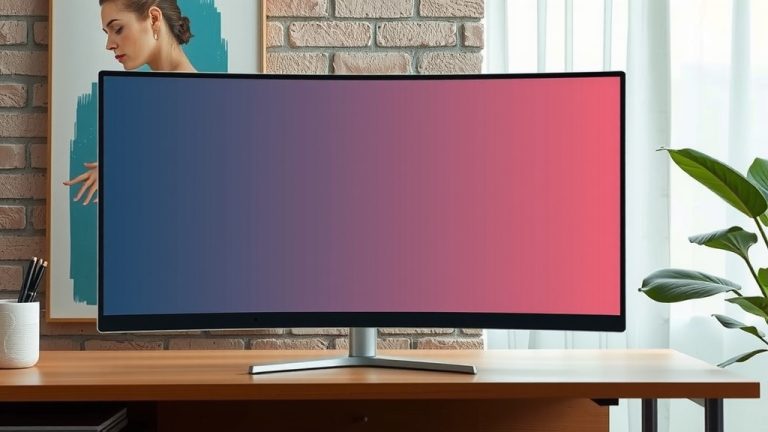
Widescreen monitors are becoming increasingly popular. These often come with an aspect ratio of 21:9 (sometimes labeled as 2.37:1 or 2.39:1, which are cinema standards). These monitors are significantly wider than they are tall. This extra width can be fantastic for multitasking, giving you more space to have multiple windows open side-by-side without them feeling cramped.
Understanding Ultrawide Benefits
If you’re a gamer or a video editor, an ultrawide monitor (21:9 or even 32:9) can offer an immersive experience. Games often support these wider formats, letting you see more of the virtual world. For productivity, having more horizontal screen real estate means you can easily view spreadsheets, code, or design timelines without constant scrolling.
Calculating Actual Dimensions: Width, Height, and Depth
So, how do you figure out the actual physical dimensions? You can often find these specifications listed on the manufacturer’s website or the product page where you bought it. They’ll usually provide measurements in both inches and millimeters.
The width and height of the viewable screen can be calculated if you know the diagonal size and the aspect ratio. There are online calculators for this, or you can do some basic trigonometry if you’re feeling adventurous!
However, for practical purposes, the most important measurements are the overall physical dimensions. These include the bezel and are usually listed as:
- Width: The total measurement from the left edge of the bezel to the right edge of the bezel.
- Height: The total measurement from the bottom edge of the bezel to the top edge of the bezel.
- Depth: The measurement from the front of the screen to the back of the monitor, which is important for checking if it fits on your desk or wall mount.
Don’t Forget the Stand!
We’ve seen many setups where the stand is the most significant factor in how much desk space a monitor uses. Monitor stands vary wildly in size and shape. Some are sleek and minimal, taking up very little room. Others have a larger base or an adjustable arm that can extend forward.
Always check the dimensions including the stand if you plan to use it. If you’re using a VESA mount, you can often ditch the stand entirely, which saves a lot of desk real estate. VESA compatibility is something to look for if you want to wall-mount or use an aftermarket monitor arm.
Example Monitor Dimensions (Approximate)
To give you a clearer picture, let’s look at some common sizes. Remember, these are approximate and can vary slightly between models.
| Diagonal Size (Viewable) | Aspect Ratio | Approx. Width (Viewable Screen) | Approx. Height (Viewable Screen) | Approx. Overall Width (with Bezel) | Approx. Overall Height (with Bezel) |
|---|---|---|---|---|---|
| 24 inches | 16:9 | 20.9 inches | 11.8 inches | ~22 inches | ~14 inches |
| 27 inches | 16:9 | 23.5 inches | 13.2 inches | ~24.5 inches | ~15.5 inches |
| 32 inches | 16:9 | 27.9 inches | 15.7 inches | ~29 inches | ~17.5 inches |
| 34 inches | 21:9 (Ultrawide) | 31.7 inches | 13.3 inches | ~33 inches | ~15.5 inches |
As you can see, the overall width and height are always less than the diagonal measurement. For ultrawide monitors, the width is significantly larger. This is why checking the full specs is so important for planning your desk setup.
What to Consider for Your Desk Setup
When you’re shopping for a new monitor, don’t just look at the diagonal size. Think about how it will actually fit on your desk and in your workflow. We recommend making a quick checklist before you buy:
- Measure the available space on your desk where the monitor will sit.
- Note the depth of your desk to ensure the stand will fit comfortably.
- Consider how far away you’ll be sitting; larger monitors might require more distance.
- Check the monitor’s VESA mount compatibility if you plan to use a wall mount or arm.
- Look at the monitor’s actual width and height dimensions, including the bezel and stand.
- Think about your primary use: gaming, work, general browsing? This influences aspect ratio and size choice.
Conclusion
You now understand that monitor dimensions are more than just a diagonal number. While the diagonal size in inches is the industry standard for screen size, it only refers to the viewable area. The aspect ratio tells you the screen’s shape, and the overall physical dimensions including bezels and stands are critical for desk planning. We found that checking these full specs helps you make the best choice. Before you buy your next monitor, make sure to measure your desk space and consider your workflow. This careful consideration will help you find a display that fits perfectly and enhances your productivity or entertainment.
Frequently Asked Questions
Does the diagonal measurement include the monitor’s stand?
No, the diagonal measurement only refers to the viewable screen area. It does not include the plastic bezel around the screen or the stand the monitor rests on. You’ll need to check the full product specifications for the overall dimensions with the stand included.
How do I find the actual width and height of a monitor?
Manufacturers usually list the actual physical dimensions, including the bezel, on their product pages or spec sheets. These measurements will tell you the total width and height the monitor will occupy on your desk.
What’s the difference between 16:9 and 21:9 aspect ratios?
The aspect ratio describes the screen’s shape. A 16:9 monitor is more balanced in width and height, which is standard for most content. A 21:9 monitor, often called ultrawide, is significantly wider, offering more horizontal space for multitasking or immersive gaming.
Should I worry about the bezel size?
Yes, the bezel size contributes to the overall physical dimensions of your monitor. While slim bezels are popular and reduce the overall footprint, thicker bezels will make the monitor wider and taller than the viewable screen area suggests. Always check the total dimensions if desk space is limited.
Can I calculate monitor dimensions myself?
You can calculate the viewable screen’s width and height if you know the diagonal size and aspect ratio using geometric formulas or online calculators. However, for practical desk setup, it’s much easier and more accurate to refer to the manufacturer’s listed overall physical dimensions, which include the bezel and often the stand.