How Computer Monitors Are Measured For Size
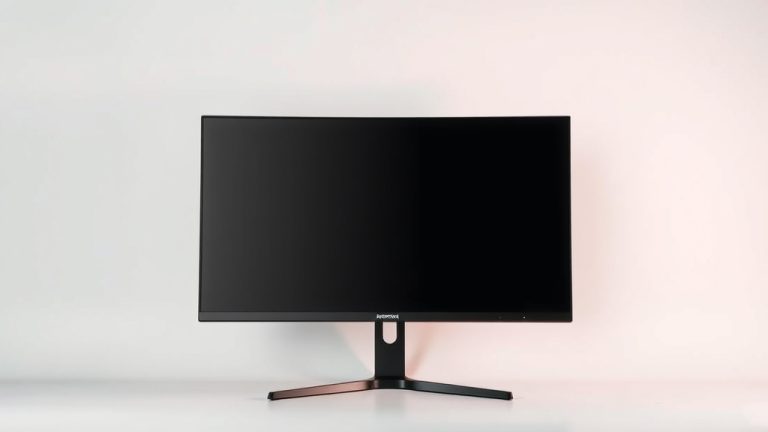
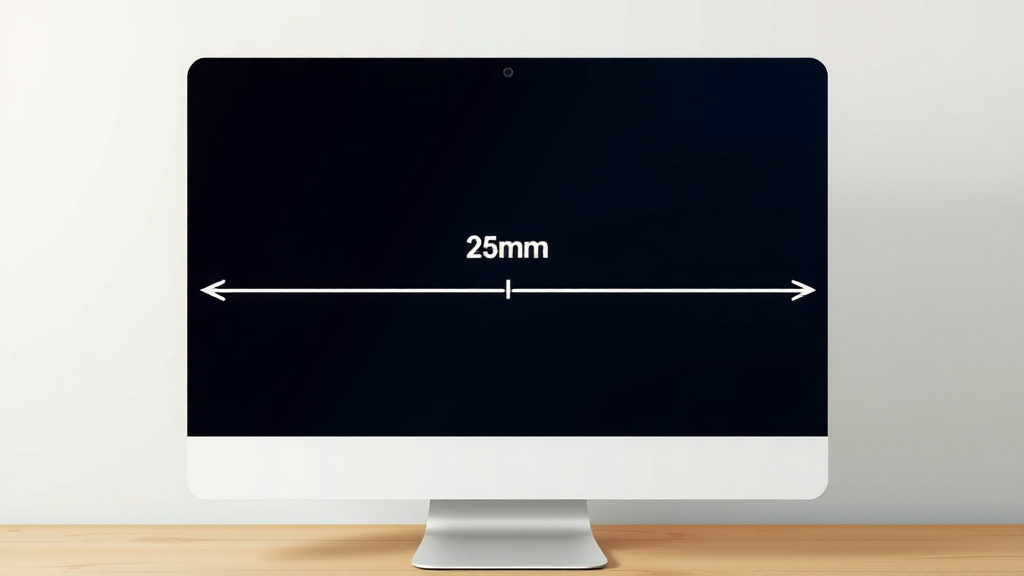
Computer monitors are measured diagonally across the viewable screen area. This means from one corner to the opposite corner, ignoring the bezel. So, when you see a 27-inch monitor, it’s referring to that diagonal measurement of the actual display, not the entire physical unit.
You might be surprised to learn this measurement isn’t an exact science. Manufacturers use a standard method, but the bezel size can vary. This is why two monitors with the same advertised diagonal size might look slightly different in person. We’ve found this can sometimes lead to confusion when choosing your next display.
- Monitors are measured diagonally.
- This measurement is for the viewable screen only.
- The bezel (the frame around the screen) is not included.
- It’s a standard but can have slight variations.
Let’s break down exactly how computer monitor sizes are determined, so you can pick the perfect screen for your setup.
Understanding How Computer Monitor Sizes Are Determined
So, how do manufacturers actually figure out that inch number you see on the box? It all comes down to a simple, yet specific, measurement. We’ve researched this to give you the clearest picture.
The Diagonal Difference: Viewable Screen Area
The key to understanding monitor size lies in the term “viewable screen area.” This is the part of the monitor where your content actually appears. Think of it as the usable real estate for your eyes.
Manufacturers measure this viewable area from the bottom-left corner to the top-right corner, or vice-versa. It’s always a straight line, forming a diagonal. This is the standard method used across the industry.
Why the Bezel Doesn’t Count
You’ve probably noticed the frame around the actual display. This is called the bezel. It’s the plastic or metal border that holds the screen in place and often houses buttons or speakers.
Crucially, the bezel is not included in the size measurement. The advertised size, like 24 inches or 32 inches, refers only to the diagonal length of the illuminated display area. This helps keep measurements consistent, even if the physical size of the bezel varies between models.
The Role of Aspect Ratio
While the diagonal measurement is king, the aspect ratio also plays a role in how a monitor *feels*. The aspect ratio is the relationship between the width and height of the screen. The most common aspect ratio today is 16:9 (widescreen).
Older monitors might have used 4:3, which is more square. A 27-inch monitor with a 16:9 aspect ratio will look wider than a 27-inch monitor with a 4:3 aspect ratio (though 4:3 is rare for new monitors). This is why two monitors of the same diagonal size can offer a different viewing experience, especially for movies or games that utilize the screen’s width. For a wider view, consider 1080p ultrawide monitors that offer more horizontal screen space.
A Deeper Dive into Measurement Standards
The measurement method isn’t just a suggestion; it’s based on industry conventions. The Electronic Industries Alliance (EIA) has guidelines that most manufacturers follow. These guidelines aim for consistency.
However, there can be slight variations. Sometimes, the “viewable” area might include a tiny sliver that’s technically part of the display but not always perfectly visible. Think of it like the margin on a printed page – it’s there, but you don’t usually read into it.
Understanding the “Viewable” Edge
Manufacturers often aim to maximize the viewable screen. This means the actual glass might be slightly larger than the illuminated portion. The measurement specifically targets that illuminated rectangle. We found that this is where most of the confusion arises when comparing specs.
Putting It All Together: What It Means for You
When you see a monitor advertised as, say, 27 inches, remember it’s that diagonal measurement of the active screen space. This information is essential for planning your desk setup.
Consider what you’ll primarily use your monitor for. Gamers and video editors might prefer larger screens for immersion. Office workers might find a 24-inch or 27-inch monitor to be a sweet spot for productivity. It’s about finding the right fit for your personal needs.
The Physical Footprint vs. Screen Size
It’s important to distinguish between the screen size and the monitor’s overall physical dimensions. A 32-inch monitor will have a larger physical footprint than a 24-inch monitor, even if both have thin bezels. The stand, the depth, and the width of the bezel all contribute to the monitor’s total space requirement on your desk.
Common Monitor Sizes and What to Expect
Most monitors fall into a few common size categories. Knowing these can help you visualize what will work best for your space.
| Advertised Size (Diagonal Viewable) | Typical Use Case | Considerations |
|---|---|---|
| 21.5 – 24 inches | Everyday computing, office work, casual gaming | Good for smaller desks, budget-friendly, less eye strain for close viewing. |
| 25 – 27 inches | General use, gaming, multimedia, multitasking | Popular sweet spot, good balance of immersion and desk space. Offers more screen real estate for productivity. |
| 30 – 32 inches | Gaming, professional creative work, immersive viewing | Requires more desk space, offers excellent immersion. Great for detailed work like photo editing. |
| 34 inches and larger | Ultrawide gaming, professional workstations, cinematic viewing | Ultrawide (21:9 or 32:9 aspect ratios) offer incredible immersion but need significant desk space. |
Making the Right Choice for Your Setup
When you’re shopping, look beyond just the diagonal measurement. Think about the resolution, refresh rate, and panel type. These all impact your viewing experience.
But for size, the diagonal viewable area is your primary guide. Remember that the bezel size can make two monitors of the same advertised size appear slightly different in overall dimensions. Always check the physical dimensions if desk space is a major concern.
Quick Checklist for Choosing Your Monitor Size
Here’s a quick way to remember the key points when you’re picking out your next display:
- Measure Diagonally: The size is always measured from corner to corner.
- Viewable Area Only: Don’t count the bezel or frame.
- Aspect Ratio Matters: 16:9 is standard for widescreen viewing.
- Consider Your Desk: A larger screen needs more space.
- Think About Your Tasks: Gaming, work, or general use?
- Check Physical Dimensions: Especially if space is tight.
By understanding how monitor sizes are measured, you can confidently select a display that fits your needs and your desk perfectly. Happy viewing!
Conclusion
You’ve learned that your monitor’s advertised size is always a diagonal measurement of its viewable screen area, not including the bezel. This standard helps you compare displays, but remember that the physical bezel can make actual dimensions vary. Understanding this measurement is key to choosing a monitor that fits your desk and your workflow. Now you can confidently shop for your next display, knowing exactly what that inch number means. Focus on what you’ll use it for, and pick the screen that feels right for you!
Frequently Asked Questions
Does the bezel affect the monitor’s actual screen size?
No, the advertised monitor size specifically refers to the viewable screen area. The bezel, or frame around the screen, is not included in this diagonal measurement. Manufacturers exclude the bezel to maintain a consistent size reference across different models, even if their frames look different.
Why do two monitors with the same inch size look different?
While the diagonal viewable measurement is standard, the bezel width can differ between models. A monitor with a thicker bezel might have a slightly larger physical footprint on your desk than another of the same advertised screen size. We’ve found that checking the physical dimensions is best if desk space is a concern.
Is the “viewable screen area” the same as the physical glass size?
Generally, the viewable screen area is very close to the illuminated portion of the glass. Manufacturers aim to maximize this, so the glass itself might be a tiny bit larger than what’s technically considered “viewable.” The measurement targets that bright, usable rectangle where your content appears.
How does aspect ratio affect perceived monitor size?
The aspect ratio (like 16:9 for widescreen) dictates the screen’s width relative to its height. A 27-inch monitor with a 16:9 aspect ratio will look wider than a 27-inch monitor with an older, more square 4:3 aspect ratio. This means two monitors of the same diagonal size can offer different viewing experiences, especially for media.
Are there different ways monitors are measured besides diagonally?
The industry standard for advertising monitor size is the diagonal measurement of the viewable screen area. While other dimensions like width and height exist, they are not what you’ll typically see advertised. You can usually find these physical dimensions listed in the monitor’s detailed specifications if you need them.