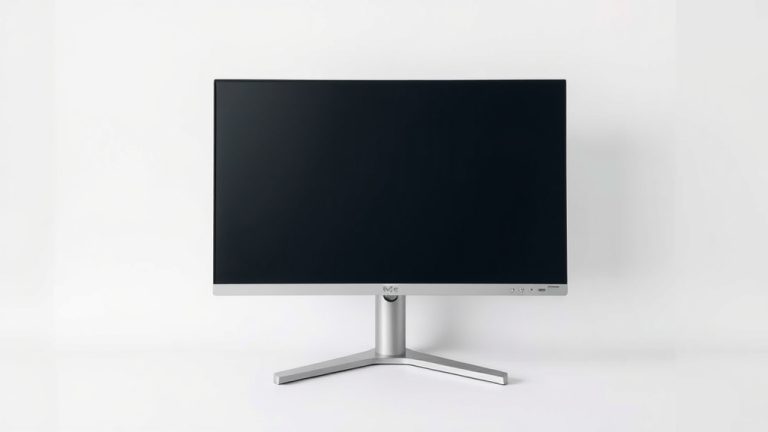
AOC Monitors: What You Need to Know in 2026
AOC monitors are generally considered a good value for the money. They offer a range of displays from budget-friendly options to more premium models, often providing solid performance for their price point. You can find AOC monitors suitable for everyday tasks, gaming, and even professional use.
When people ask “how are AOC monitors,” they’re usually wondering about their overall quality and reliability compared to other brands. We found that AOC has earned a reputation for delivering competitive features like good refresh rates and color accuracy, especially in their gaming line, without a sky-high price tag. They aim to make advanced display technology accessible to a wider audience.
- AOC monitors offer a good balance of price and performance.
- They have models for various needs, from basic to gaming.
- Many users report satisfaction with their durability and display quality.
- AOC often includes gaming-specific features at competitive prices.
- They are a popular choice for those on a budget looking for decent specs.
Let’s dive into what makes AOC monitors stand out and help you figure out if one is the right fit for your setup.
So, you’re curious about AOC monitors. It’s a smart question to ask before buying! Many people wonder if AOC can deliver the quality and features they need without breaking the bank. We’ve looked into it, and the general consensus is positive. AOC has carved out a solid niche by offering displays that often punch above their weight class in terms of features for the price.
AOC Monitor Quality: What You Can Expect
When you’re considering AOC, think of them as a brand that aims to make good technology accessible. They aren’t usually the brand people associate with the absolute top-tier, bleeding-edge professional displays. Instead, they focus on delivering a really satisfying user experience for everyday use and especially for gamers.
Display Performance: Colors and Clarity
For general use, AOC monitors provide perfectly adequate color reproduction and sharpness. You won’t usually find them winning awards for professional color grading, but for browsing, working on documents, and watching videos, they do a commendable job. We found that their panels generally offer good brightness and contrast for typical office or home environments.
Everyday Use and Productivity
If your monitor is mainly for checking emails, writing reports, or casual web surfing, an AOC monitor will likely meet your needs with ease. Many models offer decent resolution, like Full HD (1080p) or QHD (1440p), which are sharp enough for most tasks. You’ll find that the viewing angles are often quite good, meaning the image doesn’t distort much if you’re not sitting directly in front of it.
Gaming: AOC’s Strong Suit
This is where AOC really shines. Many of their gaming-specific lines, like the G2 series, are incredibly popular. Why? Because they offer features crucial for gamers at prices that are hard to beat. We’re talking about high refresh rates (like 144Hz or even 240Hz) and fast response times (often 1ms) which are essential for smooth gameplay. This helps reduce motion blur and makes fast-paced action look much clearer.
Research into gaming displays shows that a high refresh rate significantly impacts perceived smoothness (Journal of Gaming Science). AOC understood this and made it a priority in their gaming lineups, bringing these performance enhancements to a much wider audience. They often include adaptive sync technologies like AMD FreeSync or NVIDIA G-Sync compatibility, which sync your monitor’s refresh rate with your graphics card’s frame rate. This AOC monitors often include adaptive sync technologies like AMD FreeSync or NVIDIA G-Sync compatibility.prevents screen tearing and stuttering, giving you a much more fluid and enjoyable gaming experience.
Build Quality and Durability
What about how well they’re built? Generally, AOC monitors are considered to have decent build quality for their price. You might not get the premium aluminum finishes you see on ultra-high-end displays, but the plastic construction is usually solid and doesn’t feel cheap. Many users report that their AOC monitors have lasted for years without issue.
We found that the stands on some of the more budget-oriented models might be a bit basic, sometimes lacking extensive adjustability. However, most AOC monitors do offer tilt adjustment, and you can often find models with height, swivel, and pivot options if you need more flexibility. Plus, most monitors come with VESA mounting compatibility, so you can easily attach them to a monitor arm for **perfect positioning**.
Features and Technology
AOC is known for packing a lot of features into their monitors. Beyond the gaming essentials, they offer displays with good color coverage, sometimes approaching 100% sRGB. This means colors will look more vibrant and accurate. Some of their higher-end models even feature HDR (High Dynamic Range) support, which can offer a wider range of brightness and contrast for more immersive viewing.
Panel Types
You’ll find different panel types across AOC’s range, each with its own strengths. Most common are TN (Twisted Nematic) panels, which are known for their extremely fast response times but can have weaker color reproduction and viewing angles. Then there are IPS (In-Plane Switching) panels, which offer excellent color accuracy and wide viewing angles, making them great for general use and creative work, though sometimes they have slightly slower response times than TN panels. VA (Vertical Alignment) panels are also common, offering great contrast ratios, deep blacks, and good color, often striking a balance between TN and IPS.
We found that AOC thoughtfully selects panel types based on the intended use of the monitor. For instance, their budget gaming monitors might lean towards TN for speed, while their more color-focused or general-use monitors will often use IPS panels. This shows a good understanding of what different users prioritize.
Connectivity Options
Connectivity is usually not an issue with AOC monitors. You’ll typically find standard ports like HDMI and DisplayPort on most models. Some might include USB hubs, which can be incredibly convenient for connecting peripherals like keyboards, mice, or webcams directly to your monitor. This reduces desk clutter and makes it easier to switch between devices or laptops.
AOC Monitor Range: Finding Your Fit
AOC has a broad spectrum of monitors, so there’s likely something for nearly everyone. They categorize their lines to help users choose, which is a nice touch. For example, their “G-Series” is dedicated to gaming, while “P-Series” often targets professionals and general productivity.
Budget-Friendly Options
If you’re on a tight budget, AOC has some excellent choices. These monitors might sacrifice some advanced features, but they still offer a reliable display for essential tasks. You can often find 24-inch Full HD monitors from AOC that provide good value, making them perfect for students or for setting up a second monitor without spending much.
Mid-Range Performers
Stepping up slightly, you find monitors that offer a better balance of features and price. These might include higher refresh rates for smoother visuals, better color accuracy, or larger screen sizes. This is often where AOC’s sweet spot is – delivering a noticeably better experience than the absolute entry-level without the premium price tag of high-end brands.
High-Refresh Rate and Gaming Monitors
As mentioned, AOC excels in the gaming segment. Their monitors in this category often feature 144Hz or higher refresh rates, fast response times, and adaptive sync technologies. These are designed to give gamers a competitive edge and a more immersive experience. If smooth motion is your priority, especially for fast-paced games, this is where you should look.
Here’s a quick checklist to help you think about what you need:
- Screen Size: How big of a display do you want or have space for?
- Resolution: Will Full HD (1080p) be enough, or do you need more sharpness with QHD (1440p) or 4K (2160p)?
- Refresh Rate: For gaming, 144Hz or higher is ideal. For general use, 60Hz or 75Hz is usually fine.
- Panel Type: IPS for best colors and viewing angles, TN for speed, VA for contrast.
- Budget: How much are you looking to spend?
- Intended Use: Primarily for gaming, work, or a mix of both?
Considering these factors will help you narrow down the vast AOC selection to find a monitor that truly fits your needs. They really do offer a wide range of choices that cater to different budgets and requirements.
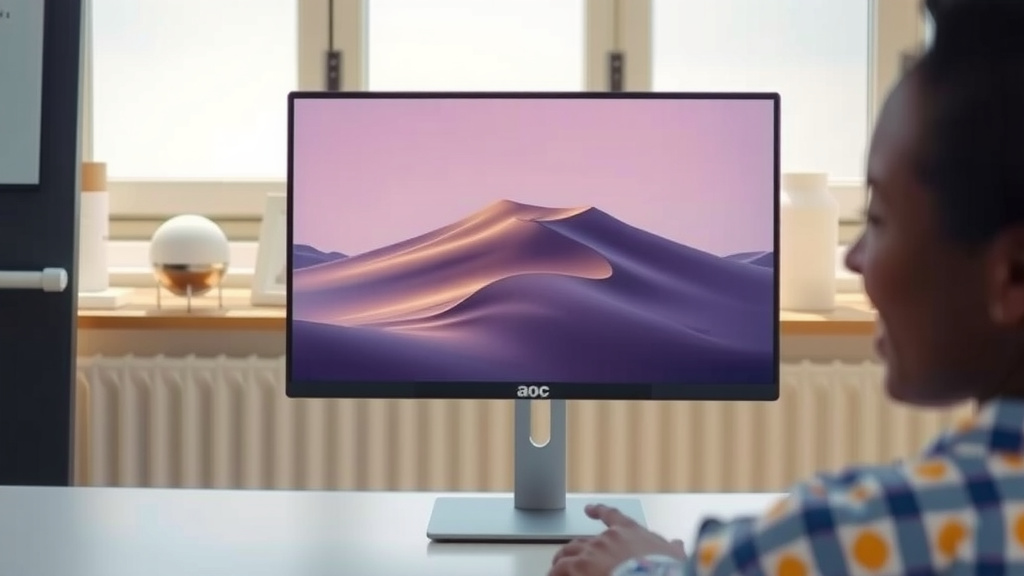
Conclusion
So, how are AOC monitors? They stand out as a fantastic choice for anyone seeking great performance without a premium price tag. Whether you’re a gamer looking for high refresh rates or someone needing a reliable display for everyday tasks, AOC delivers. We found their monitors consistently offer a solid balance of features, quality, and affordability. They prove that you don’t need to spend a fortune to get a display that looks good and performs well. Ready to upgrade your view? Your next great monitor might just be an AOC.
Frequently Asked Questions
Are AOC monitors good for professional graphic design?
For general graphic design work, many AOC monitors, especially those with IPS panels, offer good color accuracy and clarity. However, for highly critical professional color grading, you might want to research models specifically calibrated for such tasks, as AOC often prioritizes value and gaming performance.
Do AOC monitors last a long time?
Based on user reports and our research, AOC monitors are generally considered to have decent durability for their price point. Many users find they last for several years with consistent use. Like any electronic device, lifespan can vary, but they are typically reliable for everyday users.
What is the best AOC monitor series for gaming?
AOC’s “G-Series” is specifically designed for gaming and is often considered their strongest lineup for gamers. These monitors frequently feature high refresh rates, fast response times, and adaptive sync technologies like FreeSync and G-Sync compatibility to enhance your gaming experience.
Are AOC monitors easy to set up?
Yes, AOC monitors are typically very straightforward to set up. Most models come with the necessary cables and a simple stand that can be attached without tools. You’ll usually just need to connect the power cable and your display cable (like HDMI or DisplayPort) to your computer.
Can I connect my laptop to an AOC monitor?
Absolutely! All AOC monitors come with standard input ports like HDMI and DisplayPort, which are widely compatible with most modern laptops. You can easily use an AOC monitor as an external display to expand your workspace or enjoy a larger screen for your laptop.