32 Inch Curved Monitor Size: What to Expect
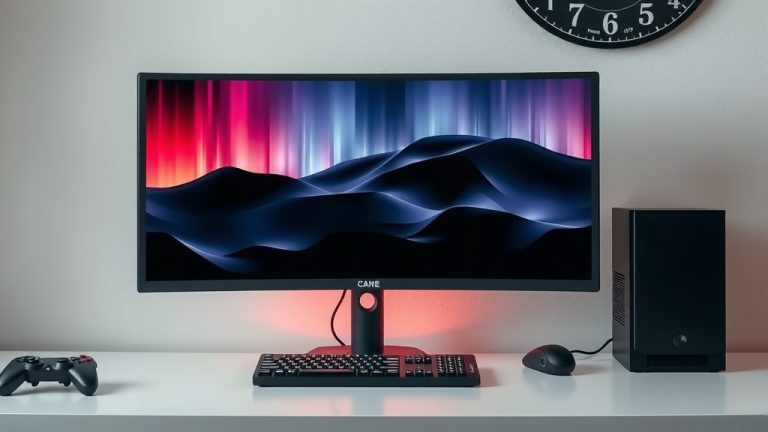
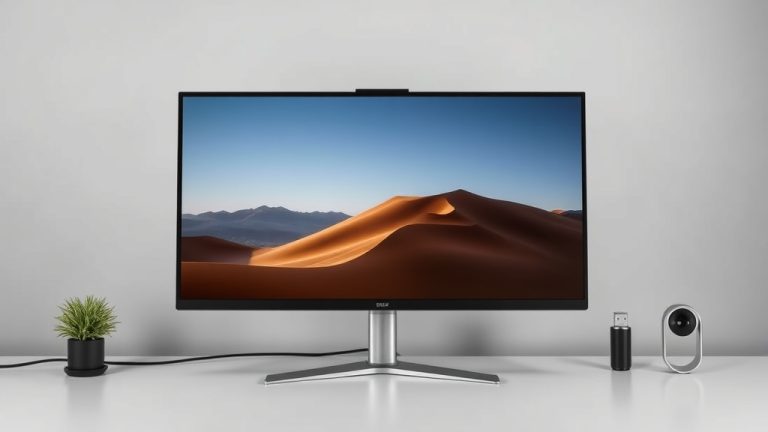
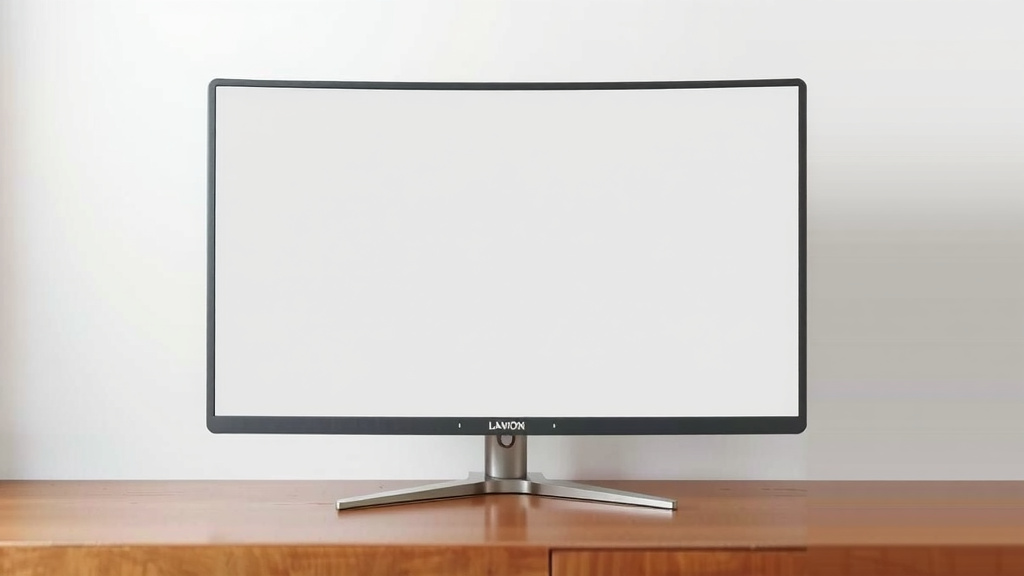
So, you’re wondering, how big is a 32 inch curved monitor For more options, check out our guide to the best 1080p curved monitor, which includes 32 inch curved monitor models.? Simply put, it’s large enough to feel immersive but usually fits well on most desks. Think of it as a significant upgrade from a standard flat screen, offering a wider field of view without taking over your entire workspace.
A 32-inch curved monitor offers a noticeable difference in screen real estate. Its curved design aims to pull you into your content, making games more thrilling and work tasks easier to manage. It provides a viewing experience that feels more natural to your eyes than a similarly sized flat screen.
- A 32-inch curved monitor is a large display.
- Its curve offers an immersive viewing experience.
- It’s designed to fit on standard desk sizes.
- It’s great for gaming, multitasking, and general use.
Let’s dive into the specifics of what a 32-inch curved monitor really means for your setup and daily use.
Understanding the Physical Dimensions of a 32-Inch Curved Monitor
So, what are we looking at when we talk about a 32-inch curved monitor? It’s a substantial display that makes a statement without necessarily overwhelming your desk. Think of it as upgrading from a large picture frame to a small painting. You notice the difference, and it draws you in. This size is a sweet spot for many users, offering a larger screen without becoming unmanageable.
Screen Size vs. Diagonal Measurement
When manufacturers say “32-inch monitor,” they’re referring to the diagonal measurement of the screen. This is a standard industry practice. It means from the bottom left corner to the top right corner, it measures 32 inches. This measurement doesn’t tell the whole story about how much space it takes up on your desk, though. The curved nature and the bezel (the frame around the screen) also play a role.
The Impact of the Curve
The curve on a 32-inch monitor isn’t just for show. It’s designed to wrap around your field of vision. This makes the screen feel more immersive than a flat panel of the same diagonal size. The curve effectively reduces the perceived distance to the edges of the screen. This means you don’t have to turn your head as much to see everything. For gaming and watching movies, this feels incredibly engaging.
Understanding Curve Radians (R Value)
You’ll often see a number followed by an “R” on curved monitor specs, like 1800R or 1500R. This “R” stands for radius, and it tells you how aggressive the curve is. A smaller number, like 1000R, means a tighter, more pronounced curve. A larger number, like 1800R, indicates a gentler curve. For a 32-inch monitor, 1800R is quite common and strikes a good balance for many users. For a 32-inch monitor, our guide to the best 1000R monitors explains why 1000R is a very common and balanced choice.
Actual Width and Height of the Display
While the diagonal is 32 inches, the actual width and height are different. For a 32-inch monitor with a 16:9 aspect ratio (which is the most common), the screen itself is approximately 27.9 inches wide and 15.7 inches high. This is just the viewable screen area. The curved design might make the widest point across the screen slightly larger due to the outward sweep of the edges. Always check the product specifications for exact dimensions.
Desk Space Considerations: Will It Fit?
This is where many people pause. A 32-inch screen sounds big, and it is, but it doesn’t mean it will take over your entire desk. We’ve found that most 32-inch curved monitors are designed with modern desk setups in mind. They aim for that perfect balance of screen real estate and footprint.
Understanding the Monitor’s Footprint
The actual footprint refers to the space the monitor’s stand occupies on your desk. Many monitors come with a sleek, relatively small stand that keeps the overall width manageable. However, some might feature wider, more elaborate stands. It’s essential to check the stand dimensions, not just the screen size. A common width for the entire monitor setup (including stand) might be around 28-30 inches, with a depth of about 8-10 inches for the stand.
Comparing to Flat Monitors
Curved monitors can sometimes have a larger overall physical width than a flat monitor of the same diagonal size. This is because the edges curve outwards. However, the curve also means the deepest point of the monitor is usually closer to the wall. We found that despite this, a 32-inch curved monitor generally fits comfortably on standard desks, which are typically 20-25 inches deep.
Mounting Options: Freeing Up Desk Space
Don’t have much desk space? No problem! Most 32-inch curved monitors are VESA mount compatible. This means you can easily attach them to a wall mount or a monitor arm. Using a mount can drastically reduce the desk footprint, allowing you to position the monitor exactly where you want it without sacrificing valuable workspace. This is a game-changer for smaller desks or for creating a cleaner setup.
Viewing Distance: Finding Your Sweet Spot
The curve on a 32-inch monitor is designed to make it comfortable to view from a specific distance. Because the edges are brought closer to you, you can sit a little closer than you might with a flat screen of the same size. Many experts suggest a viewing distance of 2 to 3 feet (approximately 24 to 36 inches) for a 32-inch curved monitor.
Ergonomics and Eye Comfort
Sitting too close to a large flat screen can lead to eye strain and discomfort. The gentle curve of a 32-inch monitor helps mimic the natural curvature of your eye. This can make viewing more comfortable for longer periods. We found that many users report less neck and eye strain compared to similarly sized flat displays. Always ensure the top of your monitor is at or slightly below eye level.
The Science Behind the Curve
Research suggests that a curved display can provide a more uniform viewing experience, reducing distortion at the edges. Your eyes naturally see in a curve. A curved monitor aligns better with this natural vision. This can lead to a more relaxed viewing posture and reduced peripheral distraction (Cleveland Clinic).
What Can You Do With All That Screen Space?
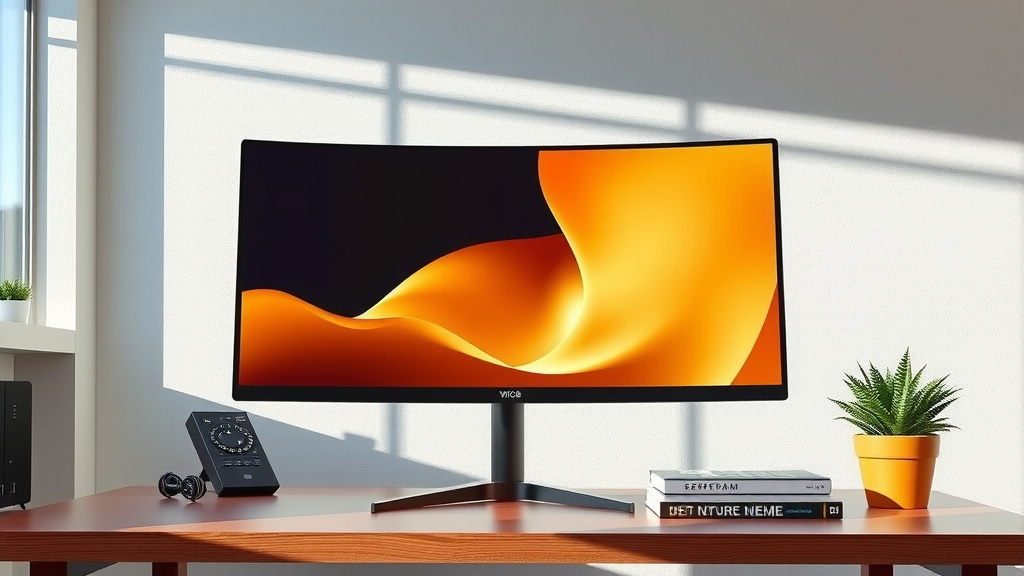
A 32-inch curved monitor isn’t just about size; it’s about how that size enhances your daily tasks. It truly transforms your computing experience, whether you’re working, playing, or creating.
Multitasking Made Easy
Imagine having multiple windows open side-by-side without feeling cramped. Spreadsheets, research papers, and communication apps can all live comfortably on one screen. This boosts productivity significantly. You can drag and drop information between windows with ease. It’s like having a virtual command center right in front of you.
Immersive Gaming and Entertainment
For gamers, this size and curve are a dream. The wider field of view pulls you directly into the game world. Enemies in your peripheral vision become more apparent. Action sequences feel more dynamic and thrilling. Watching movies on a 32-inch curved screen also offers a cinema-like experience. The curve draws you into the action, making you feel like you’re part of the scene.
Creative Workflows and Design
Designers, video editors, and programmers often find this size incredibly useful. You can see more of your project timeline, code, or design canvas at once. This means less zooming and scrolling. It allows for a smoother workflow and more detail-oriented work. Color accuracy and resolution are also key factors here, so choose a monitor that meets your specific creative needs.
Key Takeaways for Your Setup
To summarize what makes a 32-inch curved monitor tick:
- It’s a large display, measuring 32 inches diagonally.
- The curve offers an immersive viewing experience, pulling you in.
- The actual screen width is about 27.9 inches, with a height of 15.7 inches.
- Its footprint, including the stand, usually fits on standard desks.
- Consider VESA mounting to free up desk space.
- Optimal viewing distance is typically 2 to 3 feet away.
Conclusion
So, you’ve seen that a 32-inch curved monitor offers a noticeable jump in screen size without necessarily hogging your entire desk. We found its immersive curve enhances gaming and productivity, fitting comfortably on standard setups. Remember to consider the specific dimensions and the stand’s footprint before buying. If desk space is tight, VESA mounting is your best friend. Your next step is to measure your desk, check your favorite monitor’s exact specs, and decide if this larger, curved experience is the right upgrade for your workspace. You’re ready to make an informed decision!
Frequently Asked Questions
Will a 32-inch curved monitor fit on my small desk?
Most 32-inch curved monitors are designed to fit on standard desks, typically around 20-25 inches deep. The curve itself means the deepest point is usually closer to your wall. If desk space is still a concern, VESA mounting is an excellent option to free up surface area.
How close should I sit to a 32-inch curved monitor?
For optimal comfort and immersion, we recommend a viewing distance of about 2 to 3 feet (24 to 36 inches) from your eyes to the screen. This distance allows the curve to effectively wrap around your field of vision without causing strain.
Is the screen width of a 32-inch curved monitor much larger than a flat one?
Yes, the actual screen width of a 32-inch curved monitor (around 27.9 inches) can be slightly wider than a flat monitor of the same diagonal size due to the outward sweep of the edges. However, this makes the viewing experience more encompassing.
What does the “R” number mean on curved monitors, like 1800R?
The “R” stands for radius, and the number indicates the curve’s aggressiveness. A smaller number, like 1000R, means a tighter, more pronounced curve, while a larger number, like 1800R, signifies a gentler, wider curve. For a 32-inch monitor, 1800R is a very common and balanced choice.
Are 32-inch curved monitors better for eye strain than flat ones?
Many users report less eye strain with curved monitors because the curve mimics the natural curvature of the eye. This can lead to a more uniform viewing experience and reduce the need to constantly refocus your eyes on different parts of the screen, especially during long sessions.