19 Inch Monitor Size Explained: Dimensions & Specs
When you’re looking at a 19-inch monitor, you’re generally dealing with a screen that has a diagonal measurement of 19 inches. This size often refers to the viewable screen area, not the entire physical monitor. It’s a popular choice for those seeking a balance between screen real estate and desk space. Many people find this size to be just right for everyday tasks.
A 19-inch monitor is considered a medium-sized display by today’s standards. While larger screens are common, 19-inch models still offer a comfortable viewing experience for many users. Think of it as the sweet spot for budget-conscious shoppers or those with limited desk room. It’s not too small to feel cramped, and not too big to overwhelm your setup.
TL;DR:
- A 19-inch monitor measures 19 inches diagonally.
- This is the viewable screen size.
- It’s considered a medium-sized display.
- Good for balanced viewing and desk space.
We found that understanding monitor sizes can be tricky. Let’s break down exactly what a 19-inch monitor means for your setup and how it stacks up.
“`htmlUnderstanding the Physical Dimensions of a 19-Inch Monitor
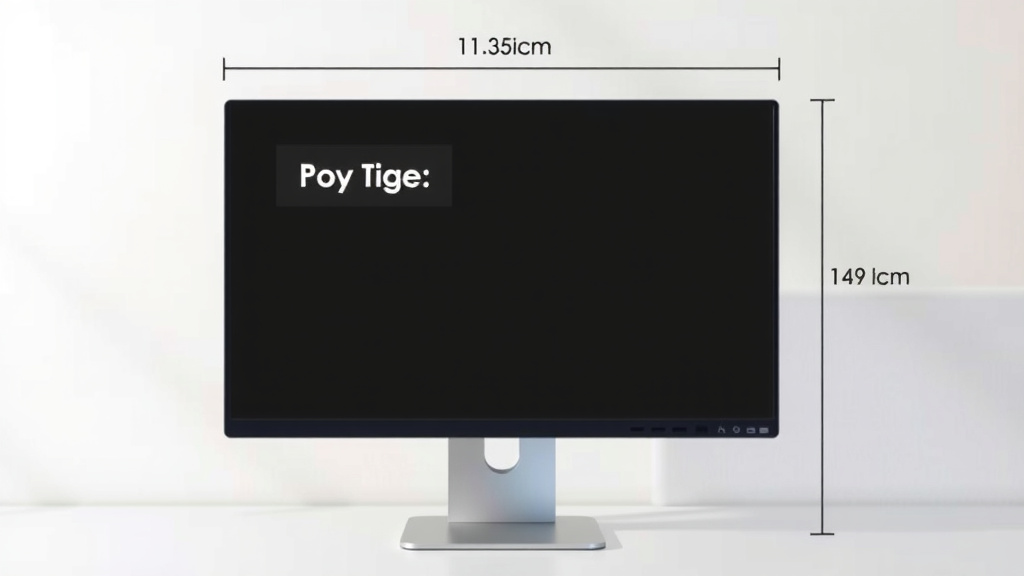
So, what does a 19-inch monitor actually look like in terms of real-world space? When we talk about a 19-inch display, we’re referring to the diagonal measurement of the viewable screen. This measurement is key to understanding its footprint on your desk. It’s not the size of the whole plastic casing. The actual width and height of the screen are a bit different. You’ll usually find a 19-inch monitor has an aspect ratio like 5:4 or 4:3. This is an older, more squarish shape compared to modern widescreen monitors.
For instance, a 19-inch monitor with a 5:4 aspect ratio has a viewable screen area that is roughly 15 inches wide and 12 inches tall. This is a fairly common dimension for this size. These older aspect ratios mean the screen is taller relative to its width than what you might be used to. It’s a more “boxy” shape. Keep this in mind as you picture it on your desk. It impacts how much horizontal space it will take up.
Comparing 19-Inch to Other Common Monitor Sizes
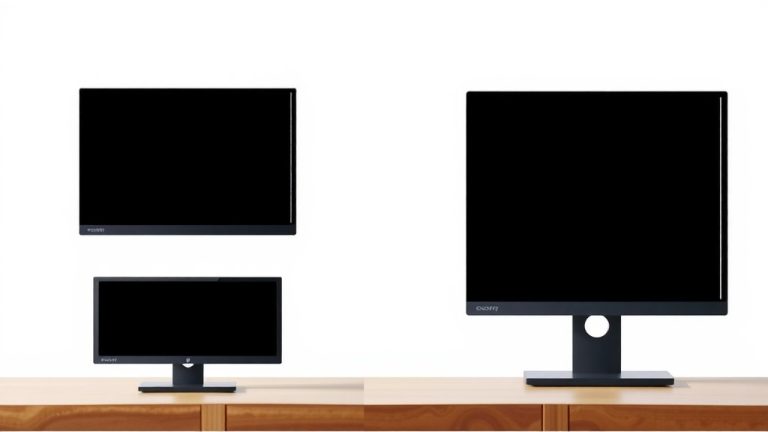
It helps to put a 19-inch monitor into perspective. Think about the monitors you see most often today. Many people are using 24-inch or even 27-inch displays. These are significantly larger. A 19-inch monitor is definitely on the smaller side of the current market. It’s smaller than what most consider a standard office or home computer monitor these days. It’s closer in size to older CRT monitors. Those bulky tube screens often came in similar dimensions.
When you compare it to a 24-inch monitor, the difference is quite noticeable. A 24-inch screen, typically with a 16:9 aspect ratio, offers a much wider viewing area. It would measure around 21 inches wide and 11.75 inches tall. That’s a lot more horizontal space for multitasking or enjoying wider content. The 19-inch feels more compact in comparison. It’s less about sprawling across your desk and more about fitting into a specific space.
Resolution and Pixel Density: What You Can See
The size of a monitor is one thing, but what you can actually see on the screen is determined by its resolution. For a 19-inch monitor, common resolutions include 1280 x 1024 pixels. This is often referred to as SXGA resolution. It’s a good balance for this screen size. It provides enough detail for everyday tasks without making text and icons too tiny.
Now, let’s talk about pixel density. This is measured in pixels per inch (PPI). A higher PPI means sharper images and text. For a 19-inch monitor with 1280 x 1024 resolution, the PPI is around 86 PPI. This is considered moderate. We found that this PPI is generally sufficient for comfortable viewing from a typical desk distance. It’s not as crisp as a modern 4K monitor, but it’s far from unusable. Text should be readable without too much strain.
How Resolution Affects Your Experience
So, what does 1280 x 1024 really mean for you? It means you can comfortably fit two standard documents side-by-side. This is helpful for multitasking. You can have an email open on one side and a web page on the other. However, don’t expect to fit multiple large windows without some overlap. You won’t be editing massive spreadsheets or complex video projects with ease on this screen. It’s more suited for general use.
If you encounter a 19-inch monitor with a lower resolution, like 1024 x 768 (XGA), the experience will be different. Text and icons will appear larger, which some users with vision difficulties might prefer. However, you’ll fit less content on the screen. This can make multitasking feel more cramped. We generally recommend sticking to 1280 x 1024 or higher if possible for a 19-inch display.
Ideal Use Cases for a 19-Inch Monitor
Given its size and typical resolution, a 19-inch monitor shines in specific situations. It’s not the monitor for a high-end gaming setup or a professional graphic design studio. But for many everyday users, it hits a sweet spot. Think about budget-friendly home offices or basic computer stations. These are perfect environments for a 19-inch screen. It offers a decent viewing area without breaking the bank.
We found that these monitors are also excellent for secondary displays. Do you have a larger primary monitor but need a little extra screen real estate for email or chat? A 19-inch monitor is a great, affordable addition. It can significantly boost your productivity without requiring a huge investment or a large desk space. It’s like getting an extra hand without needing a bigger desk.
Who Benefits Most from a 19-Inch Monitor?
Students often find 19-inch monitors to be a practical choice. They typically have limited desk space in dorm rooms or small apartments. A 19-inch screen provides enough room for research papers and online lectures. It doesn’t dominate the workspace. This is especially true if they have a more compact desk. It’s a reliable workhorse that doesn’t demand a lot of physical room.
Another group that might appreciate this size is those who primarily use their computer for basic tasks. This includes web browsing, email, word processing, and light media consumption. If you’re not a power user or a hardcore gamer, a 19-inch monitor can be perfectly adequate. It offers a comfortable viewing experience for these activities. It’s about matching the tool to the job, after all.
Space-Saving and Budget-Friendly Advantages
Let’s talk about the practical benefits. The compact footprint of a 19-inch monitor is a huge plus for many. In small apartments, shared workspaces, or even just cluttered desks, every inch counts. This monitor won’t make your desk feel cramped. It allows for more space for your keyboard, mouse, and other essentials. It helps keep your workspace tidy and functional. It’s a great way to maximize a small area.
Budget is often a major consideration. We found that 19-inch monitors are generally among the most affordable options on the market. If you’re setting up a new computer on a tight budget or need to replace an old monitor without spending a lot, this size is ideal. You can often find decent models for well under $100. This makes it an accessible option for students, seniors, or anyone looking to save money.
Key Considerations Before You Buy
Before you make a decision, it’s wise to weigh a few factors. While a 19-inch monitor has its strengths, it’s not the right fit for everyone. Think about how you plan to use your computer. Will you be doing a lot of gaming or watching movies? If so, you might want a larger, wider screen. The 4:3 or 5:4 aspect ratio of many 19-inch monitors isn’t ideal for widescreen content. You might see black bars on the sides of movies.
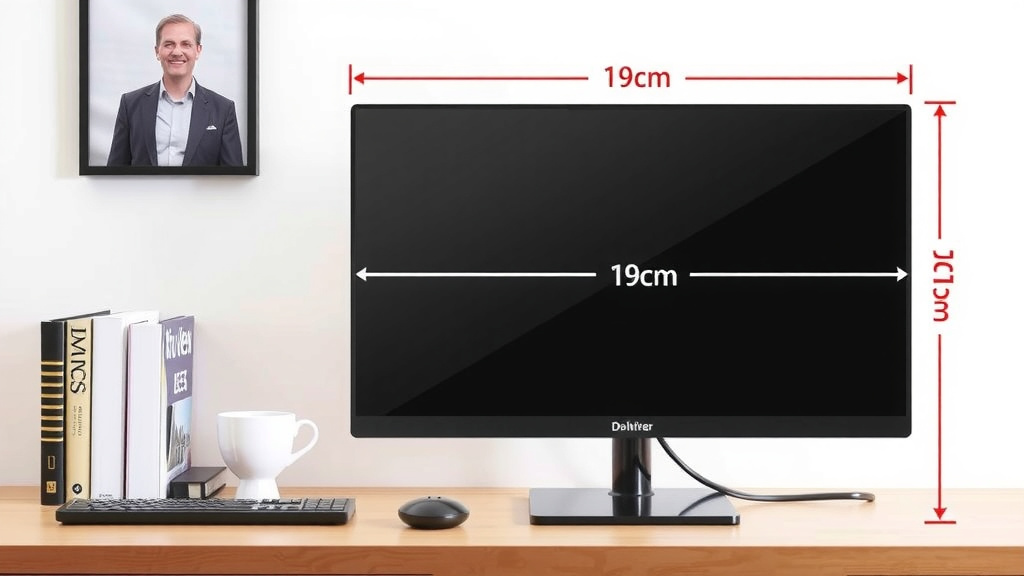
Also, consider the physical dimensions of the monitor and your desk. While the screen is 19 inches diagonally, the entire unit will be larger. Check the exact measurements of the monitor’s stand and bezel. Ensure it will fit comfortably on your desk. Measure your space beforehand. It’s easy to underestimate how much room a monitor truly occupies.
What to Look for in a 19-Inch Monitor
When shopping for a 19-inch monitor, focus on a few key specifications. Aim for a resolution of at least 1280 x 1024 pixels. This will provide a clear and usable display. Look at the refresh rate, which is how many times per second the screen updates. For general use, 60Hz is usually fine. If you plan on any light gaming, 75Hz or higher would be better.
Check the connection types available. Most 19-inch monitors will have VGA or DVI ports. Newer ones might include HDMI. Ensure the monitor’s ports are compatible with your computer. Also, consider the stand. Does it offer tilt adjustment? Some might even have height adjustment or pivot options, though these are less common on budget models. A comfortable viewing angle is important.
Are There Downsides to This Size?
Yes, there are certainly downsides. As we’ve mentioned, the aspect ratio can be a limitation. Modern websites and applications are designed for wider screens. You might find yourself scrolling more or having less screen space for simultaneous tasks. It’s a trade-off for the smaller footprint and lower cost.
Another point is that 19-inch monitors are becoming less common. The market has largely shifted to larger sizes. This means your options might be more limited. You may also be looking at refurbished or older models if you’re buying new. This doesn’t mean they’re bad, but it’s something to be aware of. Availability of the latest technology features might also be reduced.
A Quick Checklist for Your Decision
Here’s a quick rundown to help you decide if a 19-inch monitor is right for you:
- Is your desk space limited?
- Are you on a strict budget?
- Do you mainly use your computer for basic tasks like email and browsing?
- Are you looking for a secondary monitor?
- Do you prefer a more compact setup?
- Are you okay with a more square screen shape (4:3 or 5:4)?
Conclusion
So, you’re wondering if a 19-inch monitor is the right fit for you. We’ve seen that this size offers a practical balance between screen space and desk real estate. It’s a fantastic option if you’re working with limited room or sticking to a tighter budget. Think of it as a reliable choice for everyday tasks like browsing, emailing, and writing. While it’s smaller than today’s mainstream monitors, it provides a comfortable viewing experience for many. Before you buy, remember to check the resolution and aspect ratio to ensure it meets your needs. Take a moment to measure your desk space and consider your primary computer uses. This will help you make the best decision for your setup.
Frequently Asked Questions
What is the actual physical size of a 19-inch monitor?
A 19-inch monitor measures 19 inches diagonally across the viewable screen. The actual width and height will be less, often around 15 inches wide by 12 inches tall due to its common 5:4 aspect ratio. Remember to also account for the bezel and stand when measuring your desk space.
Is a 19-inch monitor good for gaming?
For casual gaming or older titles, a 19-inch monitor can be adequate, especially if it has a decent refresh rate (like 75Hz). However, modern games designed for widescreen displays might appear stretched or cropped. You won’t get the immersive experience that larger, wider monitors provide.
Will a 19-inch monitor have a widescreen aspect ratio?
Most 19-inch monitors have older, more square aspect ratios like 5:4 or 4:3. This is different from the widescreen 16:9 ratio common today. This means you might see black bars on the sides of widescreen movies or some newer applications.
What resolution should I look for in a 19-inch monitor?
We found that 1280 x 1024 pixels (SXGA) is the most common and recommended resolution for a 19-inch monitor. This provides a good balance of sharpness and screen real estate for everyday tasks. Lower resolutions like 1024 x 768 will make everything larger but fit less content on screen.
Are 19-inch monitors still being made new?
While not as common as larger screens, some manufacturers still produce new 19-inch monitors, often targeted at budget-conscious consumers or specific business needs. However, many 19-inch options available today might be refurbished or older models. You may have a more limited selection compared to larger sizes.