Find Your Perfect Gaming Monitor Size
Choosing the right gaming monitor size depends on your setup and preferences. A 27-inch monitor is often the sweet spot for many gamers, offering a great balance of immersion and desk space. Larger screens like 32 inches or ultrawide options provide more immersion but require more room.
We found that the ideal monitor size is a personal choice. It’s not just about screen diagonal. Factors like your seating distance, desk layout, and even the games you play heavily influence what feels best. You don’t want a screen so big it strains your neck!
- 27-inch monitors are a popular all-around choice.
- Larger monitors (32-inch+) offer more immersion.
- Ultrawide monitors provide a unique, expansive view.
- Consider your desk space and viewing distance.
- Your favorite game genres can also influence the best size. Your favorite game genres can also influence the best monitor size.
Let’s walk through how to figure out the perfect gaming monitor size for your battlestation.
Finding Your Gaming Monitor’s Sweet Spot Size
So, you’re looking for a new gaming monitor and wondering, “Just how big should it be?” It’s a great question because the size of your screen can really change how you experience your favorite games. We’ve looked into it, and the best size isn’t a one-size-fits-all answer. It truly depends on your personal setup and how you like to game.
Understanding Monitor Size and Your Setup
Measuring Monitor Size: Diagonal is Key
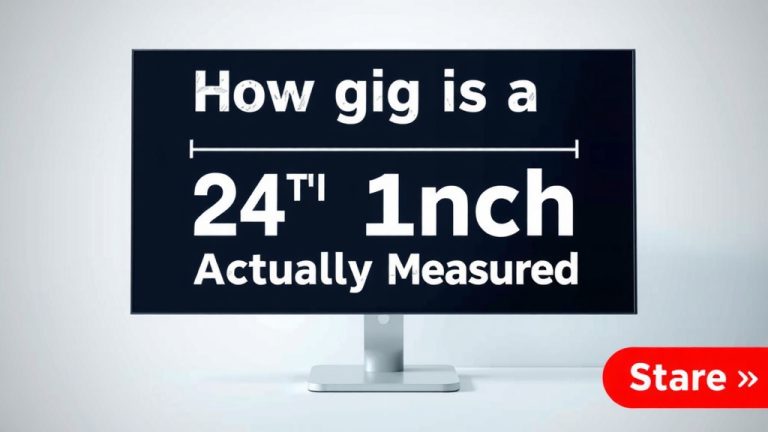
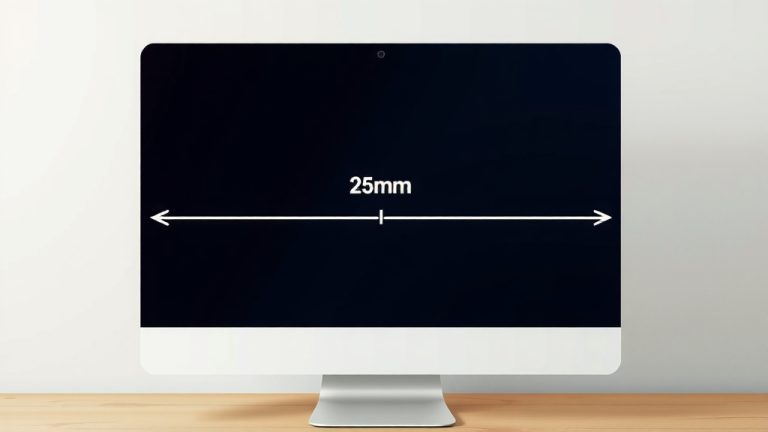
When we talk about monitor size, we’re always referring to the diagonal measurement of the screen. So, a 27-inch monitor has a screen that measures 27 inches from one corner to the opposite corner. This measurement doesn’t include the bezel, which is the frame around the screen. Keep this in mind when you’re measuring your desk space – the actual monitor might be a bit larger overall.
The Importance of Viewing Distance
Where you sit in relation to your monitor makes a big difference. Think of it like sitting in a movie theater. If you sit too close to a giant screen, it’s overwhelming. If you sit too far from a small screen, you miss details. For gaming monitors, a general guideline is to have your eyes about one to two times the screen’s diagonal measurement away from the display (Harvard Health Publishing).
This means for a 27-inch monitor, a good viewing distance is roughly 27 to 54 inches. If you have a smaller desk, a larger monitor might feel cramped. If you have a huge desk and sit further back, a tiny screen might feel lost.
Desk Space: Your Gaming Real Estate
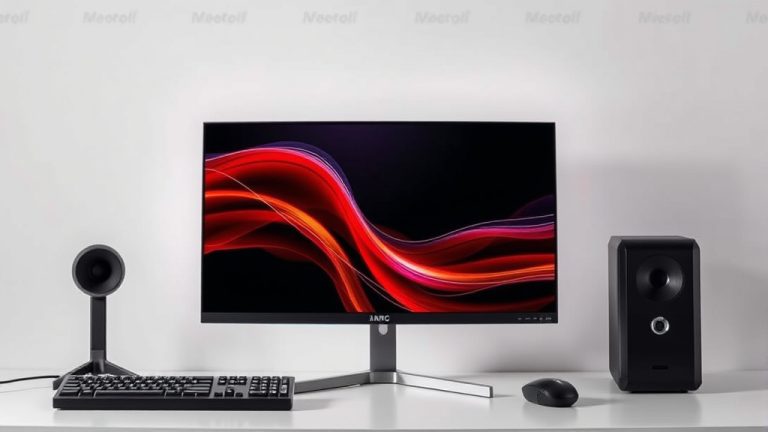
Let’s be real, your desk is probably already home to a keyboard, mouse, maybe some speakers, and probably a coffee mug or two. Adding a giant monitor can mean rearranging everything or, worse, having your monitor overhang the edges. Before you fall in love with a huge display, grab a tape measure. Check the width and depth of your desk. Also, consider the height of your monitor stand. You want a monitor that fits comfortably without making your setup feel cluttered.
We found that many gamers underestimate the actual footprint of a monitor, especially the larger ones. They have a bigger stand and often require more depth. Always check the monitor’s dimensions, not just the screen size.
Popular Gaming Monitor Sizes and What They’re Good For
The 24-Inch Sweet Spot: The Classic Choice
For a long time, 24-inch monitors were the go-to for PC gamers. They offer a great balance. The screen isn’t so big that it overwhelms your view, but it’s large enough to see details clearly. This size is especially popular for competitive gaming where you need to see everything on screen quickly without moving your head too much.
We found that 24-inch monitors are often the most affordable option. They also require less powerful graphics cards to run games at high frame rates. If you have limited desk space or a tighter budget, a 24-inch is a solid bet.
The 27-Inch King: Immersion Without Overkill
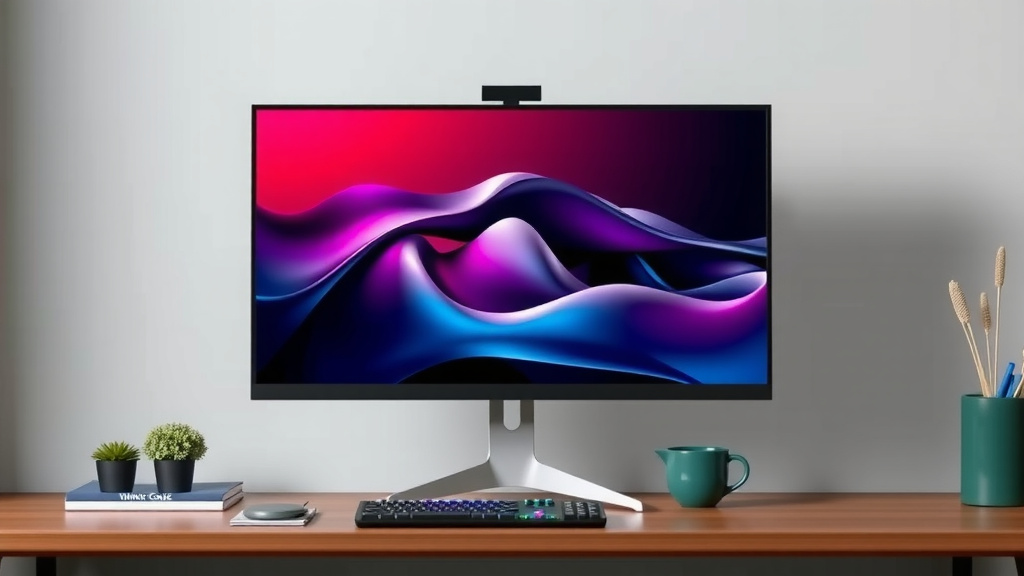
Many experts and gamers today consider 27 inches to be the ideal gaming monitor size. It offers a noticeable step up in immersion compared to 24 inches. You get more screen real estate without needing a massive desk or sitting uncomfortably far away. This size hits a sweet spot for both casual and competitive play.
It provides a good balance for most games, from fast-paced shooters to sprawling role-playing adventures. If you’re upgrading from a smaller monitor, a 27-inch display feels significantly more engaging. We found that many reviews praise 27-inch monitors for their versatility.
32-Inch and Larger: Maximum Immersion
Ready to feel like you’re *in* the game? Monitors 32 inches and larger crank up the immersion. These displays fill more of your field of vision, making every explosion, every vista, and every enemy encounter feel more intense. They’re fantastic for single-player games where story and atmosphere are key.
However, these larger screens demand more desk space and a greater viewing distance. If you sit close to a 32-inch monitor, you might find yourself turning your head constantly, which can be tiring. Many users recommend at least 3 feet of viewing distance for these larger panels (Wirecutter). Be sure your setup can accommodate it before you buy.
Ultrawide Monitors: A Different Kind of Big
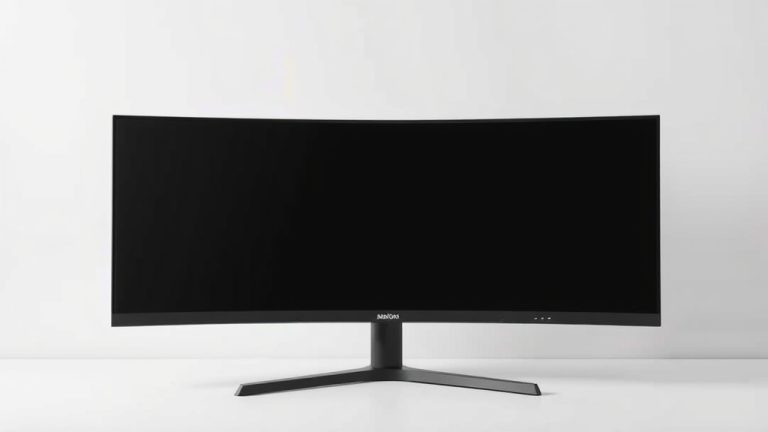
Ultrawide monitors aren’t just bigger; they’re wider. Typically coming in at 34 inches or more diagonally, they have an aspect ratio of 21:9 or even 32:9. This means you get a panoramic view that’s incredible for certain games. Think racing games, flight simulators, or open-world RPGs where seeing more of the environment is a huge plus.
They create a very immersive experience. However, they also take up a lot of horizontal desk space. Some games don’t support ultrawide resolutions, which can result in black bars on the sides. We’ve seen that this can be a dealbreaker for some gamers. Always check game compatibility if you’re considering an ultrawide.
Factors to Consider for Your Choice
What Games Do You Play Most?
The type of games you play can heavily influence the best monitor size. For fast-paced competitive games like *Valorant* or *CS:GO*, smaller monitors (24-25 inches) can be better. This is because you can see the entire screen without much head movement, giving you a competitive edge. Faster reaction times are key. The type of games you play can heavily influence the best monitor size.
For immersive RPGs, strategy games, or simulation titles, larger monitors (27 inches and up) or ultrawides can offer a more engaging experience. Seeing more of the game world at once can be incredibly satisfying. Many find that a 27-inch monitor offers a good middle ground for most genres.
Resolution Matters for Size
Higher resolutions like 1440p (QHD) or 4K (UHD) look best on larger screens. On a 24-inch monitor, 1440p is very sharp. On a 27-inch or 32-inch monitor, 1440p offers a good balance of detail and performance. A 4K monitor truly shines at 27 inches or larger, providing incredible detail.
If you plan to get a 32-inch monitor, many recommend at least a 1440p resolution. A 1080p resolution on a screen that size can make pixels more noticeable, making the image look less sharp. We found that a 27-inch 1440p monitor is a very popular choice for its visual clarity and performance. It’s a great sweet spot.
To help you decide, consider this quick checklist:
- Measure your desk space carefully.
- Determine your ideal viewing distance.
- Think about the types of games you play most.
- Consider the monitor’s resolution and your graphics card.
- Check reviews for screen size recommendations for specific games.
Conclusion
Finding the perfect gaming monitor size boils down to your personal preferences and setup. We’ve seen that a 27-inch monitor often hits the sweet spot for many, balancing immersion with practicality. However, don’t overlook 24-inch options for competitive play or larger 32-inch and ultrawide displays for maximum immersion, provided you have the space. Consider your viewing distance and desk real estate carefully. Your next step? Grab a tape measure, assess your space, and confidently pick the monitor that enhances your gaming experience.
Frequently Asked Questions
Is a 27-inch monitor too big for my desk?
A 27-inch monitor is generally a good size for most desks, but it’s wise to measure. Check your desk’s width and depth. Also, consider the monitor’s stand dimensions. You want enough space for your keyboard and mouse without feeling cramped.
Will a 32-inch monitor require me to sit further away?
Yes, a 32-inch monitor usually means you’ll want to sit a bit further back for comfortable viewing. We found that a viewing distance of around 3 to 4 feet is often recommended. This prevents excessive neck movement and eye strain during long gaming sessions.
Are ultrawide monitors worth it for all game types?
Ultrawide monitors offer amazing immersion for games like racing sims and RPGs. However, they take up a lot of desk space. Some games also don’t support ultrawide resolutions natively, which can lead to black bars. They are best for specific genres and users who prioritize that panoramic view.
What’s the difference in immersion between 24-inch and 27-inch monitors?
You’ll notice a definite increase in immersion when moving from a 24-inch to a 27-inch monitor. The larger screen fills more of your field of vision. This makes games feel more engaging without being overwhelming for most setups. Many gamers find 27-inch displays to be a significant upgrade.
Does monitor size affect how sharp games look?
Yes, monitor size interacts with resolution. A lower resolution like 1080p might look less sharp on a larger screen (like 32 inches) because pixels become more visible. Higher resolutions like 1440p or 4K look best on larger monitors (27 inches and up) to showcase their detail.