How Big Are My Monitors? Size Guide Explained
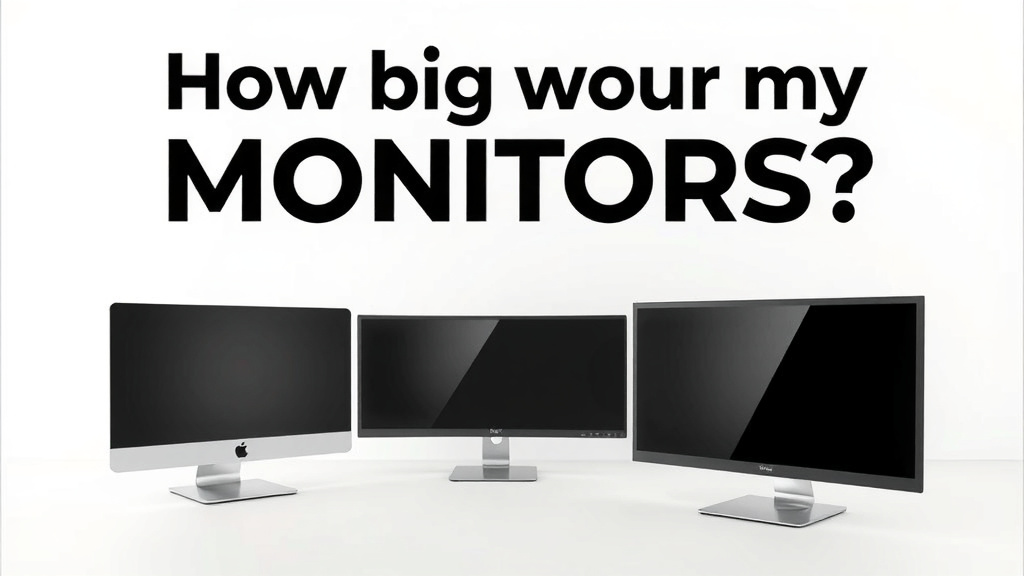
So, you’re wondering, “How big are my monitors?” This is a super common question! Monitor size is typically measured by its diagonal screen measurement, usually in inches. It’s a pretty straightforward metric that helps you understand your viewing area. Don’t worry, we’ll make it easy to figure out your monitor’s size.
Understanding your monitor’s dimensions is key for setting up your workspace correctly. It impacts everything from screen real estate to gaming immersion. Knowing the difference between, say, a 24-inch and a 32-inch display can be a big deal for your productivity. We’ve looked into what really matters when sizing up a monitor.
- Monitor size is the diagonal measurement of the screen.
- This is usually given in inches.
- It helps you understand your viewing space.
- It’s important for setup and how you use your screen.
Let’s get your monitor size sorted out and talk about why it matters for your setup. We’ll walk through how to find it and what to consider next.
So, you’re wondering, “How big are my monitors?” This is a super common question! Monitor size is typically measured by its diagonal screen measurement, usually in inches. It’s a pretty straightforward metric that helps you understand your viewing area. Don’t worry, we’ll make it easy to figure out your monitor’s size.
Understanding your monitor’s dimensions is key for setting up your workspace correctly. It impacts everything from screen real estate to gaming immersion. Knowing the difference between, say, a 24-inch and a 32-inch display can be a big deal for your productivity. We’ve looked into what really matters when sizing up a monitor.
- Monitor size is the diagonal measurement of the screen.
- This is usually given in inches.
- It helps you understand your viewing space.
- It’s important for setup and how you use your screen.
Let’s get your monitor size sorted out and talk about why it matters for your setup. We’ll walk through how to find it and what to consider next.
Figuring Out Your Monitor’s Screen Size
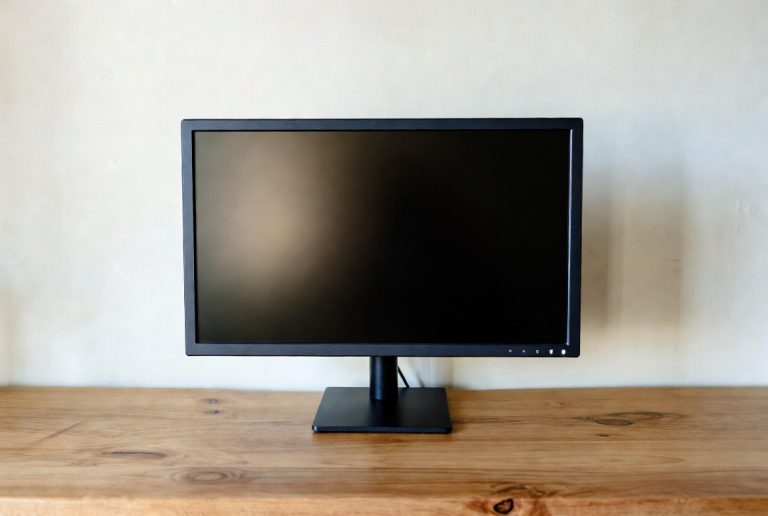
You’ve got a monitor, and you want to know its size. It’s usually pretty simple to find this out! Think of it like measuring a picture frame. We’re talking about the viewable screen area itself, not the stand or the bezel. This diagonal measurement is the standard for telling you how big your screen is.
How to Measure It Yourself
If you don’t have the box or manual handy, don’t fret! You can easily measure your monitor yourself. Grab a tape measure. Start at one corner of the screen and stretch the tape diagonally across to the opposite corner. Make sure you’re measuring just the screen area, not the plastic casing around it. This number, usually in inches, is your monitor’s size.
For example, if your tape measure shows 27 inches from corner to corner, you have a 27-inch monitor. It’s that simple! Some people get a bit confused and measure the whole unit. But remember, it’s just the diagonal of the glass itself.
Where to Find the Size Information
Most of the time, the size is printed right on the monitor itself. Look on the back of the display. You’ll often find a sticker with model numbers and specifications. The screen size is almost always listed there.
Still no luck? Check the original packaging if you still have it. The box will definitely tell you the monitor’s size. The user manual is another great place to look. It contains all the technical details about your specific model. We found that many manufacturers list the diagonal screen size prominently in their product details.
Understanding Monitor Size in Detail
So you know your monitor is, say, 27 inches. But what does that *really* mean for your everyday use? It’s not just a number; it affects how you work and play. A larger screen means more space for your windows and content. This is a big win for productivity and entertainment alike.
Screen Diagonal: The Standard Measurement
As we’ve said, the diagonal measurement is the industry standard. This is a holdover from the early days of CRT televisions, and it stuck. It’s a quick way to compare different monitors. A 24-inch monitor has a smaller diagonal than a 32-inch monitor. That’s the basic idea.
However, it’s important to remember that this number doesn’t tell the whole story. The aspect ratio also plays a role. A 16:9 aspect ratio (the common widescreen format) will feel different than an older 4:3 ratio, even if the diagonal is the same. Most modern monitors are 16:9 or 16:10.
Aspect Ratio: The Shape of Your Screen
The aspect ratio is basically the shape of your screen. It’s the ratio of its width to its height. The most common aspect ratio today is 16:9. This is what you see on most TVs and monitors. It’s great for watching movies and playing modern games.
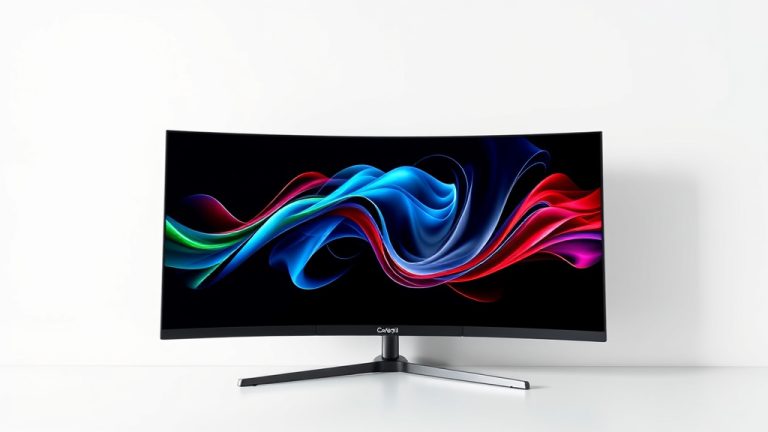
You might also see ultrawide monitors. These often have an aspect ratio of 21:9 or even 32:9. They are much wider than they are tall. This gives you a huge amount of horizontal screen space. This is fantastic for multitasking and immersive gaming. Many creative professionals also find these beneficial for their work.
Screen Resolution: Pixels Matter Too!
Screen size and resolution go hand-in-hand. Resolution refers to the number of pixels on your screen. Pixels are the tiny dots that make up the image. More pixels mean a sharper, more detailed picture. A common resolution is 1920×1080, often called Full HD or 1080p. Another is 2560×1440, known as QHD or 1440p.
For larger monitors, you’ll want a higher resolution. A 32-inch monitor with only 1080p resolution might look a bit pixelated. The pixels will be larger and more noticeable. A 32-inch monitor with 4K resolution (3840×2160) will look incredibly sharp and detailed. Many experts recommend matching resolution to screen size for the best experience (RTINGS.com).
Why Your Monitor Size Matters for Your Setup
So, you know your monitor’s size. Now, why should you care so much? Your monitor size impacts how you interact with your computer. It affects your posture, your viewing distance, and even your budget. Picking the right size is about making your workspace comfortable and effective for you.
Desk Space and Ergonomics
Larger monitors take up more desk space. A 32-inch monitor needs more room than a 24-inch one. Make sure you have enough surface area before you buy. Also, consider viewing distance. For larger screens, you’ll want to sit further away to comfortably see everything. This can influence your desk setup and chair placement.
Many ergonomic guidelines suggest maintaining a certain distance from your screen. For a typical monitor, this is often an arm’s length away. Too close, and you might strain your eyes. Too far, and you might struggle to read text. We found that adjusting your setup to suit your monitor size is key for comfort (Occupational Safety and Health Administration).
Productivity and Multitasking
Are you someone who juggles many windows at once? A bigger monitor can be a real game-changer. You can have more applications open side-by-side without them feeling cramped. This means less clicking back and forth between programs. It can really speed up your workflow. Research from the University of Utah suggests that dual monitors can increase productivity by up to 44% (University of Utah).
Even a single large monitor can offer more screen real estate than smaller setups. You can view documents, spreadsheets, or code more easily. For tasks like video editing or graphic design, having more visual space is incredibly helpful. It lets you see more of your project at once.
Gaming and Entertainment Immersion
Gamers and movie buffs often prefer larger displays. A bigger screen pulls you deeper into the action. Ultrawide monitors are particularly popular for gaming. They offer a wider field of view, making the game world feel more expansive. This can give you a competitive edge in some titles.
For movies, a larger screen simply provides a more cinematic experience. Combined with a good resolution and refresh rate, a big monitor can transform your room into a personal theater. Just be mindful of the recommended viewing distance for the best immersion without eye strain.
Choosing the Right Size for You: A Quick Checklist
Here’s a handy checklist to help you think about what monitor size might be best for your needs:
- What is your primary use for the monitor (work, gaming, general use)?
- How much desk space do you have available?
- What is your comfortable viewing distance from the screen?
- What is your budget? Larger screens often cost more.
- Do you need to multitask with multiple windows open often?
| Diagonal Size (Inches) | Typical Resolutions | Good For |
|---|---|---|
| 21-24 | 1080p | Budget gaming, general office work, tight spaces |
| 27 | 1080p, 1440p | Versatile for gaming, work, and media consumption |
| 32 | 1440p, 4K | Immersive gaming, productivity, detailed creative work |
| 34+ (Ultrawide) | 1440p Ultrawide, 4K Ultrawide | Serious multitasking, cinematic gaming, professional creative tasks |
We found that most people find a 24-inch or 27-inch monitor to be a great all-around choice for typical home office or gaming setups (TechRadar reviews). However, if you crave more screen real estate for productivity or gaming, stepping up to 32 inches or an ultrawide can make a noticeable difference.
Conclusion
You’ve now got a clear picture of how monitor size is measured and why it matters for your setup. Remember, it’s all about that diagonal measurement, but aspect ratio and resolution also play big roles in your viewing experience. Whether you’re looking to boost productivity with more screen real estate or dive deeper into games and movies, understanding your current monitor’s size is the first step.
Take a moment to measure your screen if you haven’t already. Then, consider how that size fits into your daily tasks and comfort. Your next step is to decide if your current setup is perfect or if it’s time to adjust your desk, viewing distance, or even consider an upgrade based on what you’ve learned.
Frequently Asked Questions
How can I quickly tell my monitor’s size without measuring?
The easiest way is to check the back of your monitor for a sticker with its specifications. It usually lists the screen size prominently. If not, try looking up your monitor’s model number online or check its original packaging or manual.
Does the monitor’s casing affect its actual screen size?
Yes, the advertised size refers only to the viewable screen area, not the plastic bezel or frame around it. When measuring yourself, ensure you’re only measuring the diagonal of the glass display itself for an accurate size.
What’s the difference between screen size and resolution?
Screen size is the physical diagonal measurement of the display. Resolution is the number of pixels that make up the image on the screen, like 1080p or 4K. A larger screen often benefits from a higher resolution to maintain sharpness.
Is a larger monitor always better for productivity?
A larger monitor can offer more space for multitasking and viewing multiple windows, which can boost productivity. However, ensure you have adequate desk space and maintain a comfortable viewing distance to avoid eye strain.
Can I use a very large monitor in a small workspace?
You can, but you’ll need to be mindful of your desk space and viewing distance. A larger monitor requires you to sit further back to view it comfortably. Ensure your workspace allows for this ergonomic setup without feeling cramped.