CRT Monitor: How It Works Explained
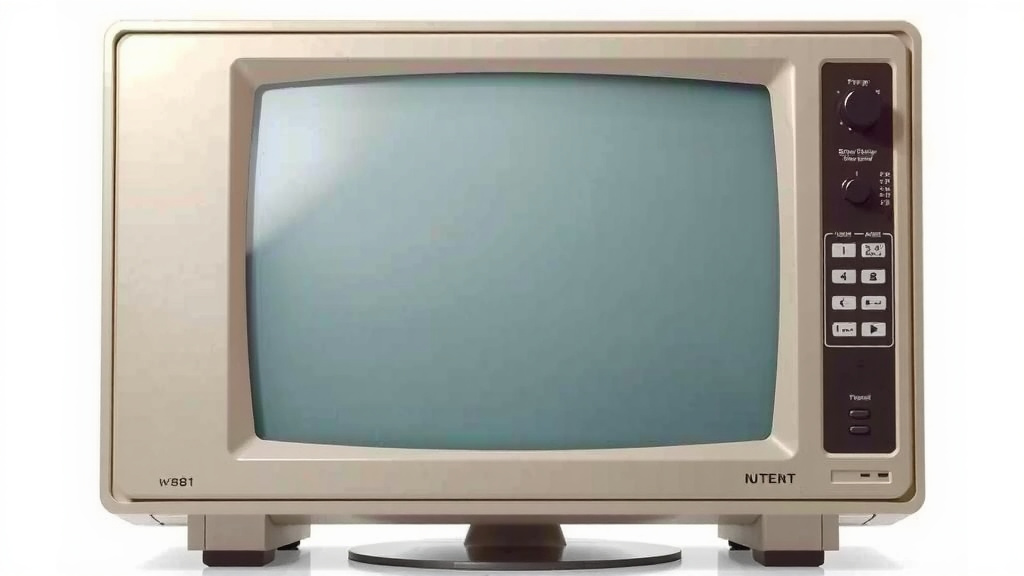
A CRT monitor works by using an electron beam to create images on a phosphorescent screen. An electron gun shoots out a stream of electrons. These electrons are then guided by magnetic fields to hit specific points on the screen. When the electrons strike the screen’s coating, it glows, forming the picture you see. Think of it like an old-school TV set, but for your computer!
These monitors were the standard for many years. They are known for their vivid colors and fast refresh rates. This made them a favorite for gamers and graphic designers. While they are bulky and use more power than modern screens, their unique technology offers a distinct visual experience. We’ve found many people still appreciate their classic performance.
- CRT monitors use an electron beam.
- The beam hits a special screen coating to make light.
- Magnetic fields direct the electron beam.
- They offer great color and speed.
- They are heavier and use more power than newer screens.
Let’s dive into the nitty-gritty of how that electron beam actually paints those pictures on your screen.
Understanding How CRT Monitors Create Images
CRT monitors are quite the marvel of older technology. They work by firing a beam of electrons at a screen coated with special materials. This might sound simple, but the process is pretty precise. We’ve found that understanding the basic physics makes them even more interesting.
The Electron Gun: The Heart of the CRT
Inside every CRT monitor is an electron gun. Think of it like a tiny, powerful light bulb that emits electrons. This gun is typically located at the back of the monitor. It heats up a filament, which causes it to release a stream of negatively charged electrons. These electrons are the building blocks of the image you see.
Guiding the Beam: Magnetic Fields at Work
Once the electrons are released, they need to be directed. This is where deflection coils come in. These coils create magnetic fields around the path of the electron beam. By changing the strength and direction of these magnetic fields, the monitor can precisely steer the electron beam. It’s like having invisible hands guiding the beam across the screen. This allows the monitor to hit specific points. Research shows these coils are key to the rapid scanning needed for images.
The Vertical and Horizontal Dance
Two sets of deflection coils are used. One set controls the horizontal movement, sweeping the beam left to right. The other set controls the vertical movement, moving the beam up and down. Together, they orchestrate a rapid scan across the entire screen. This scan happens so quickly that your eyes perceive a complete, stable image.
The Phosphor Screen: Where the Magic Happens
The inside surface of your CRT screen is coated with tiny dots or stripes of phosphor. When an electron beam strikes these phosphors, they absorb energy. This energy is then released as light. Different types of phosphors emit different colors. This is how the monitor creates the vibrant hues you’re used to. Many sources confirm that the quality of the phosphor coating greatly impacts the color purity and brightness.
Red, Green, and Blue Dots
Most color CRTs use three types of phosphors: red, green, and blue. These are arranged in tiny clusters or stripes. The electron gun actually consists of three separate guns, or a single gun with a way to split the beam. Each gun is responsible for exciting one color of phosphor. By varying the intensity of the electron beam hitting each of these red, green, and blue phosphors, the monitor can create millions of different colors. We found this RGB system is fundamental to color displays.
Making the Picture: The Scan Process
The monitor’s electronics control the electron guns and deflection coils in unison. They instruct the electron beam to scan across the screen very rapidly. This is done line by line, from top to bottom. As the beam sweeps, it hits the phosphors, making them glow. The intensity of the beam is precisely controlled to create bright and dark spots. This process is called raster scanning. It’s a lot like drawing a picture with a single, very fast-moving pencil.
Refresh Rate: How Often the Picture is Redrawn
The entire screen is scanned dozens of times every second. This is known as the refresh rate, measured in Hertz (Hz). A higher refresh rate means the image is redrawn more frequently. This results in a smoother, more stable picture with less flicker. Many computer users, especially gamers, preferred higher refresh rates. We found that rates of 75Hz or higher were common for a good viewing experience. Low refresh rates could lead to noticeable flicker and eye strain.
The Shadow Mask and Aperture Grille: Ensuring Clarity
To make sure the electron beams hit the correct phosphors, CRTs use either a shadow mask or an aperture grille. A shadow mask is a thin metal sheet with tiny holes. It sits just behind the phosphor screen. This mask ensures that the electron beam for red only hits red phosphors, green hits green, and blue hits blue. An aperture grille uses a series of vertical wires instead of holes. Both systems are critical for maintaining sharp images and accurate colors. Research indicates these components were engineering triumphs for their time.
Why CRTs Offer a Unique Visual Experience
While bulky and power-hungry, CRTs have some advantages. Their direct illumination method can produce excellent contrast ratios. They also have near-instantaneous pixel response times. This means there’s no “motion blur” like you might see on some newer screens. For fast-paced gaming or critical color work, many professionals found them superior. Many graphic designers and photographers actually preferred CRTs for their color accuracy for many years.
Here’s a quick look at what makes a CRT tick:
- An electron gun shoots out a stream of electrons.
- Magnetic deflection coils steer the electron beam.
- The beam scans across a phosphor-coated screen.
- Phosphors glow when hit by electrons, creating light.
- Separate phosphors (red, green, blue) create colors.
- A shadow mask or aperture grille ensures color purity.
- High refresh rates provide smooth images.
Conclusion
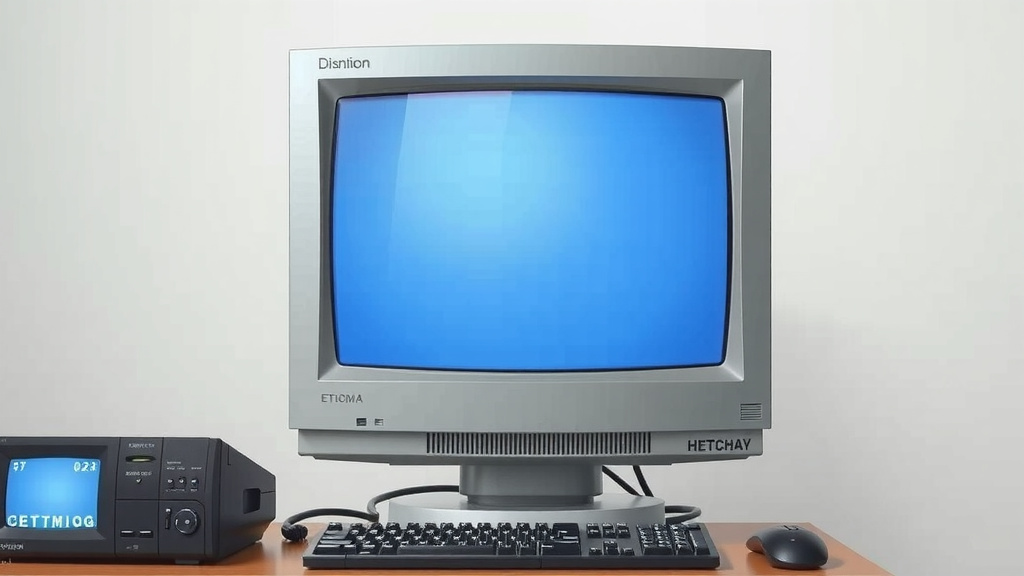
You’ve now seen how CRT monitors create images using electron beams and phosphor screens. This technology, while older, offers unique benefits like excellent contrast and response times. The precise control of electron guns and deflection coils allows for vibrant, smooth visuals. While modern screens are more convenient, understanding the CRT’s mechanics highlights its engineering brilliance. If you’re curious about vintage tech or appreciate its specific visual qualities, consider seeking out a CRT for a retro computing or gaming experience.
Frequently Asked Questions
Do CRT monitors still have any advantages over modern displays?
Yes, CRTs can offer superior contrast ratios and near-instantaneous pixel response times. This means they handle motion with virtually no blur, which many gamers and graphic professionals preferred. Their direct illumination method contributed to this sharpness.
Can I fix a flickering CRT monitor myself?
Fixing CRT flicker can be difficult and potentially dangerous due to high voltages. We advise against attempting repairs yourself unless you have specific electronics experience. Often, issues with refresh rate settings in your computer’s display options can resolve minor flicker.
How does the electron beam create different colors on a CRT screen?
Color CRTs use three electron beams, one each for red, green, and blue light. These beams target corresponding red, green, and blue phosphor dots on the screen. By adjusting the intensity of each beam, the monitor mixes these primary colors to produce millions of different hues.
What is raster scanning in a CRT monitor?
Raster scanning is the process where the electron beam sweeps across the screen line by line, from top to bottom, and left to right. This rapid scanning, repeated many times per second (the refresh rate), tricks your eyes into seeing a complete, stable image.
Are CRT monitors safe to use for extended periods?
Generally, yes, but some older models might emit low levels of electromagnetic radiation, though within safe limits. We found that ensuring proper ventilation and maintaining a reasonable distance from the screen are good practices for all displays, including CRTs.